Camera Motion Preset
Camera Motion Preset
Magic Lantern's Camera Motion Preset applies professional camera movement to any video clip, smooth dolly moves, dramatic zooms, orbital shots, handheld drifts, and more, so your footage feels like it was captured with a full cinema camera rig, not a smartphone on a table.
Magic Lantern's Camera Motion Preset applies professional camera movement to any video clip, smooth dolly moves, dramatic zooms, orbital shots, handheld drifts, and more, so your footage feels like it was captured with a full cinema camera rig, not a smartphone on a table.
Professional camera moves. No gimbal required.
Add professional camera motion to any video with AI. Smooth dollies, zooms, orbits, and handheld effects, cinematic movement without a rig.
Instant Cinema Camera Moves
Apply smooth, professional camera movements to any clip, slow push-ins, elegant orbits, dramatic zooms, subtle handheld textures, in one click, no gimbal required.
Instant Cinema Camera Moves
Apply smooth, professional camera movements to any clip, slow push-ins, elegant orbits, dramatic zooms, subtle handheld textures, in one click, no gimbal required.
Choose Your Motion Language
Select from a library of curated camera motion presets tuned for different genres, thriller tension, documentary intimacy, action energy, romantic grace, and more.
Choose Your Motion Language
Select from a library of curated camera motion presets tuned for different genres, thriller tension, documentary intimacy, action energy, romantic grace, and more.
Match the Mood
The right camera move changes everything. Use motion to build tension, reveal character, create wonder, or add pace, turning static footage into dynamic storytelling.
Match the Mood
The right camera move changes everything. Use motion to build tension, reveal character, create wonder, or add pace, turning static footage into dynamic storytelling.
Built for Modern Creators.
Bringing your vision to reality. From passion projects to the big screen.
Filmmakers
Agencies
Studios
Built for Modern Creators.
Bringing your vision to reality. From passion projects to the big screen.
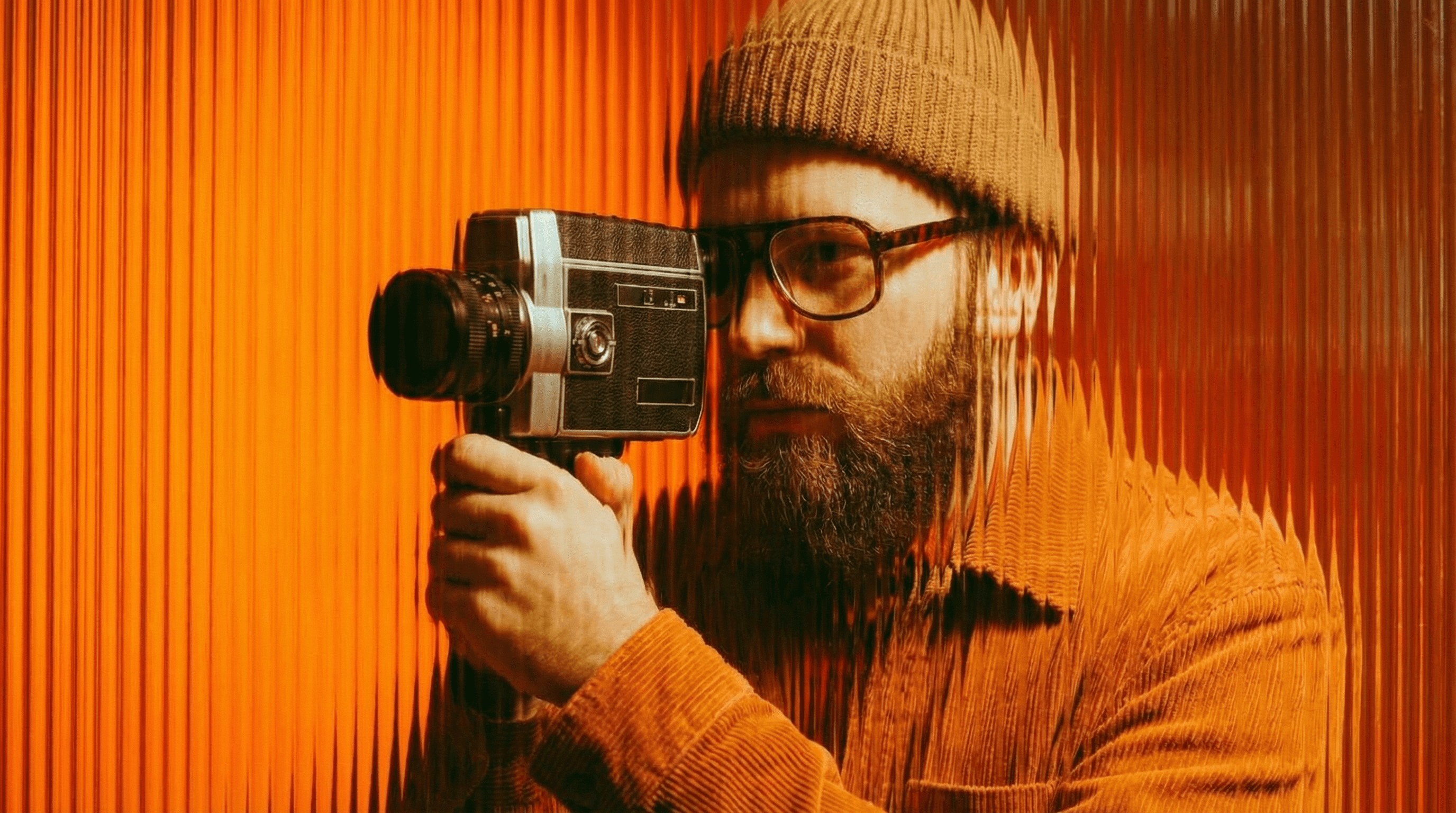
Filmmakers
Turn imagination into something you can see. Build the world, shape the characters, and bring your story to life one scene at a time.
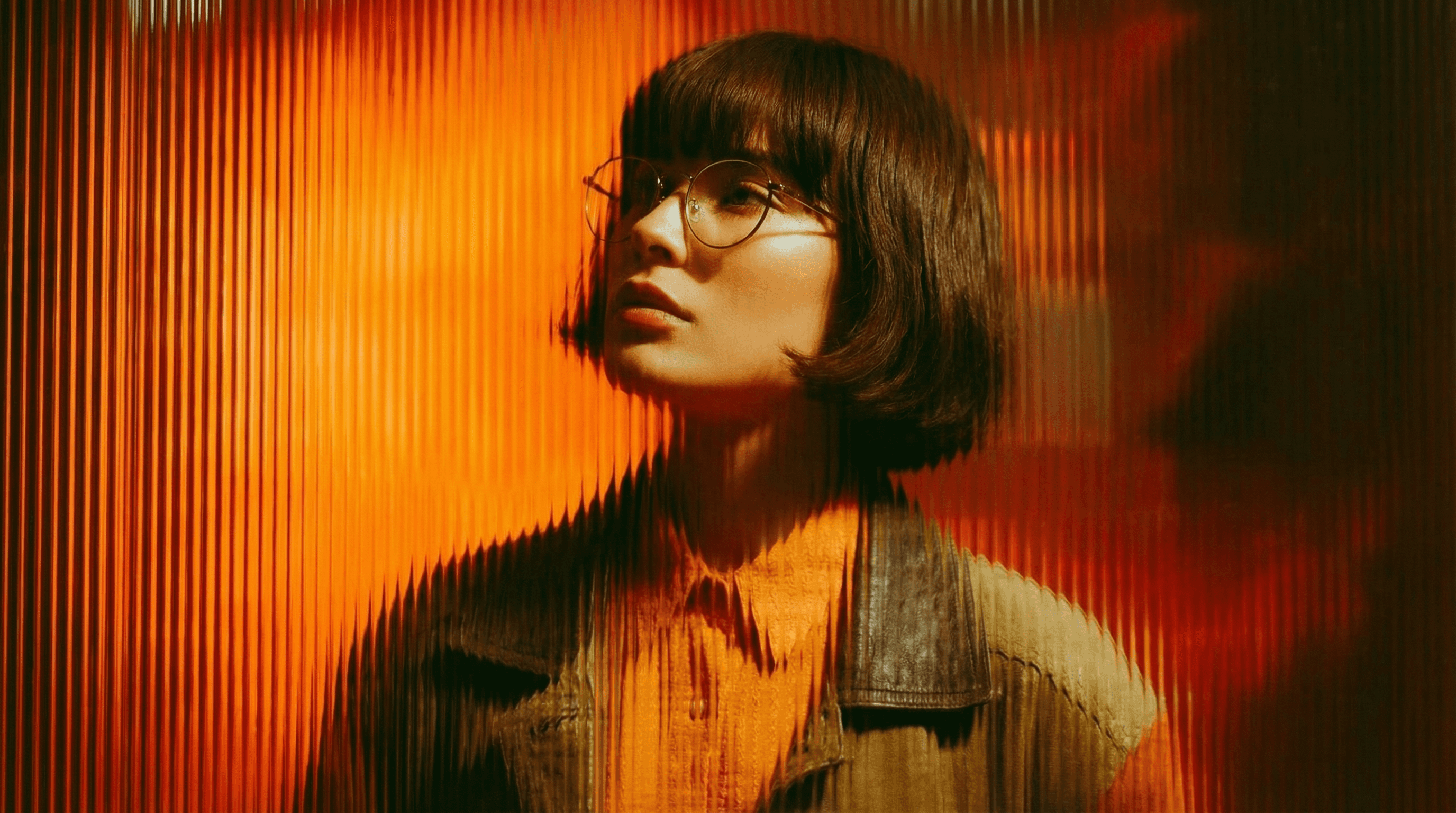
Agencies
From pitch deck to production in days, not months.
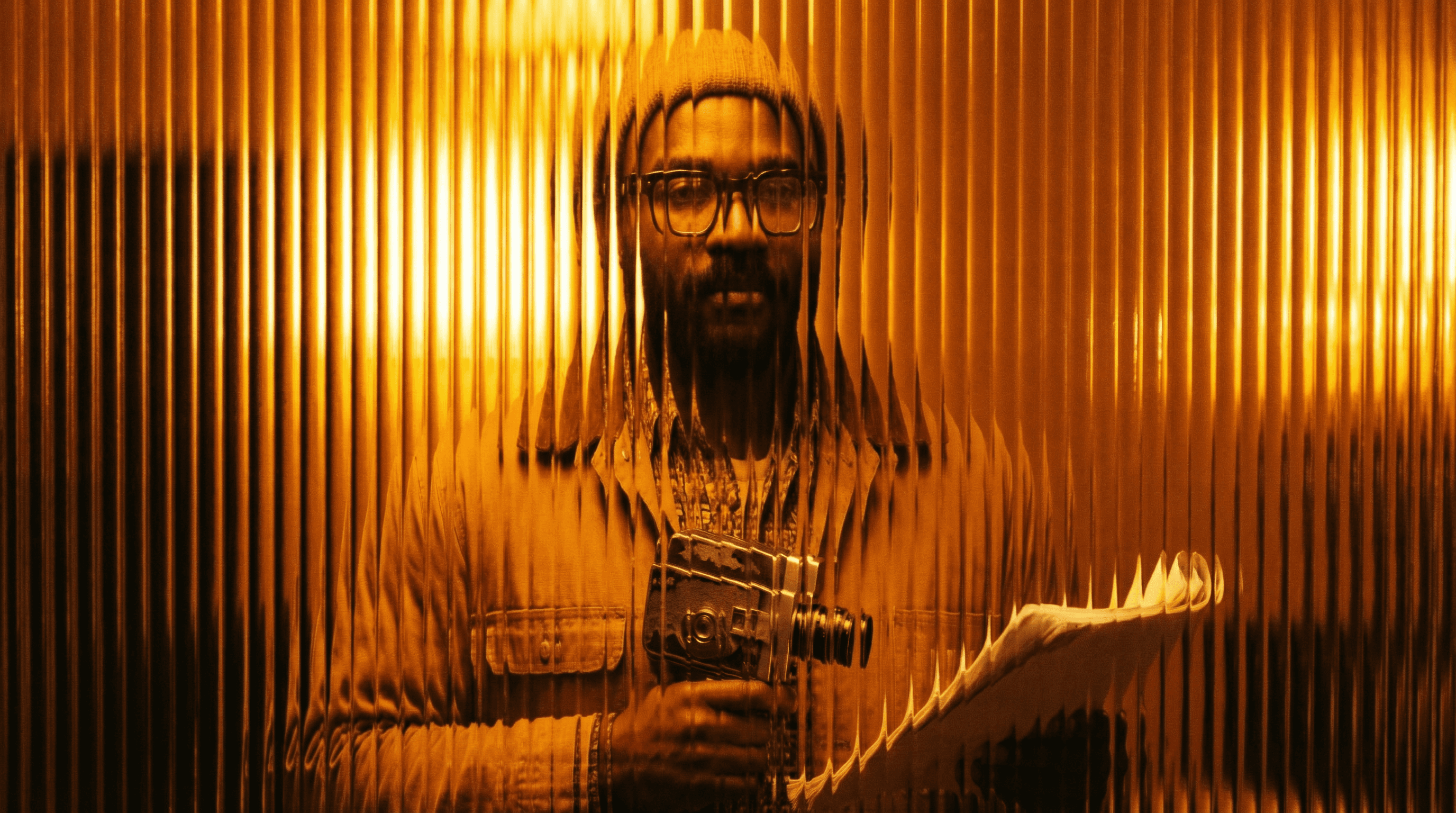
Studios
Intelligent automation that learns from your workflow. Let AI handle the repetitive tasks.
Storytelling for Any Screen.
FAQs
How does Camera Motion Preset work?
Upload your video clip and select or describe the camera motion you want. The AI applies smooth, naturalistic camera movement to your footage, no stabilizer or rig needed.
Is Camera Motion Preset free to use?
Yes, basic motion presets are available on a free Magic Lantern account. Paid plans unlock more motion styles, longer clips, and frame-by-frame motion control.
What camera motions are available?
Dolly in/out, push in, pull back, orbital/arc move, Dutch tilt, handheld simulation, slow zoom, whip pan, crane rise, and custom motion paths on premium plans.
Can I use motion-enhanced clips commercially?
Yes. With a paid Magic Lantern plan, all enhanced clips are cleared for commercial use in film, advertising, and branded video content.
How is this different from stabilization software?
Stabilization removes unwanted motion. Camera Motion Preset adds intentional, professional cinematic movement, it's a creative tool, not a correction tool.
Who is Camera Motion Preset designed for?
Filmmakers, content creators, social media managers, YouTubers, advertisers, and anyone who wants their video to feel like it was shot with professional cinema equipment.
How does Camera Motion Preset work?
Upload your video clip and select or describe the camera motion you want. The AI applies smooth, naturalistic camera movement to your footage, no stabilizer or rig needed.
Is Camera Motion Preset free to use?
Yes, basic motion presets are available on a free Magic Lantern account. Paid plans unlock more motion styles, longer clips, and frame-by-frame motion control.
What camera motions are available?
Dolly in/out, push in, pull back, orbital/arc move, Dutch tilt, handheld simulation, slow zoom, whip pan, crane rise, and custom motion paths on premium plans.
Can I use motion-enhanced clips commercially?
Yes. With a paid Magic Lantern plan, all enhanced clips are cleared for commercial use in film, advertising, and branded video content.
How is this different from stabilization software?
Stabilization removes unwanted motion. Camera Motion Preset adds intentional, professional cinematic movement, it's a creative tool, not a correction tool.
Who is Camera Motion Preset designed for?
Filmmakers, content creators, social media managers, YouTubers, advertisers, and anyone who wants their video to feel like it was shot with professional cinema equipment.
More Apps.
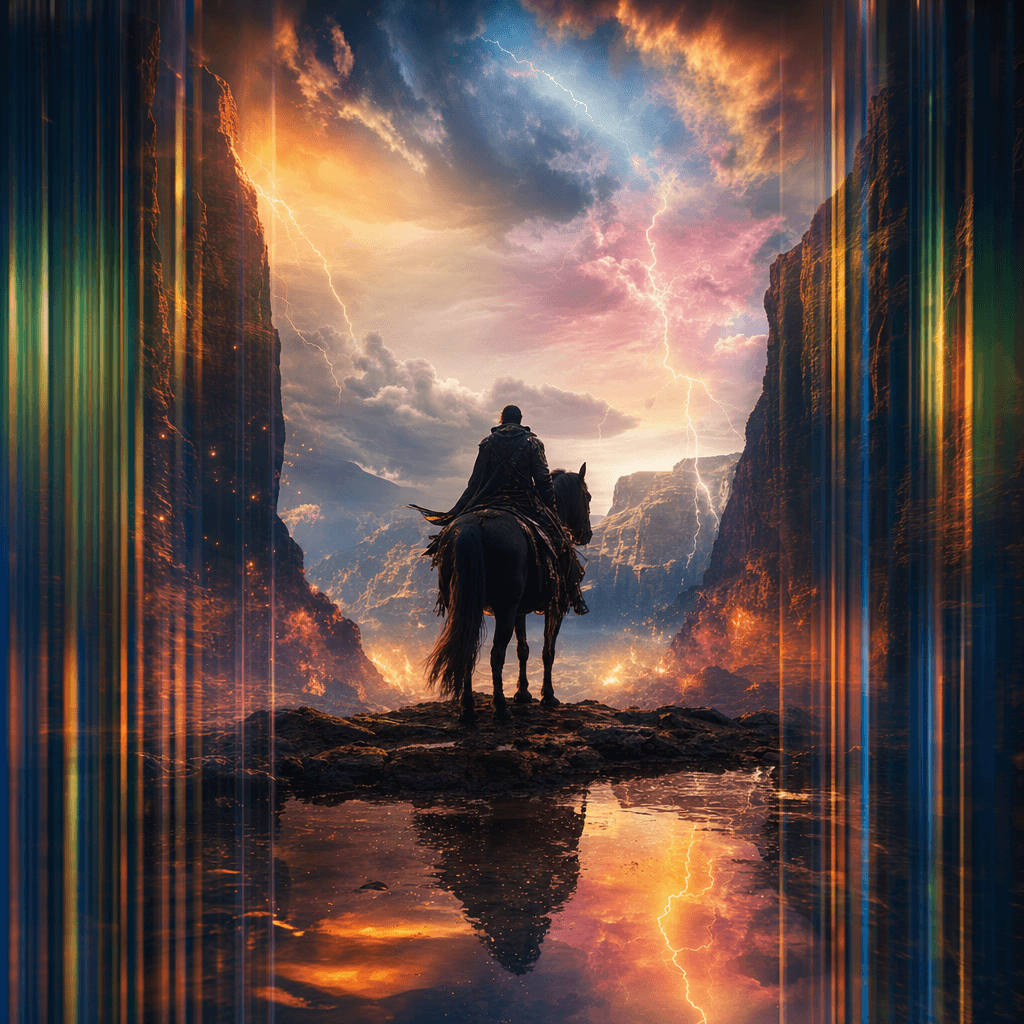
Cinematic Scene Creator
Describe any scene. Watch it come alive.
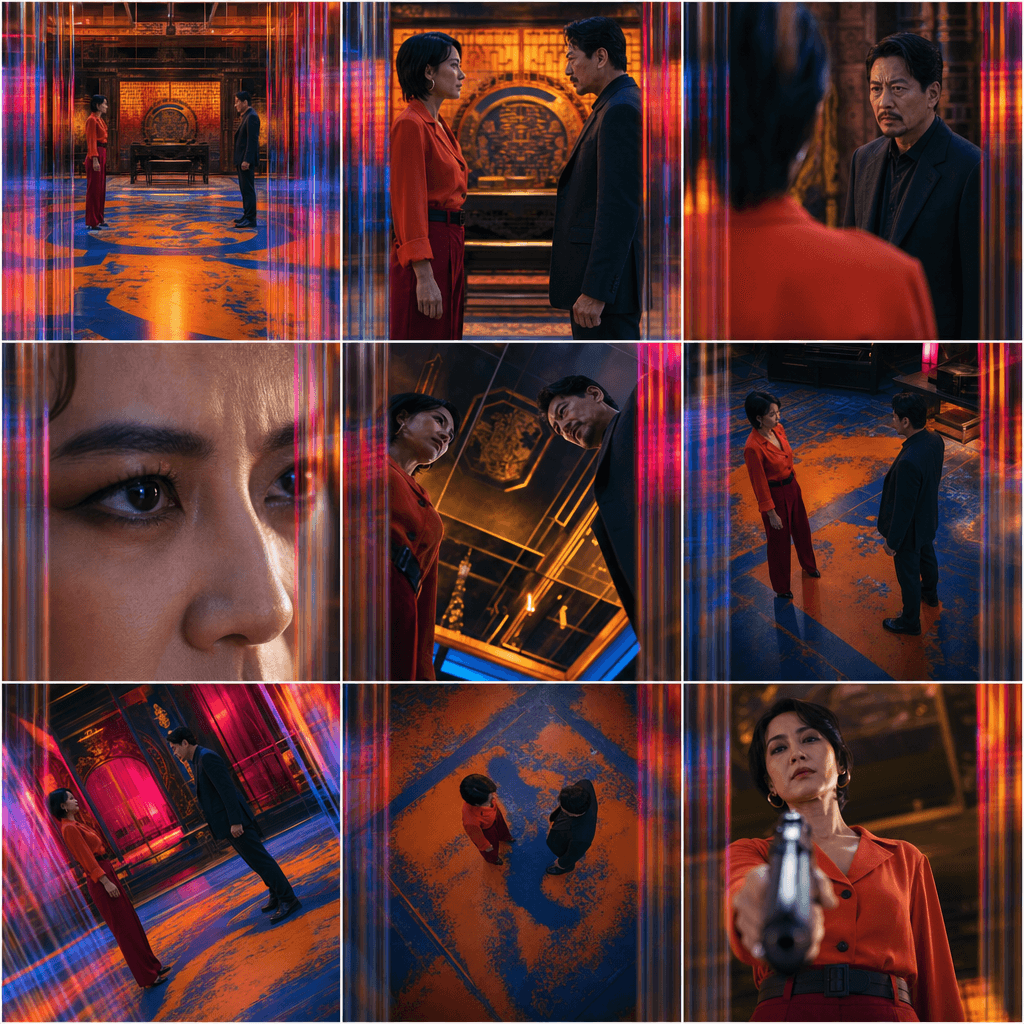
Scene Coverage
See every angle of your scene — before you shoot.
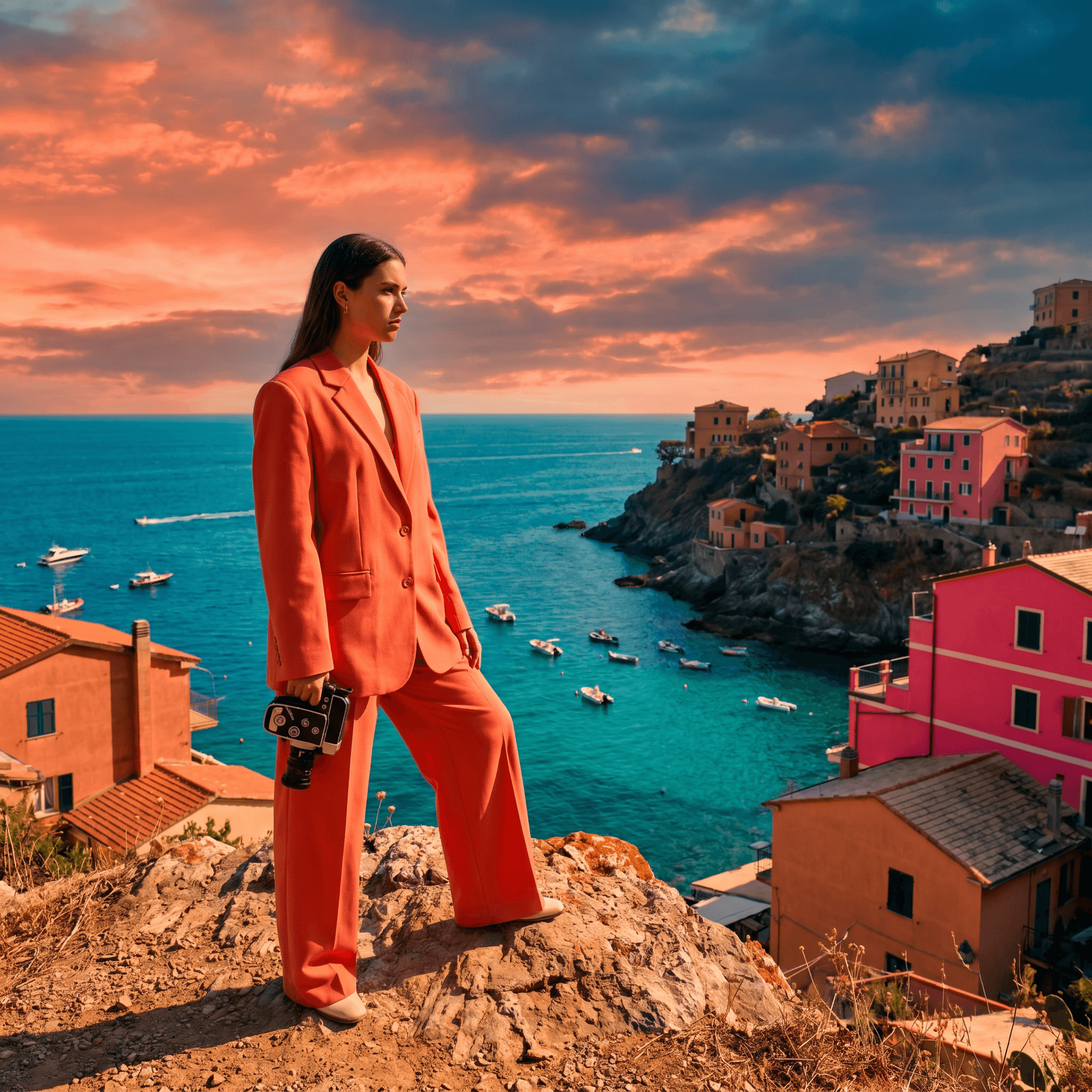
Location Scout
Find the perfect location without leaving your desk.

Storyboard Creator
Your shot list, illustrated. Instantly.
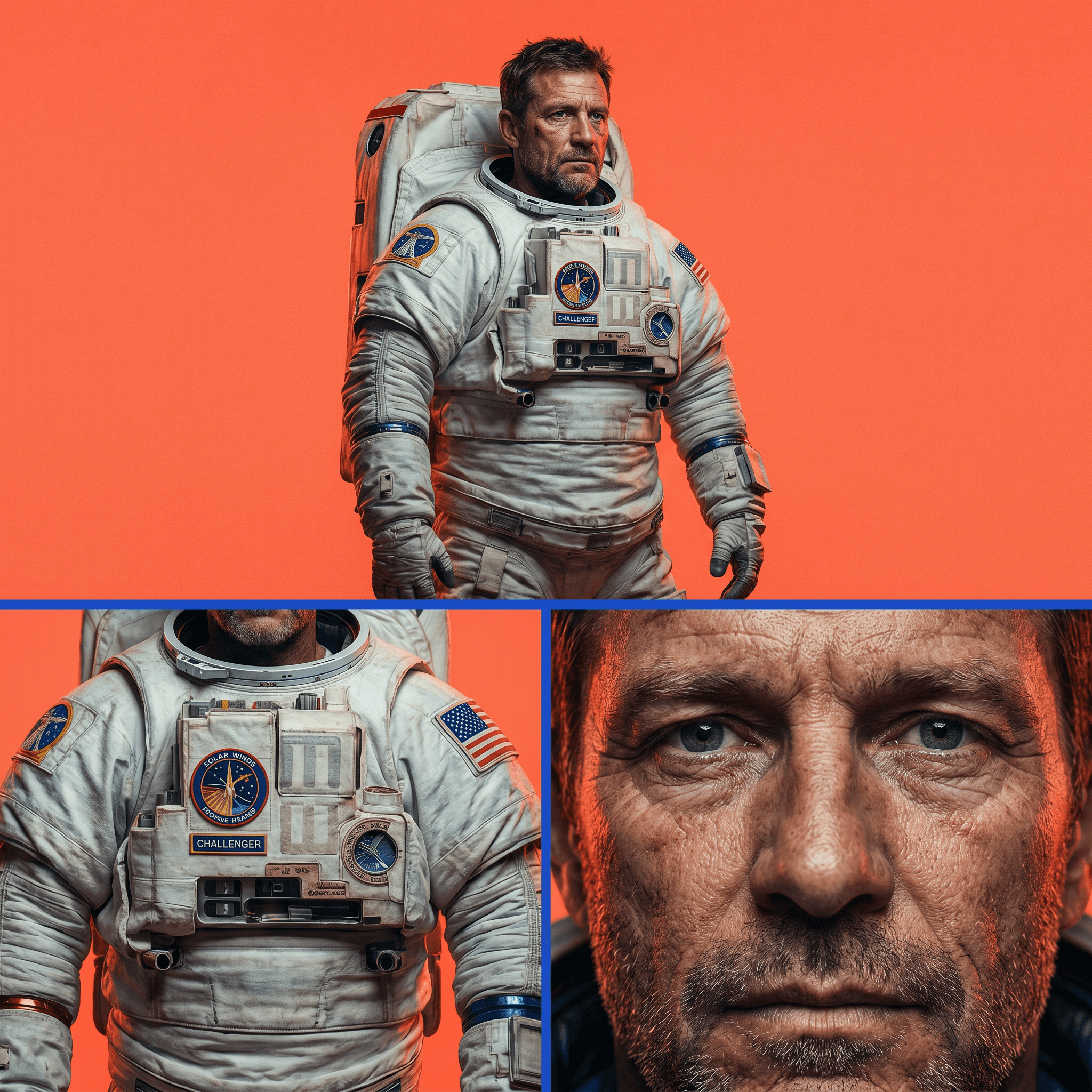
Character Reference Sheet
Consistent characters, every angle, every time.
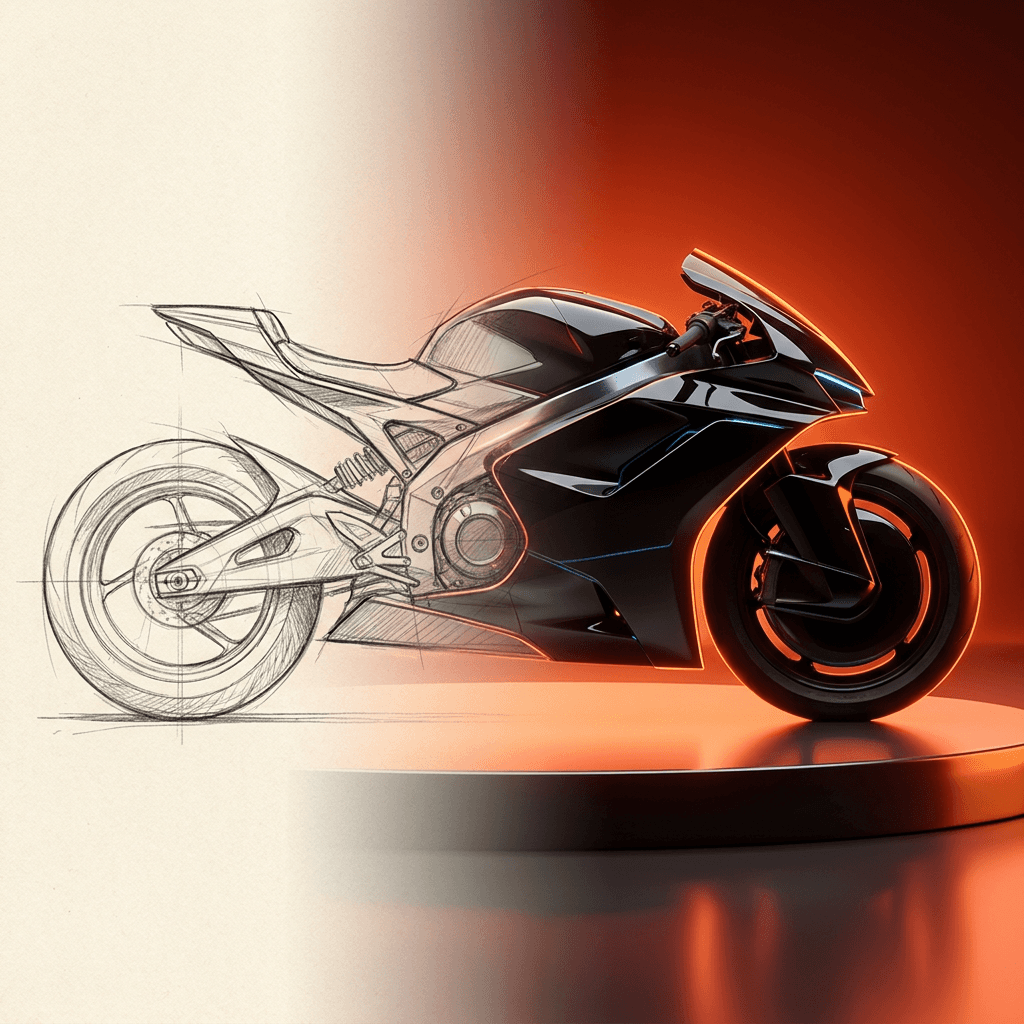
Concept Art from Sketch
From rough idea to polished art in seconds.
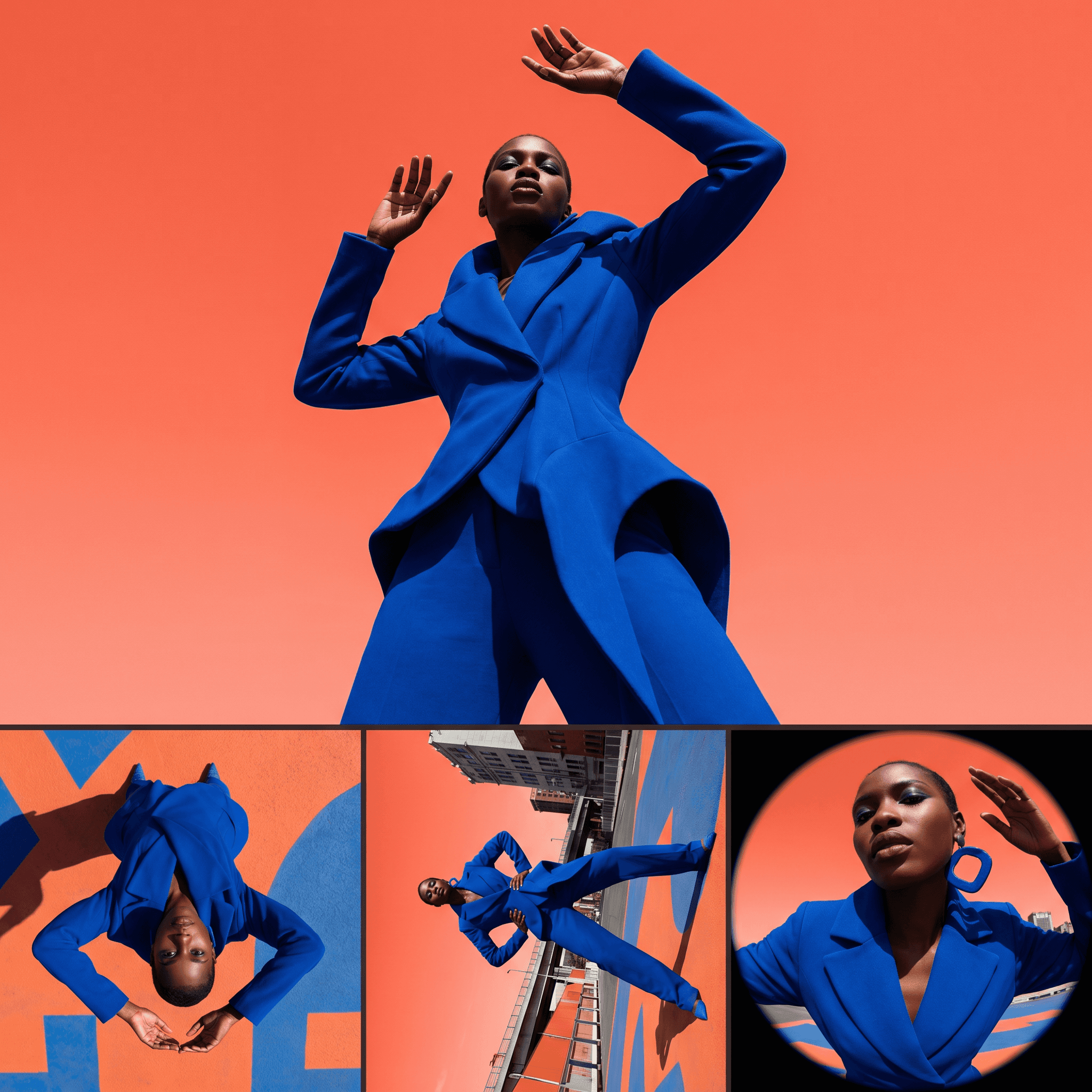
Change Shot Angles
Every angle. No reshoot required.
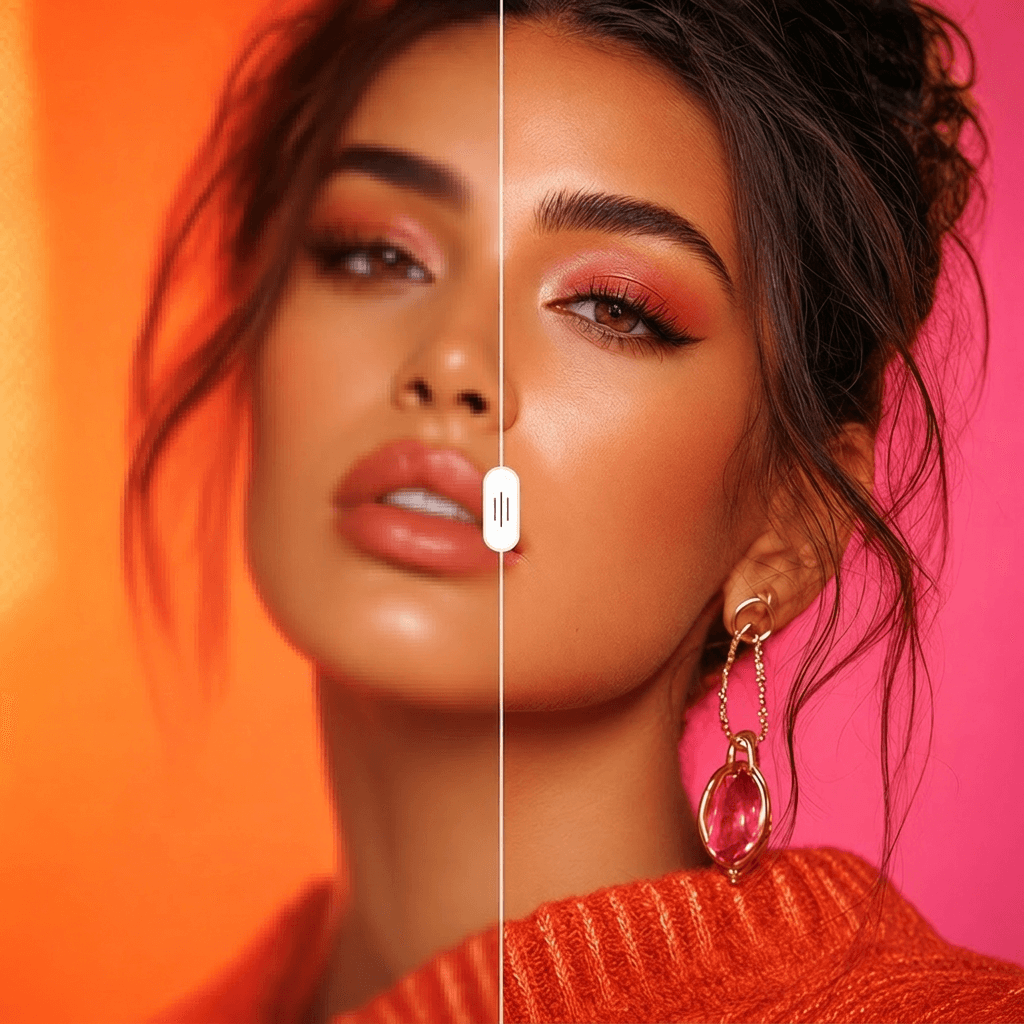
Image Upscaler
Cinema-quality resolution from any image.
More Apps.
Cinematic Scene Creator
Describe any scene. Watch it come alive.
Scene Coverage
See every angle of your scene — before you shoot.
Location Scout
Find the perfect location without leaving your desk.
Storyboard Creator
Your shot list, illustrated. Instantly.
Character Reference Sheet
Consistent characters, every angle, every time.
Concept Art from Sketch
From rough idea to polished art in seconds.