Change Shot Angles
Change Shot Angles
Magic Lantern's Change Shot Angles app takes any image and regenerates it from a different camera position, wider, tighter, higher, lower, or from a completely different angle. Explore your visual options without reshooting, discover the best angle for your story, and expand a single shot into a full set of coverage.
Magic Lantern's Change Shot Angles app takes any image and regenerates it from a different camera position, wider, tighter, higher, lower, or from a completely different angle. Explore your visual options without reshooting, discover the best angle for your story, and expand a single shot into a full set of coverage.
Every angle. No reshoot required.
Change any image to a different camera angle with AI. Wide, tight, overhead, low-angle, explore new perspectives without reshooting a frame.
Any Angle, Any Image
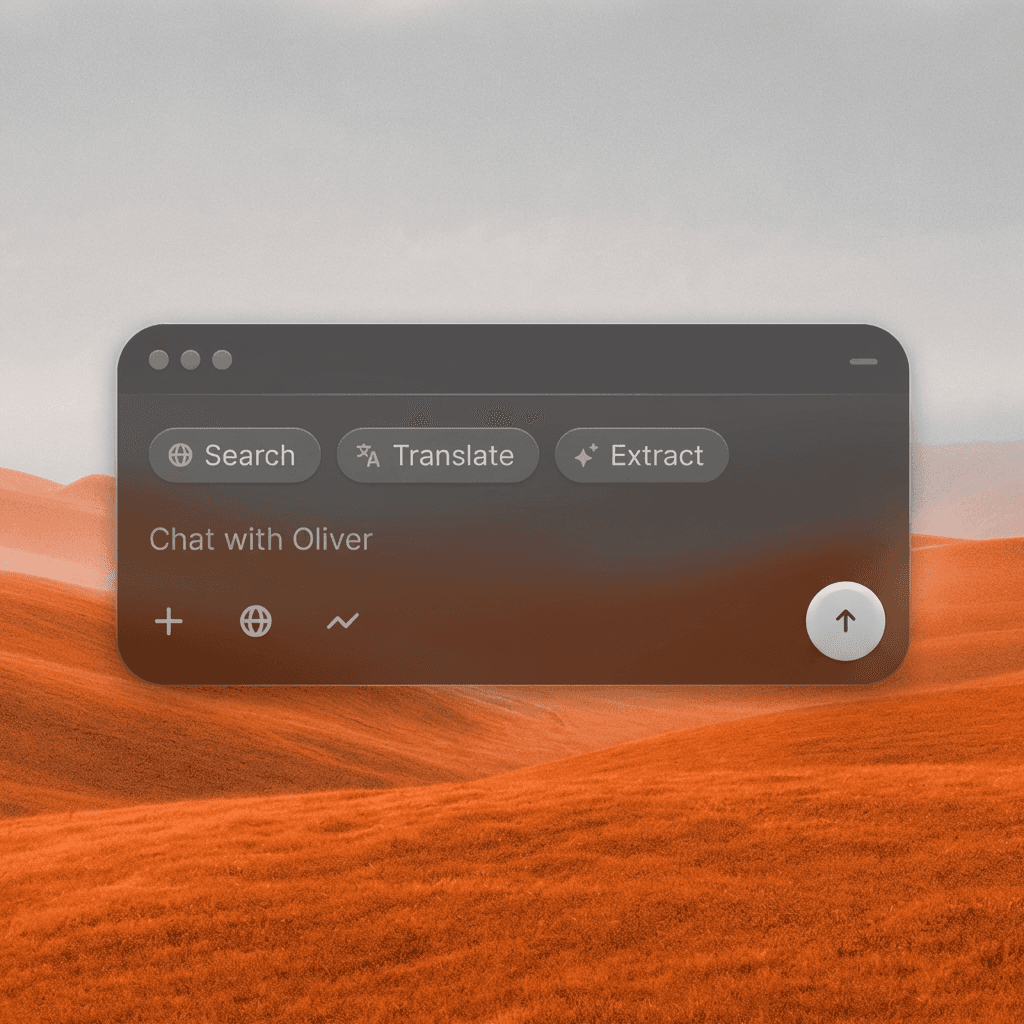
Upload any image and specify the new camera angle, wider, tighter, overhead, low-angle, POV, and the AI re-renders the scene from that new perspective.
Any Angle, Any Image
Upload any image and specify the new camera angle, wider, tighter, overhead, low-angle, POV, and the AI re-renders the scene from that new perspective.
Expand Your Coverage
Turn a single shot into a full coverage set by generating multiple angles from the same source. Get more creative options without more shooting time.
Expand Your Coverage
Turn a single shot into a full coverage set by generating multiple angles from the same source. Get more creative options without more shooting time.
Fix Missed Shots
Realized you needed a different angle after the shoot? Use AI to generate the coverage you missed, ideal for fixing cutaways, inserts, and establishing shots in post.
Fix Missed Shots
Realized you needed a different angle after the shoot? Use AI to generate the coverage you missed, ideal for fixing cutaways, inserts, and establishing shots in post.
Built for Modern Creators.
Bringing your vision to reality. From passion projects to the big screen.
Filmmakers
Agencies
Studios
Built for Modern Creators.
Bringing your vision to reality. From passion projects to the big screen.
Filmmakers
Turn imagination into something you can see. Build the world, shape the characters, and bring your story to life one scene at a time.
Agencies
From pitch deck to production in days, not months.
Studios
Intelligent automation that learns from your workflow. Let AI handle the repetitive tasks.
Storytelling for Any Screen.
FAQs
How does Change Shot Angles work?
Upload your image and describe the new camera angle you want, wider, tighter, elevated, from another direction, and the AI regenerates the scene from that new perspective.
Is Change Shot Angles free to use?
Yes, basic angle changes are available on a free Magic Lantern account. Paid plans unlock more control over angle specifics and higher resolution outputs.
What angles can I generate?
Wide shots, medium shots, close-ups, over-the-shoulder, bird's-eye view, worm's-eye view, Dutch angle, POV, any standard or creative camera position.
Can I use the generated images commercially?
Yes. With a paid Magic Lantern plan, all angle-changed images are cleared for commercial use in productions and marketing.
How realistic are the results?
Very realistic for most scene types. The more cinematic and clear the source image, the more accurate and usable the output angle will be.
Who is Change Shot Angles designed for?
Directors, editors, cinematographers, content creators, social media managers, and anyone who needs more visual options from their existing footage or imagery.
How does Change Shot Angles work?
Upload your image and describe the new camera angle you want, wider, tighter, elevated, from another direction, and the AI regenerates the scene from that new perspective.
Is Change Shot Angles free to use?
Yes, basic angle changes are available on a free Magic Lantern account. Paid plans unlock more control over angle specifics and higher resolution outputs.
What angles can I generate?
Wide shots, medium shots, close-ups, over-the-shoulder, bird's-eye view, worm's-eye view, Dutch angle, POV, any standard or creative camera position.
Can I use the generated images commercially?
Yes. With a paid Magic Lantern plan, all angle-changed images are cleared for commercial use in productions and marketing.
How realistic are the results?
Very realistic for most scene types. The more cinematic and clear the source image, the more accurate and usable the output angle will be.
Who is Change Shot Angles designed for?
Directors, editors, cinematographers, content creators, social media managers, and anyone who needs more visual options from their existing footage or imagery.
More Apps.
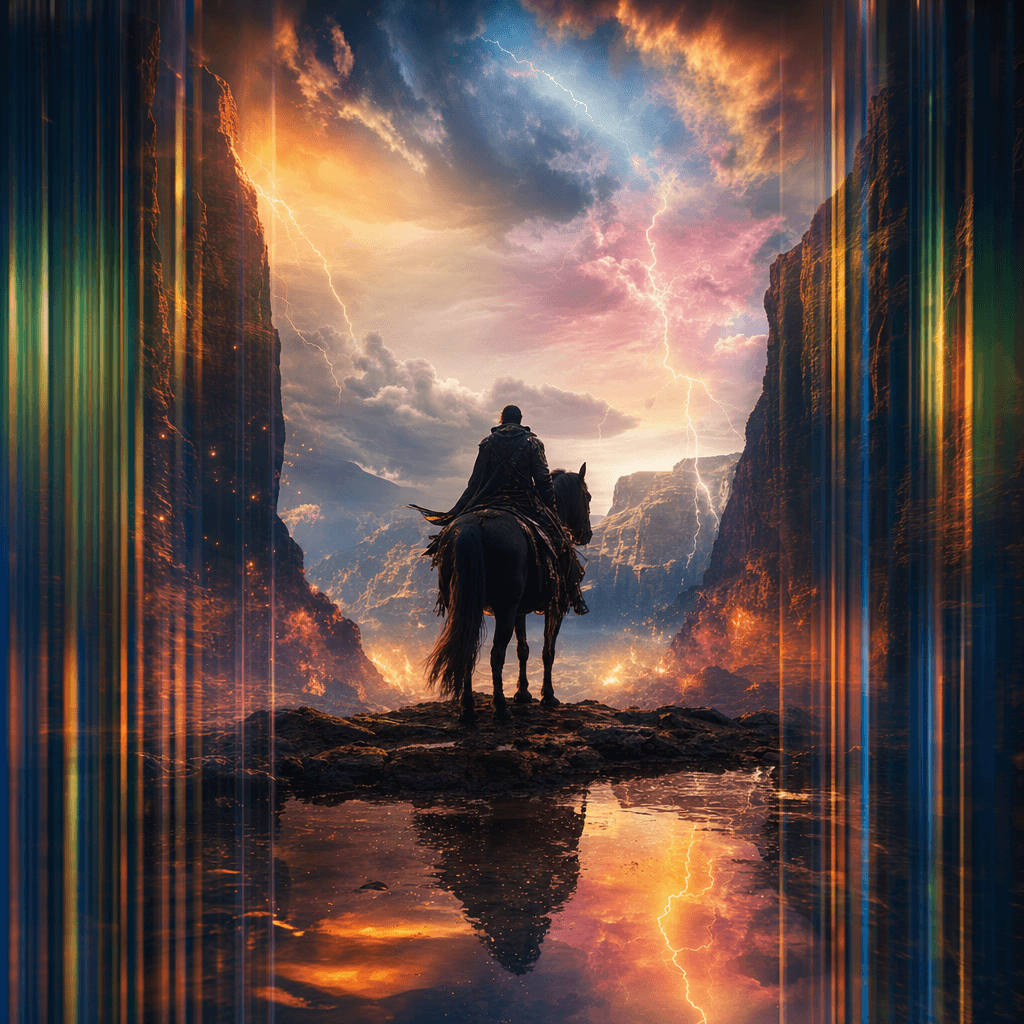
Cinematic Scene Creator
Describe any scene. Watch it come alive.
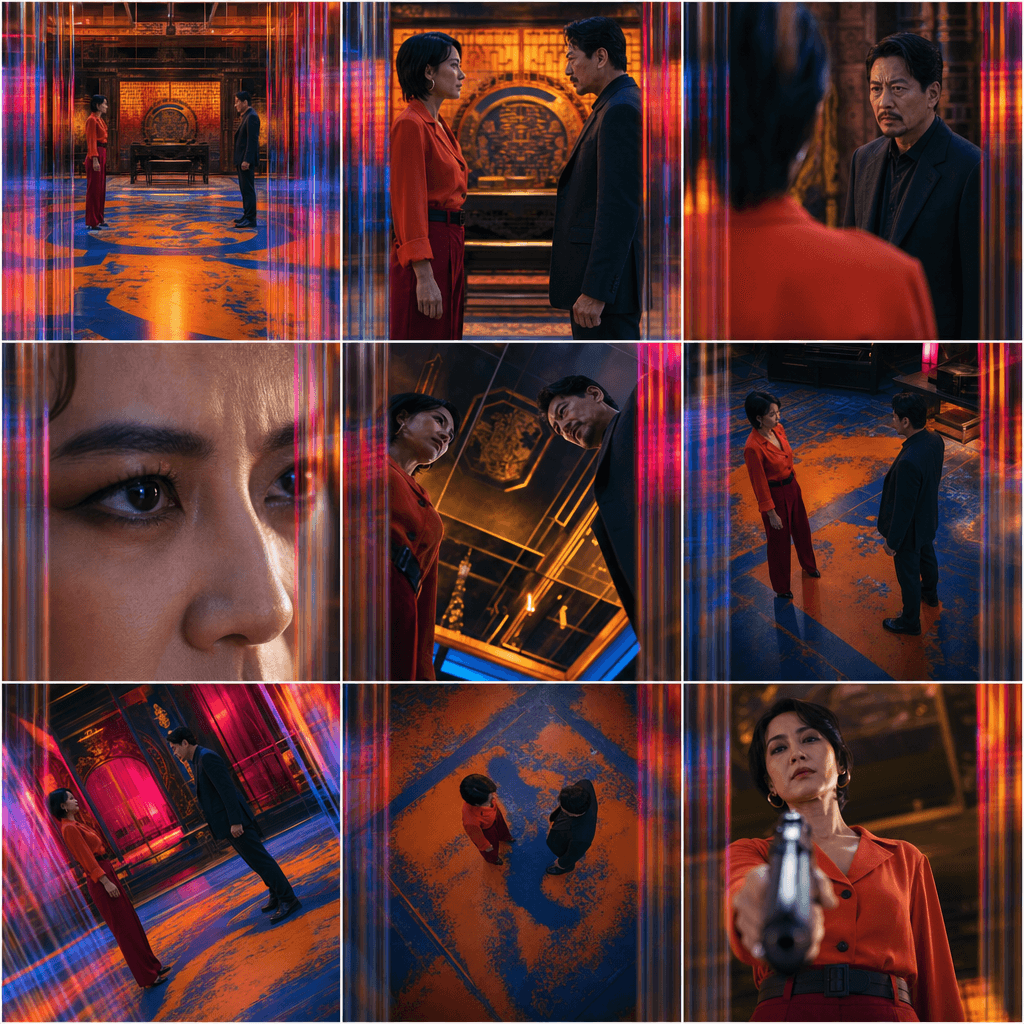
Scene Coverage
See every angle of your scene — before you shoot.
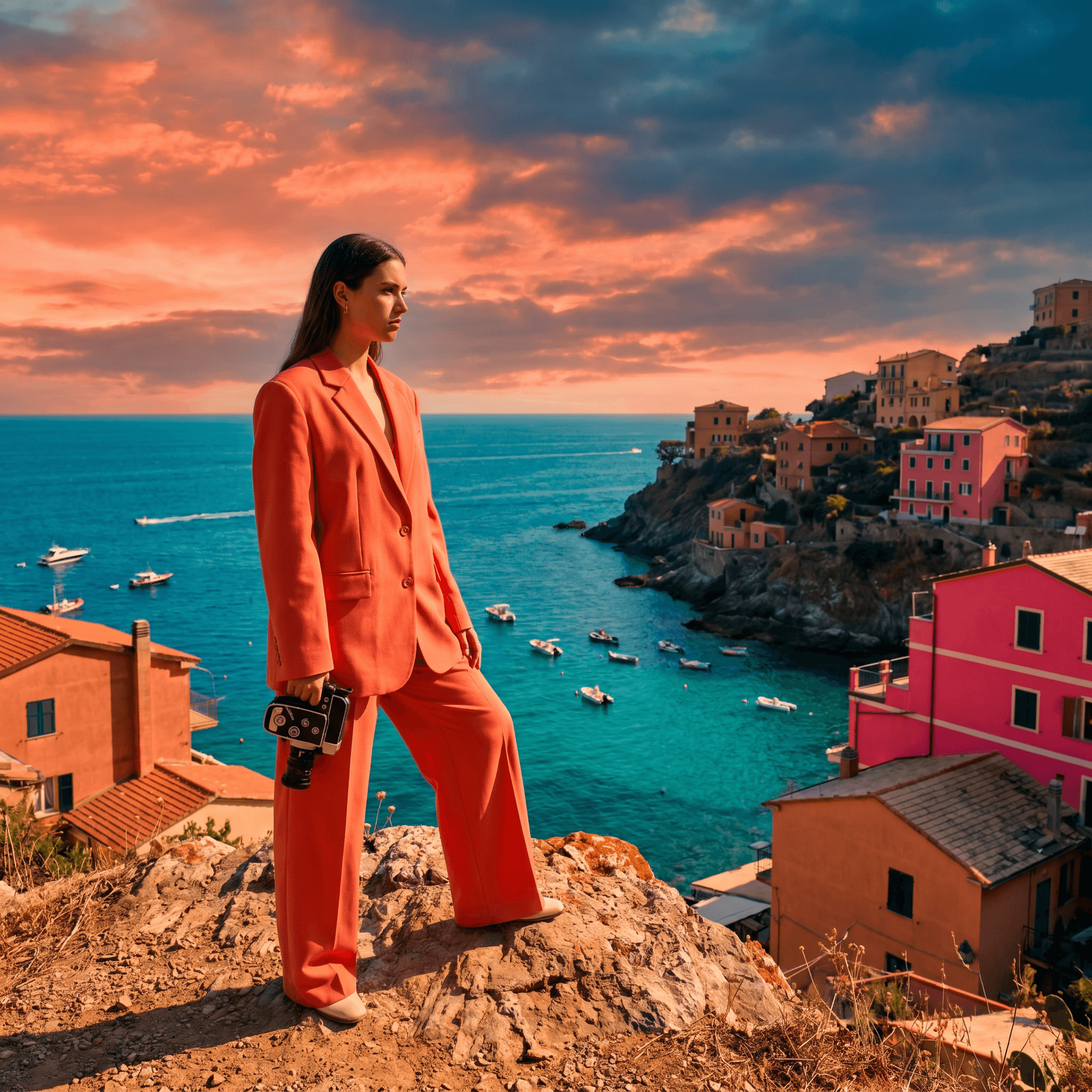
Location Scout
Find the perfect location without leaving your desk.

Storyboard Creator
Your shot list, illustrated. Instantly.
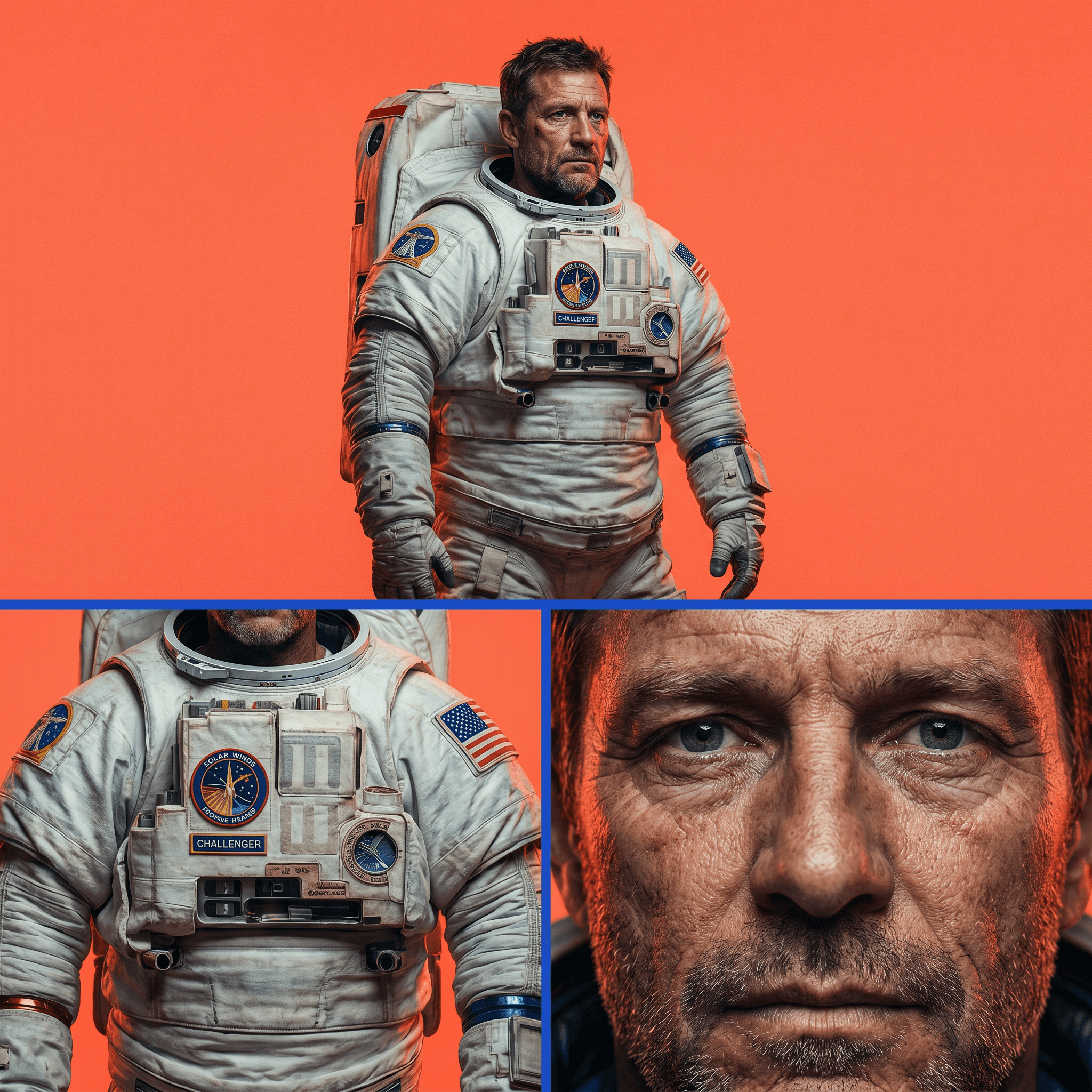
Character Reference Sheet
Consistent characters, every angle, every time.
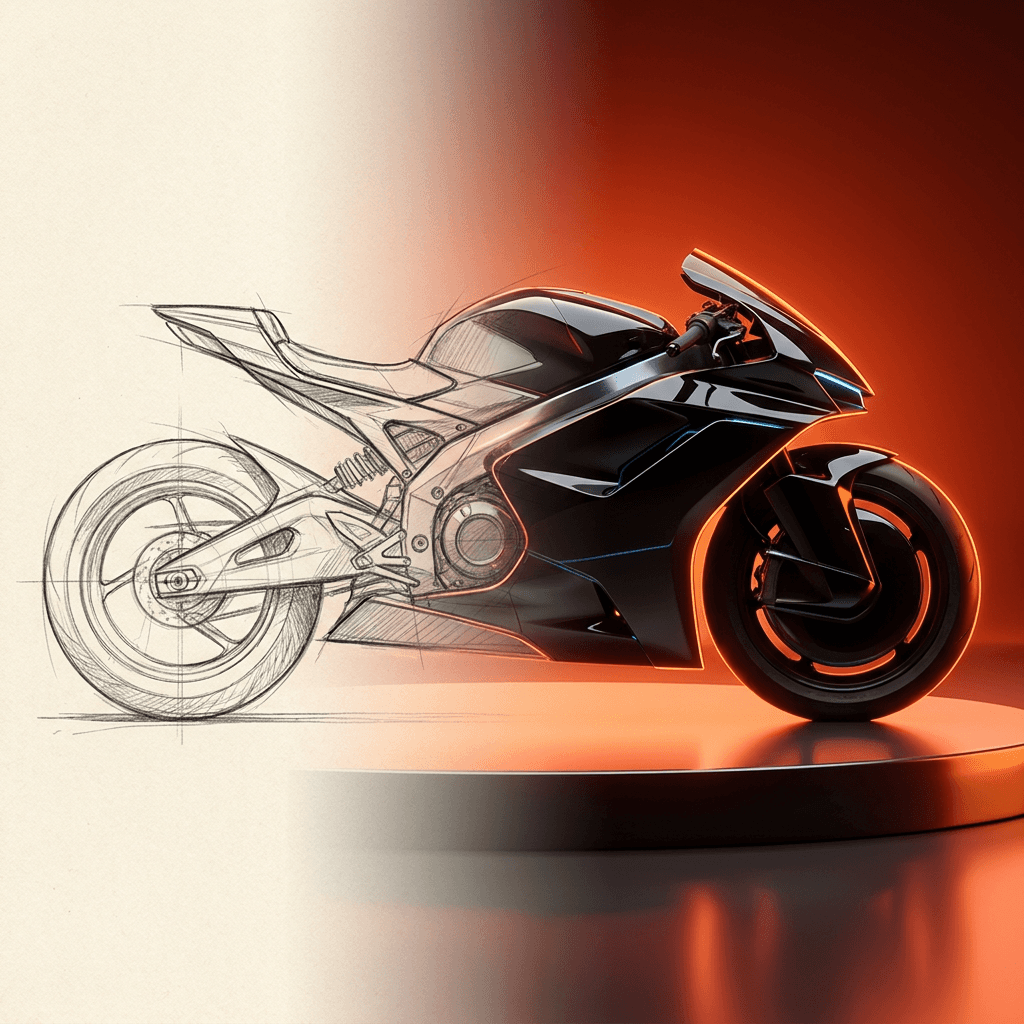
Concept Art from Sketch
From rough idea to polished art in seconds.
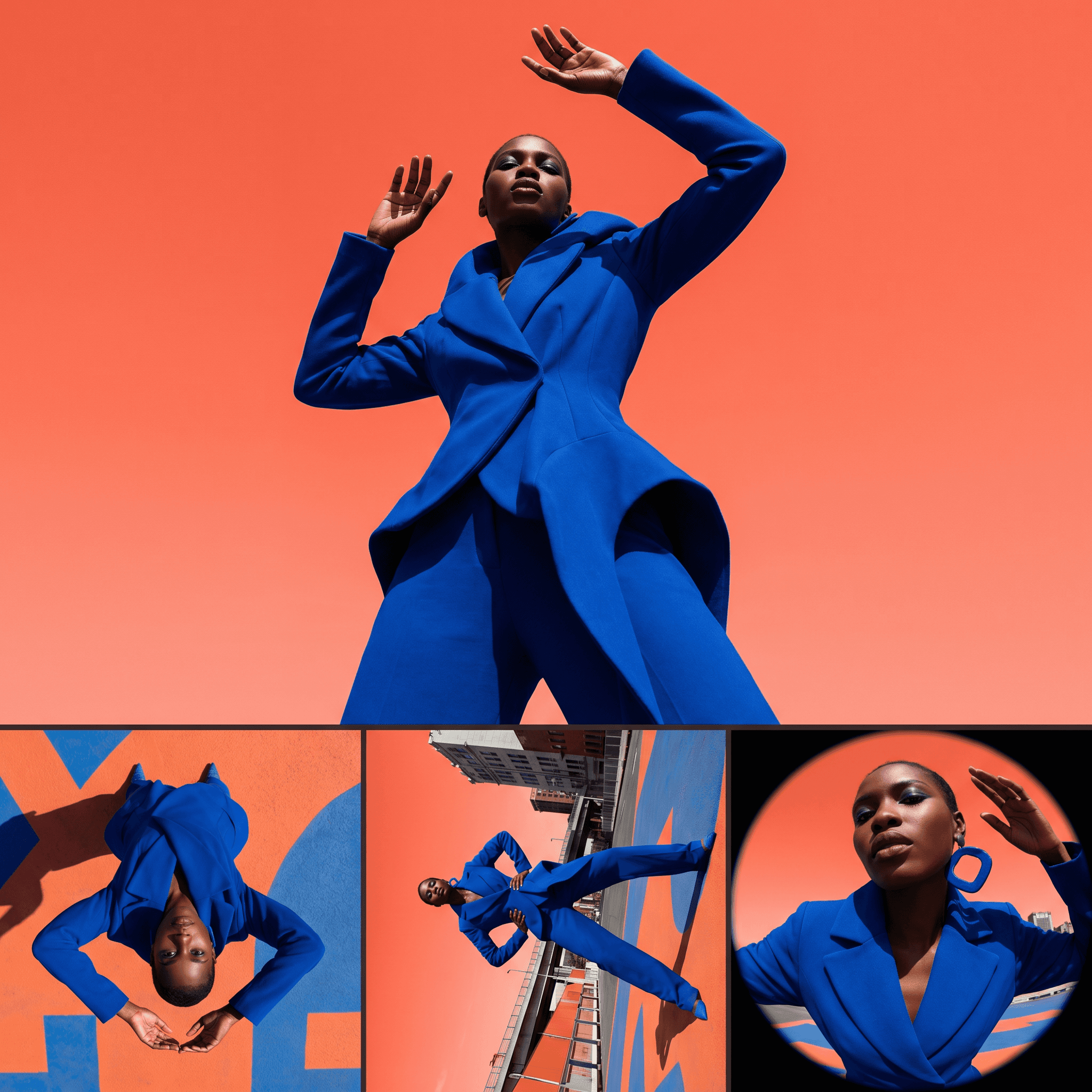
Change Shot Angles
Every angle. No reshoot required.
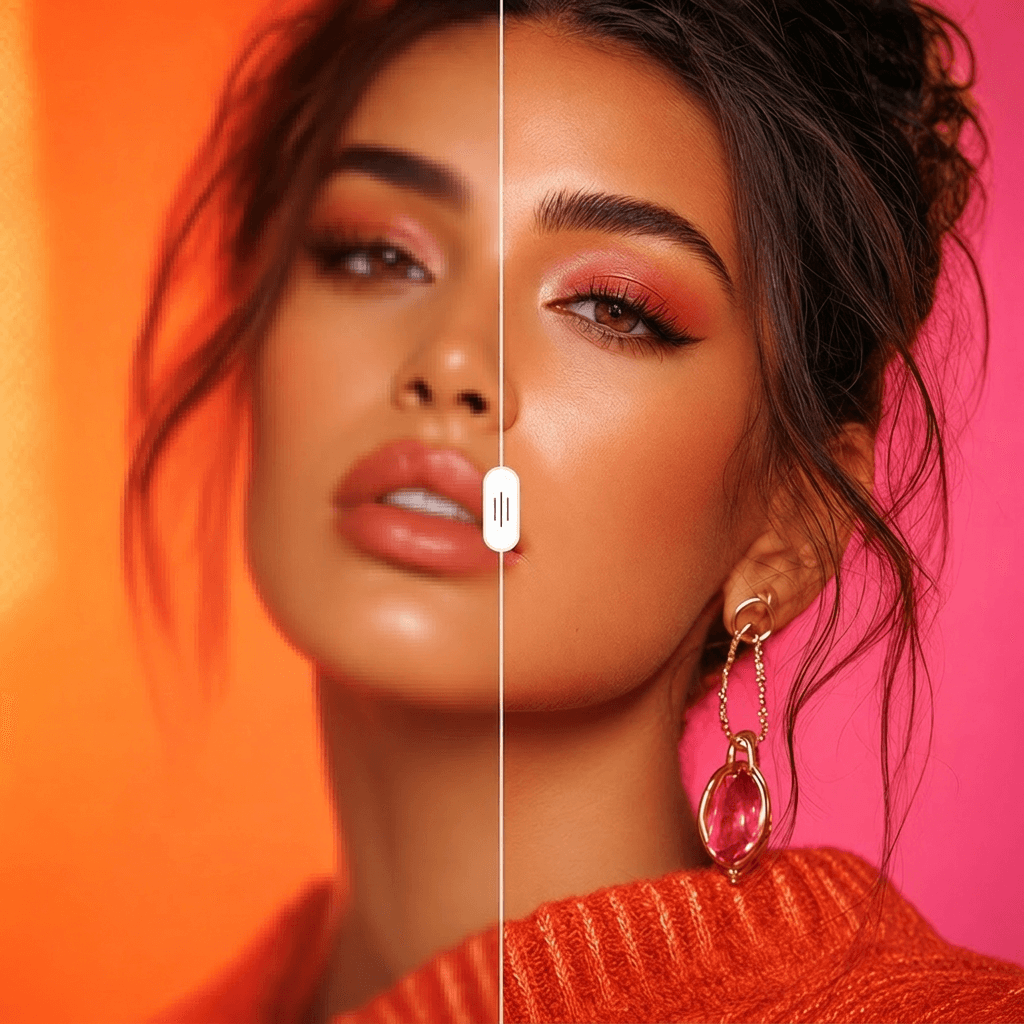
Image Upscaler
Cinema-quality resolution from any image.
More Apps.
Cinematic Scene Creator
Describe any scene. Watch it come alive.
Scene Coverage
See every angle of your scene — before you shoot.
Location Scout
Find the perfect location without leaving your desk.
Storyboard Creator
Your shot list, illustrated. Instantly.
Character Reference Sheet
Consistent characters, every angle, every time.
Concept Art from Sketch
From rough idea to polished art in seconds.