Color Grade Preset
Color Grade Preset
Magic Lantern's Color Grade Preset applies professional, cinematographer-grade color treatment to any image, matching the visual language of iconic film styles, genre aesthetics, or custom creative directions. Get a grade that would take hours in DaVinci Resolve applied in seconds, with the depth and consistency of a real colorist's hand.
Magic Lantern's Color Grade Preset applies professional, cinematographer-grade color treatment to any image, matching the visual language of iconic film styles, genre aesthetics, or custom creative directions. Get a grade that would take hours in DaVinci Resolve applied in seconds, with the depth and consistency of a real colorist's hand.
Cinematographer-grade color. Applied in one click.
Apply professional film color grades to any image with AI. Cinematographer-level treatments, thriller, indie, blockbuster, arthouse, in seconds.
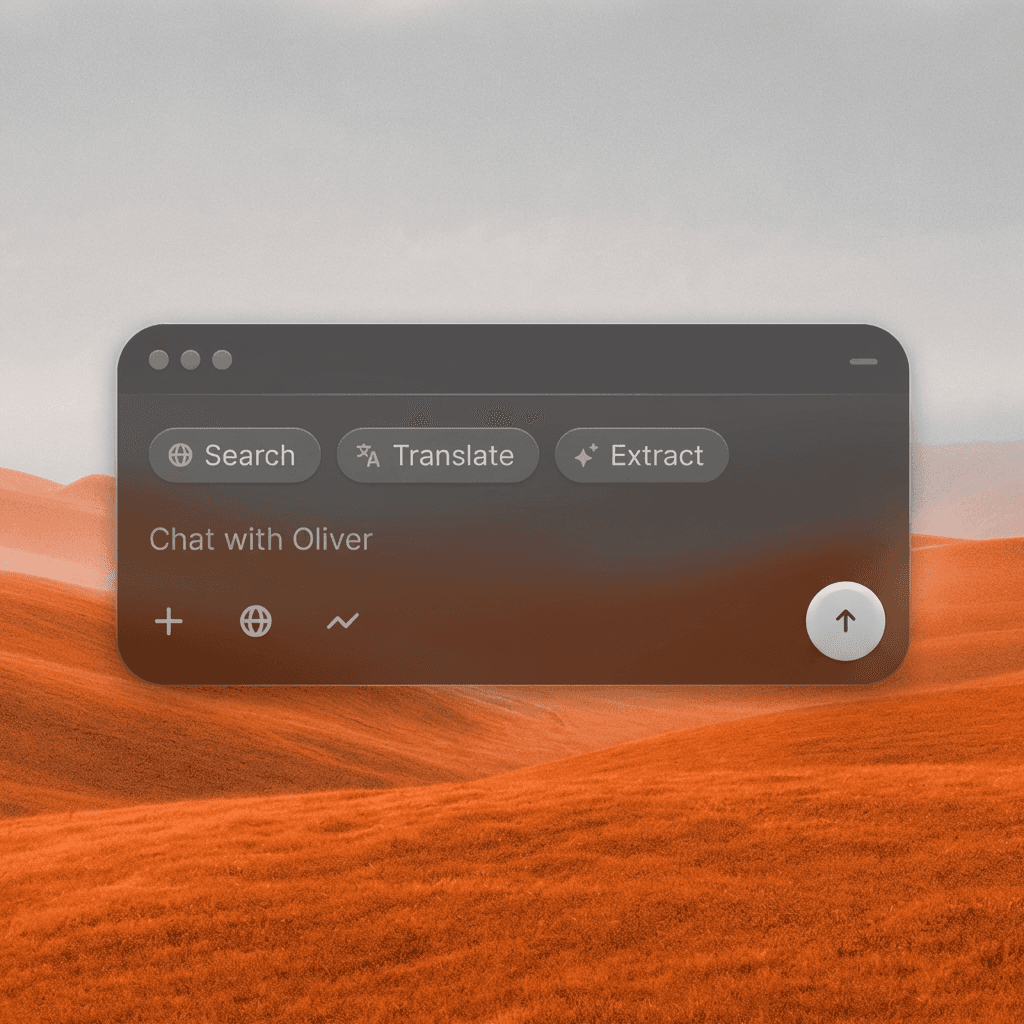
Cinematographer-Level Color
Apply the color science of professional film grading to any image, rich shadows, controlled highlights, calibrated skin tones, and a coherent color palette from key to fill.
Cinematographer-Level Color
Apply the color science of professional film grading to any image, rich shadows, controlled highlights, calibrated skin tones, and a coherent color palette from key to fill.
Genre-Specific Grades
Choose from grades tuned to specific visual languages, teal-and-orange action, cold desaturated thriller, warm indie drama, bleach-bypass, neon noir, and more.
Genre-Specific Grades
Choose from grades tuned to specific visual languages, teal-and-orange action, cold desaturated thriller, warm indie drama, bleach-bypass, neon noir, and more.
Consistent Across a Project
Apply the same grade across all images in your project to establish visual continuity, ensuring your entire lookbook, storyboard, or concept package has a unified cinematic identity.
Consistent Across a Project
Apply the same grade across all images in your project to establish visual continuity, ensuring your entire lookbook, storyboard, or concept package has a unified cinematic identity.
Built for Modern Creators.
Bringing your vision to reality. From passion projects to the big screen.
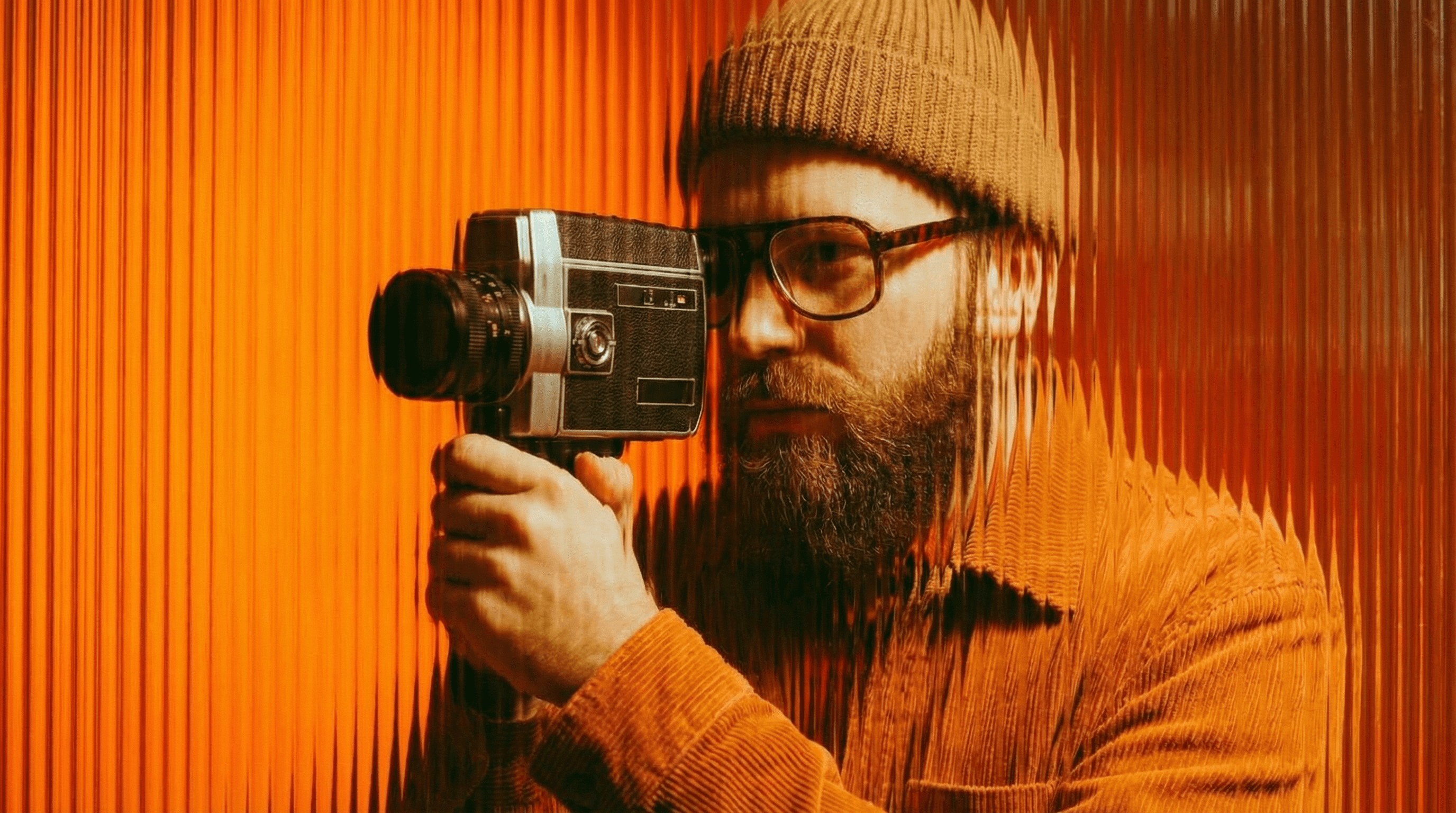
Filmmakers
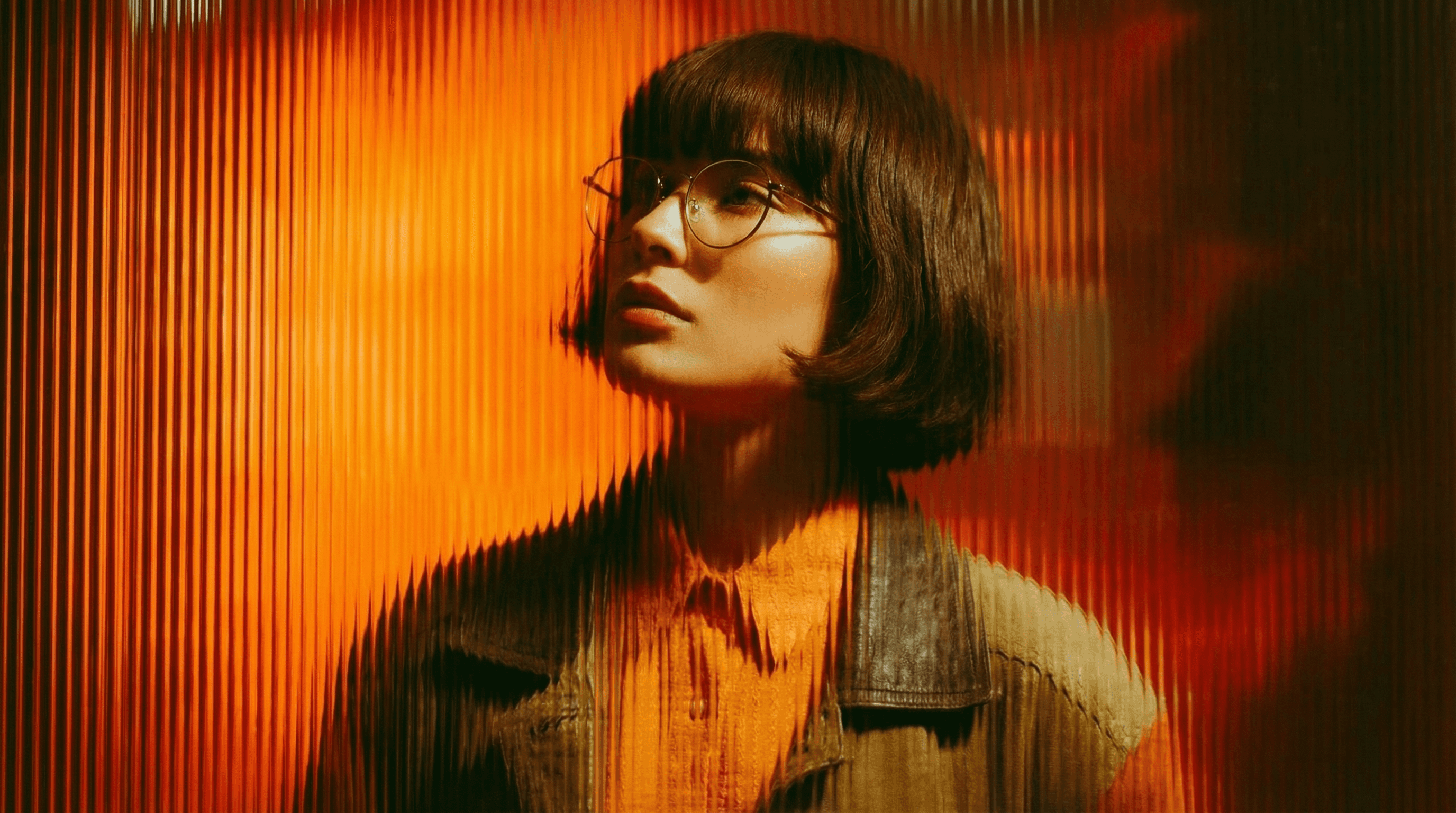
Agencies
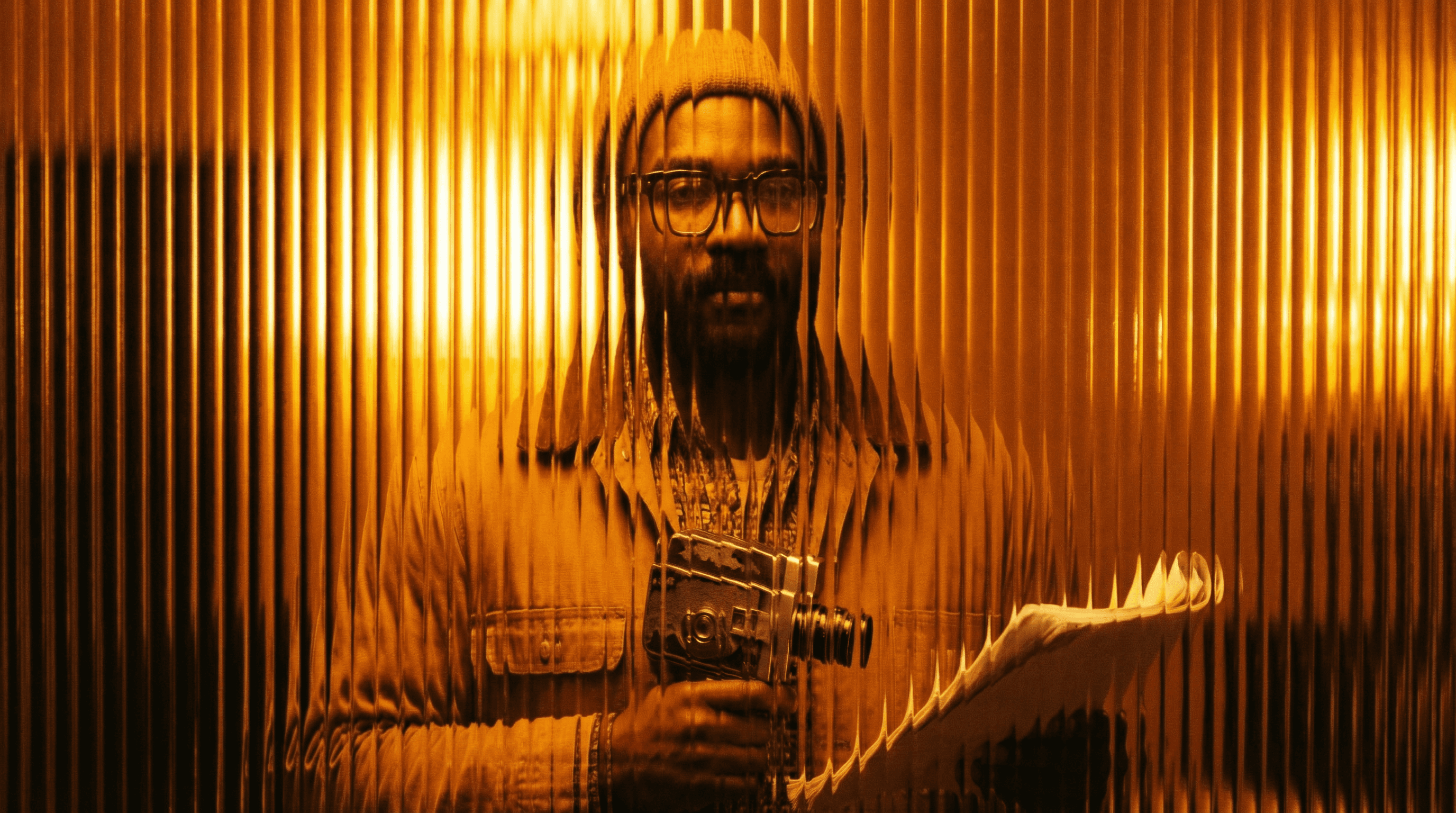
Studios
Built for Modern Creators.
Bringing your vision to reality. From passion projects to the big screen.
Filmmakers
Turn imagination into something you can see. Build the world, shape the characters, and bring your story to life one scene at a time.
Agencies
From pitch deck to production in days, not months.
Studios
Intelligent automation that learns from your workflow. Let AI handle the repetitive tasks.
Storytelling for Any Screen.
FAQs
How does Color Grade Preset work?
Upload your image and select a color grade style, or describe the look you want. The AI applies a full, multi-layered color treatment: lift, gamma, gain, and color balance.
Is Color Grade Preset free to use?
Yes, basic color grading is available on a free Magic Lantern account. Paid plans unlock more grade styles, custom color LUT creation, and batch processing.
What color grade styles are available?
Teal-and-orange, warm golden hour, cold thriller, muted arthouse, vibrant commercial, noir high contrast, bleach bypass, vintage film, and more, plus custom style descriptions.
Can I use graded images commercially?
Yes. With a paid Magic Lantern plan, all color-graded images are cleared for commercial use, advertising, film, marketing, and print.
How is this different from Lightroom presets?
Lightroom presets apply fixed adjustments. Color Grade Preset uses AI to analyze your image and apply a grade that accounts for its specific tones, light sources, and content.
Who is Color Grade Preset designed for?
Filmmakers, photographers, colorists, content creators, designers, and anyone who wants to apply professional-level film color treatment without color grading software.
How does Color Grade Preset work?
Upload your image and select a color grade style, or describe the look you want. The AI applies a full, multi-layered color treatment: lift, gamma, gain, and color balance.
Is Color Grade Preset free to use?
Yes, basic color grading is available on a free Magic Lantern account. Paid plans unlock more grade styles, custom color LUT creation, and batch processing.
What color grade styles are available?
Teal-and-orange, warm golden hour, cold thriller, muted arthouse, vibrant commercial, noir high contrast, bleach bypass, vintage film, and more, plus custom style descriptions.
Can I use graded images commercially?
Yes. With a paid Magic Lantern plan, all color-graded images are cleared for commercial use, advertising, film, marketing, and print.
How is this different from Lightroom presets?
Lightroom presets apply fixed adjustments. Color Grade Preset uses AI to analyze your image and apply a grade that accounts for its specific tones, light sources, and content.
Who is Color Grade Preset designed for?
Filmmakers, photographers, colorists, content creators, designers, and anyone who wants to apply professional-level film color treatment without color grading software.
More Apps.
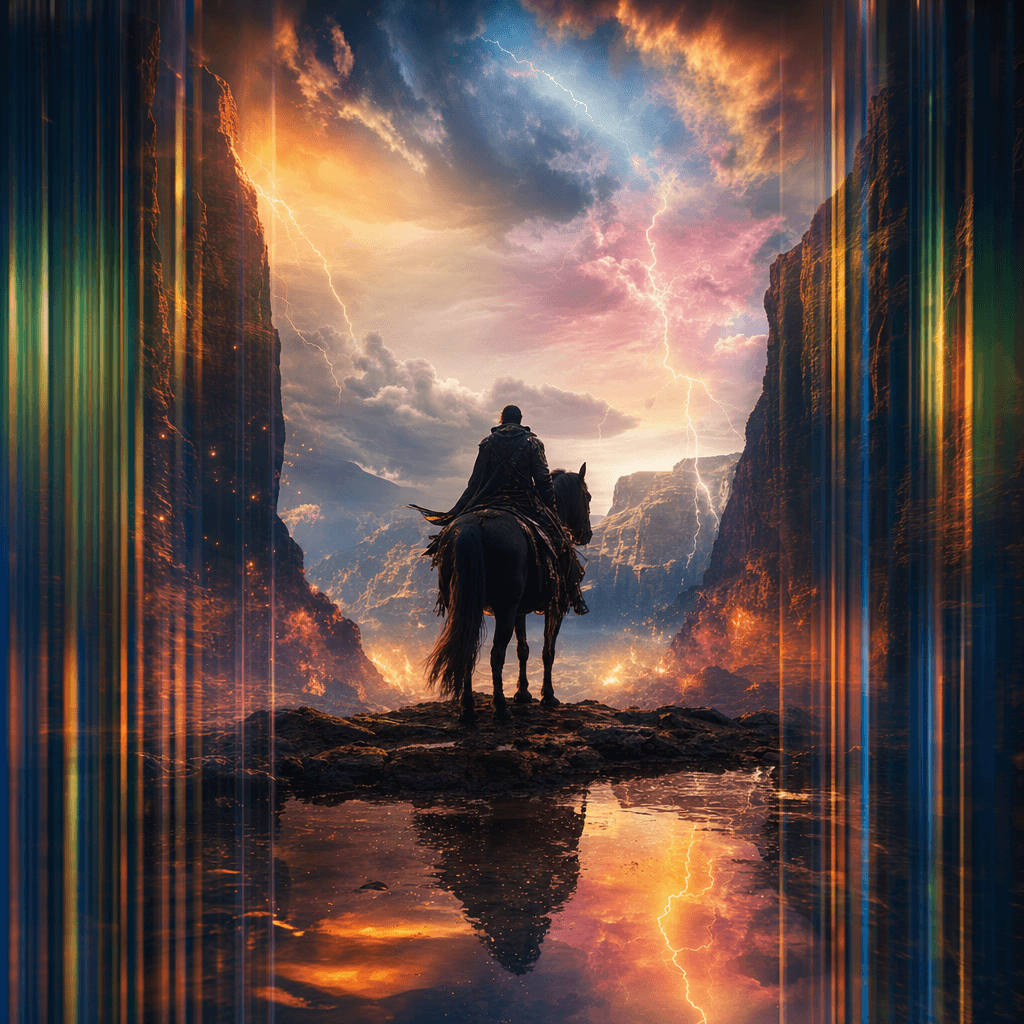
Cinematic Scene Creator
Describe any scene. Watch it come alive.
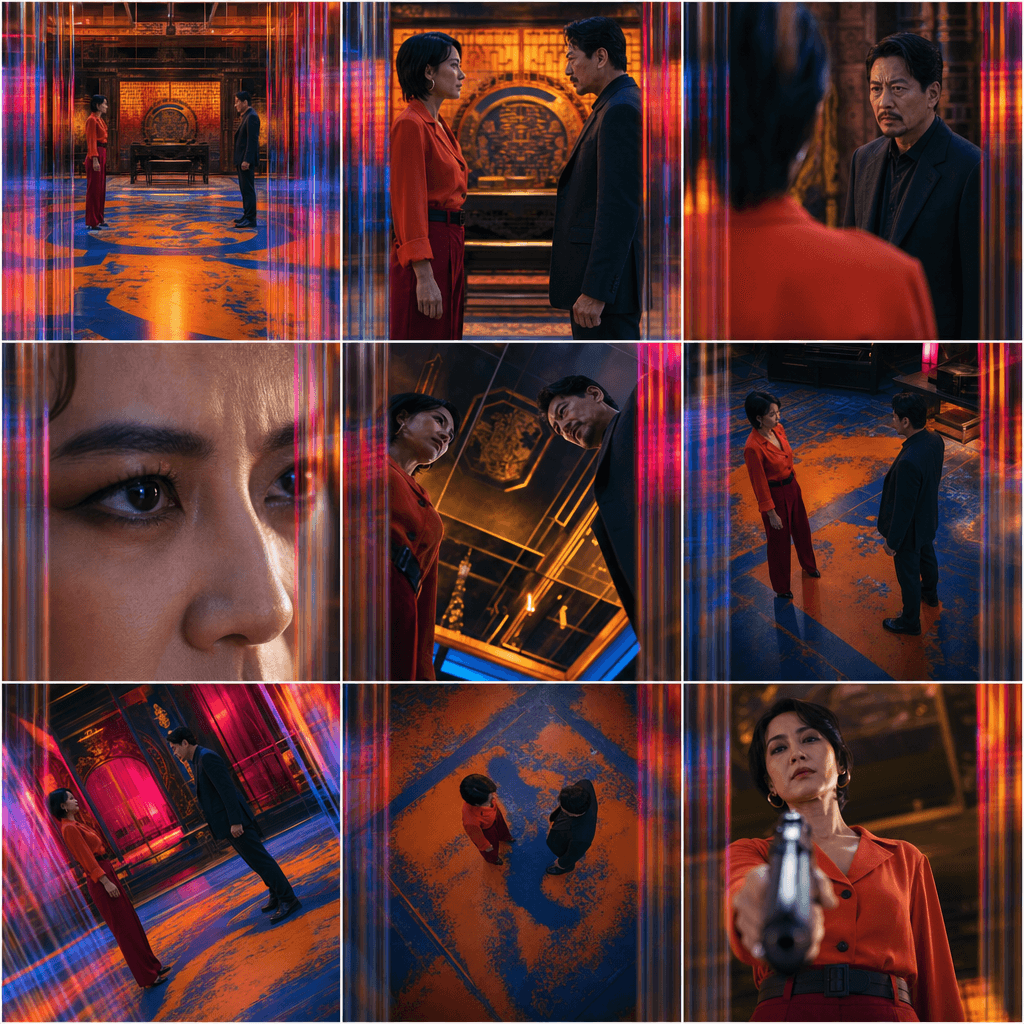
Scene Coverage
See every angle of your scene — before you shoot.
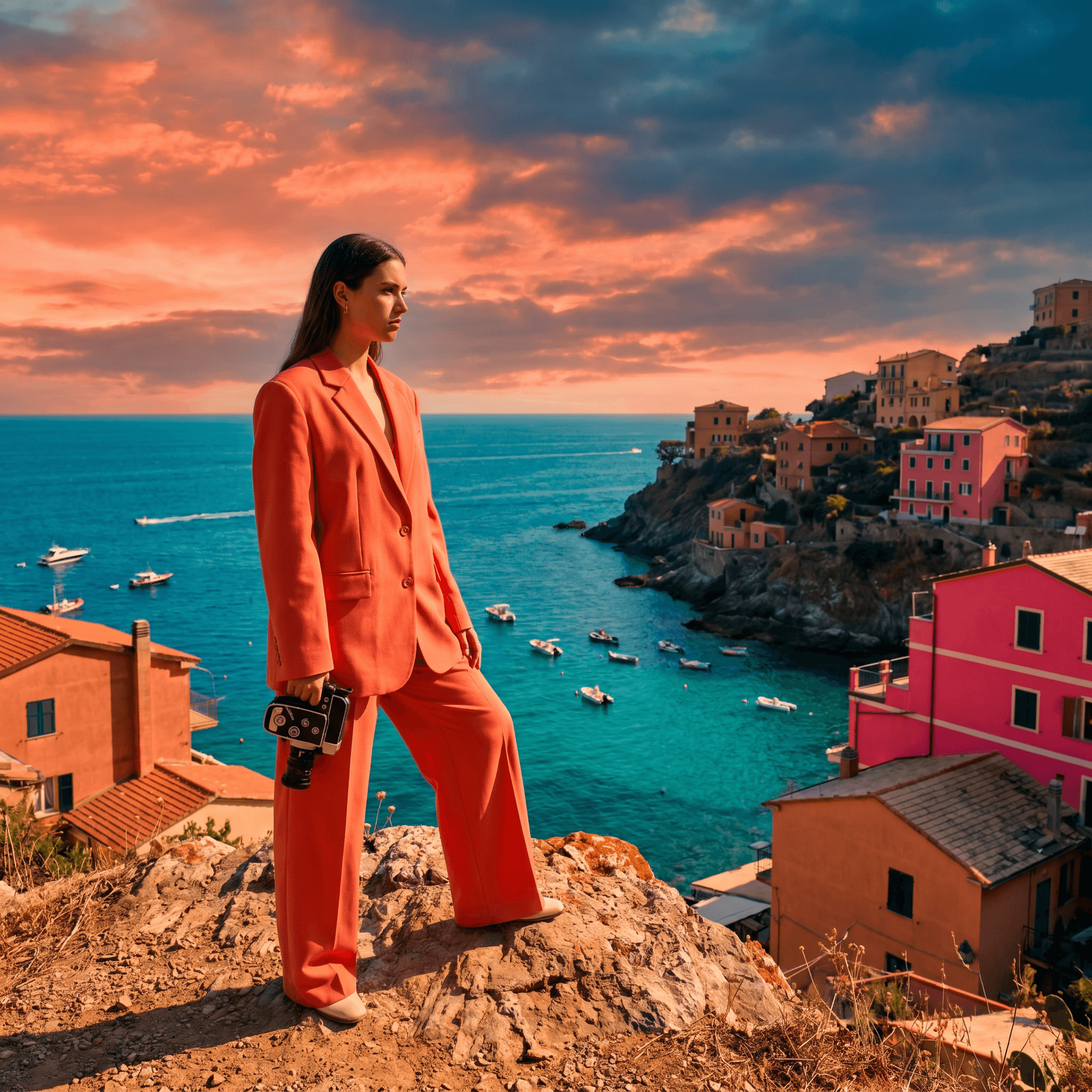
Location Scout
Find the perfect location without leaving your desk.

Storyboard Creator
Your shot list, illustrated. Instantly.

Character Reference Sheet
Consistent characters, every angle, every time.
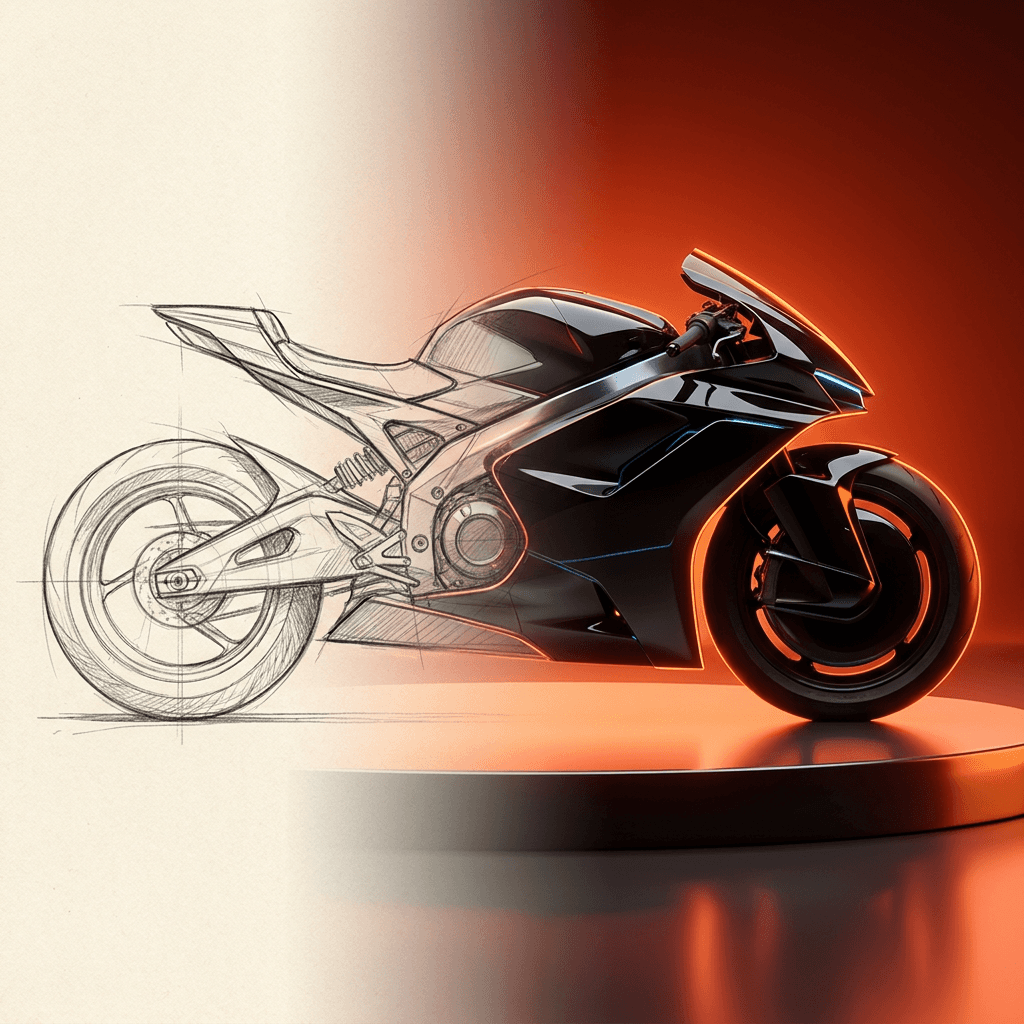
Concept Art from Sketch
From rough idea to polished art in seconds.
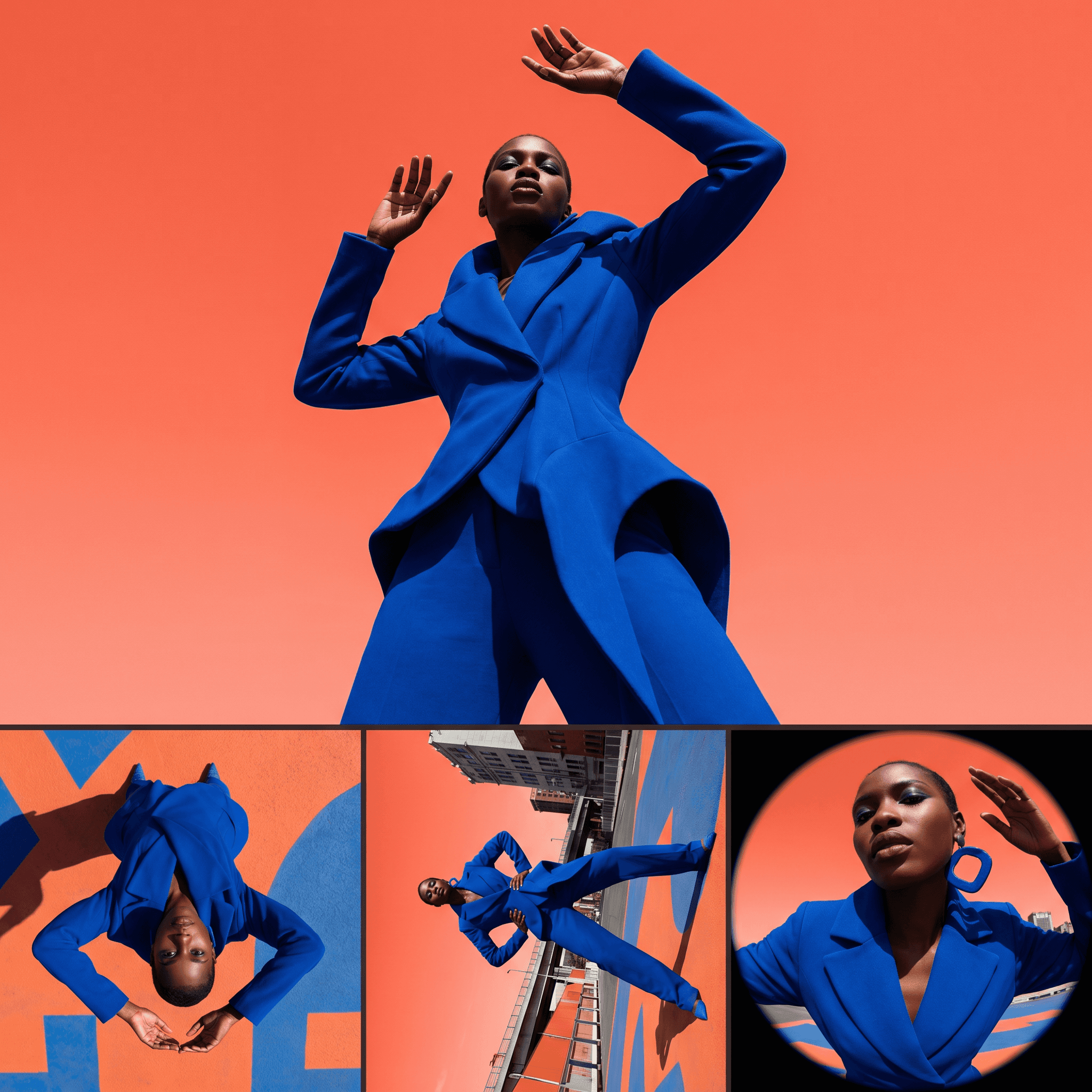
Change Shot Angles
Every angle. No reshoot required.
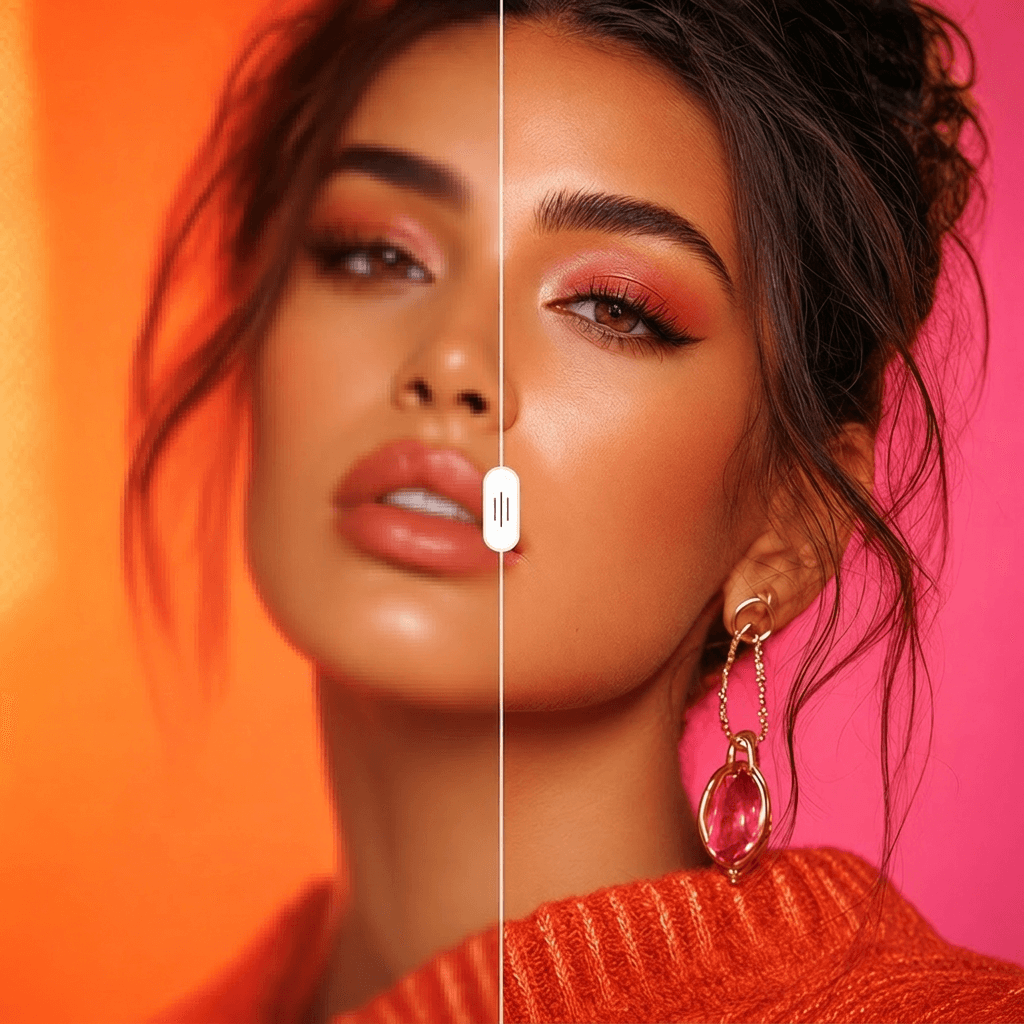
Image Upscaler
Cinema-quality resolution from any image.
More Apps.
Cinematic Scene Creator
Describe any scene. Watch it come alive.
Scene Coverage
See every angle of your scene — before you shoot.
Location Scout
Find the perfect location without leaving your desk.
Storyboard Creator
Your shot list, illustrated. Instantly.
Character Reference Sheet
Consistent characters, every angle, every time.
Concept Art from Sketch
From rough idea to polished art in seconds.