Flashback Filter
Flashback Filter
Magic Lantern's Flashback Filter transforms any modern image or video into the look of a specific decade, the grain and warmth of the 70s, the faded pastels of the 80s, the high-contrast VHS look of the 90s, creating nostalgic, share-worthy content that performs consistently across social media platforms.
Magic Lantern's Flashback Filter transforms any modern image or video into the look of a specific decade, the grain and warmth of the 70s, the faded pastels of the 80s, the high-contrast VHS look of the 90s, creating nostalgic, share-worthy content that performs consistently across social media platforms.
Any decade. Any era. Instantly.
Transform any photo or video into the look of a past decade with AI. 70s film grain, 80s pastels, 90s VHS, nostalgic style in seconds.
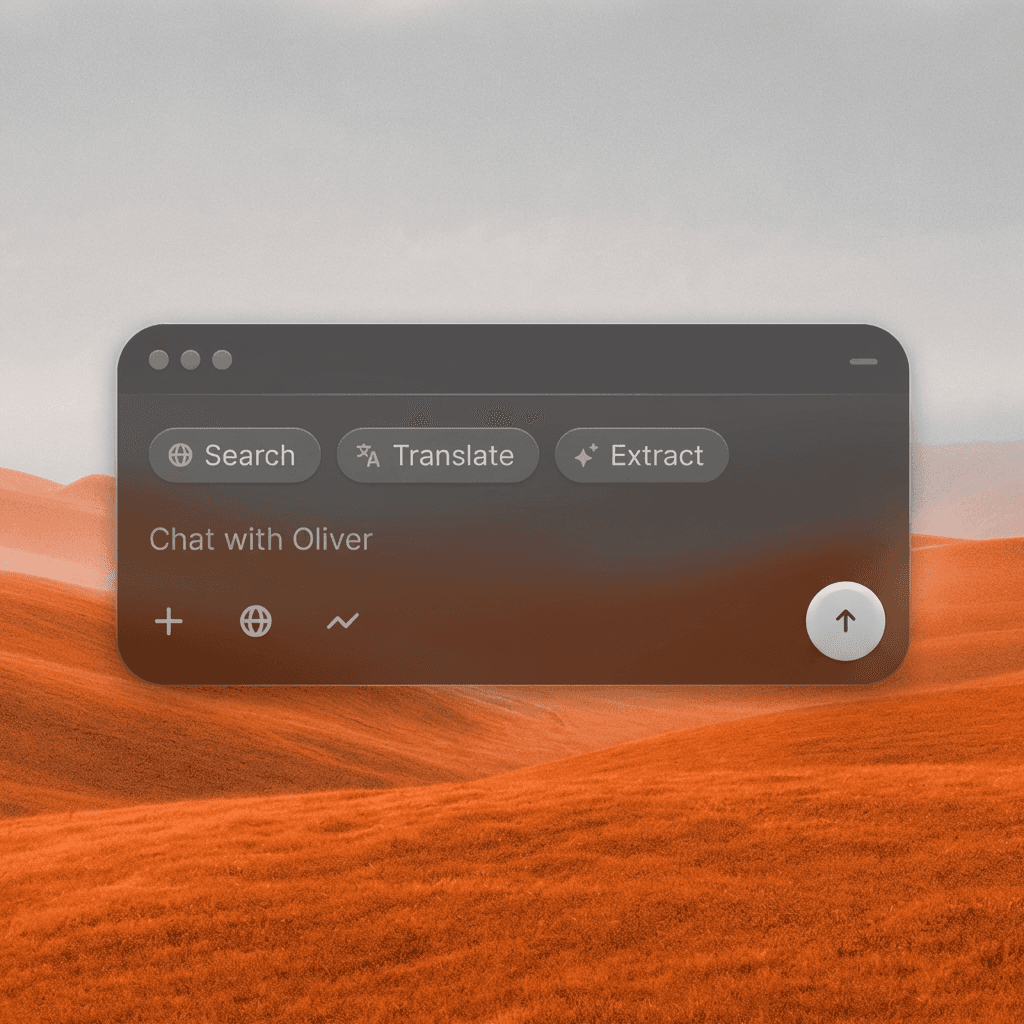
Any Decade, Any Vibe
Apply authentic decade-specific visual treatments to any image or video, the warm grain of 70s Super 8, the neon pastel of 80s video, the blown-out VHS look of the 90s.
Any Decade, Any Vibe
Apply authentic decade-specific visual treatments to any image or video, the warm grain of 70s Super 8, the neon pastel of 80s video, the blown-out VHS look of the 90s.
Nostalgic Content Performs
Nostalgic aesthetics consistently drive high engagement on social media. Flashback Filter gives you an instantly shareable aesthetic that triggers emotional recognition and sharing behavior.
Nostalgic Content Performs
Nostalgic aesthetics consistently drive high engagement on social media. Flashback Filter gives you an instantly shareable aesthetic that triggers emotional recognition and sharing behavior.
Authentic, Not Generic
Unlike basic vintage filters, Flashback Filter applies era-accurate color science, grain structure, chromatic aberration, and contrast ratios for a genuinely period-accurate look.
Authentic, Not Generic
Unlike basic vintage filters, Flashback Filter applies era-accurate color science, grain structure, chromatic aberration, and contrast ratios for a genuinely period-accurate look.
Built for Modern Creators.
Bringing your vision to reality. From passion projects to the big screen.
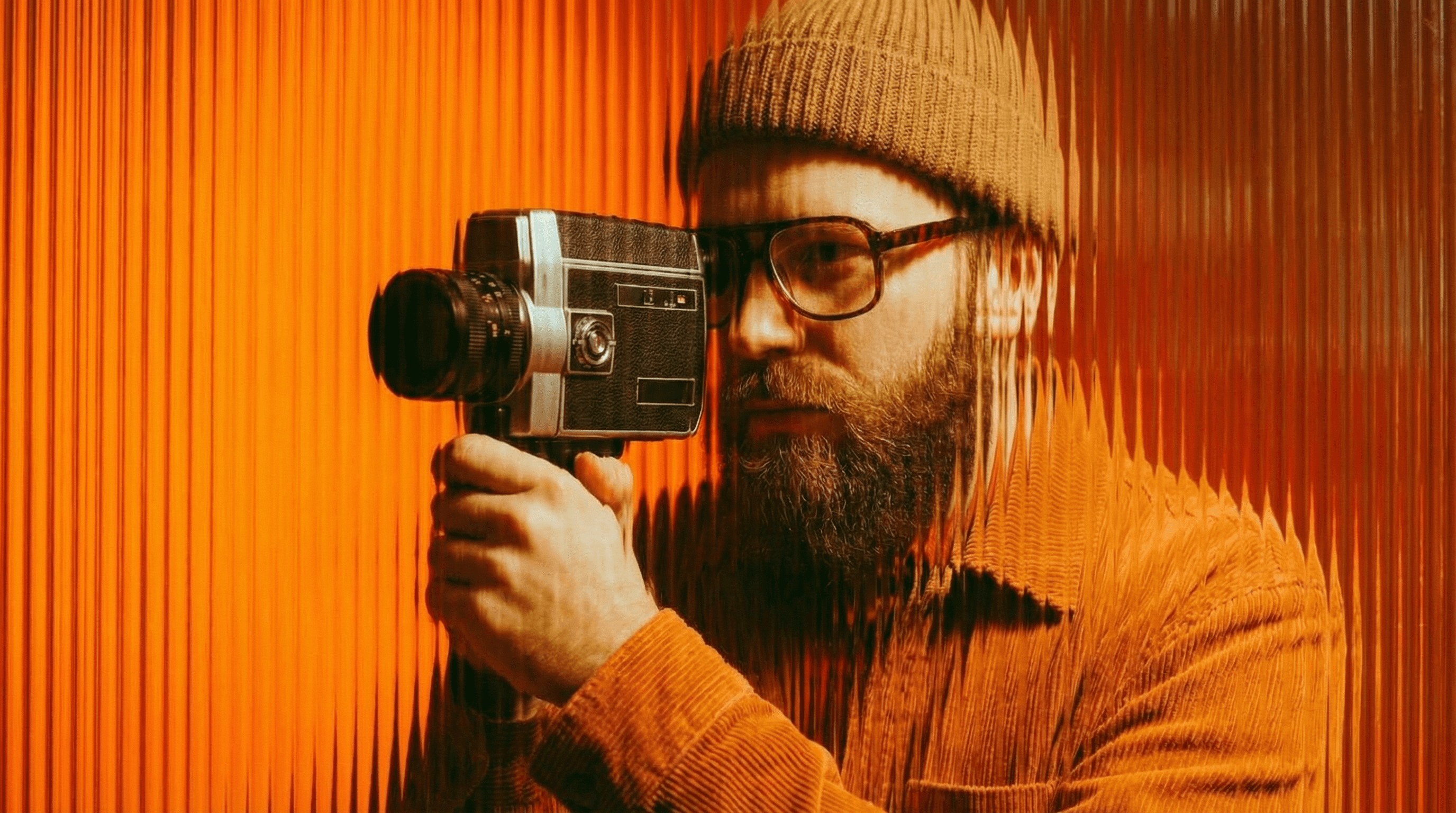
Filmmakers
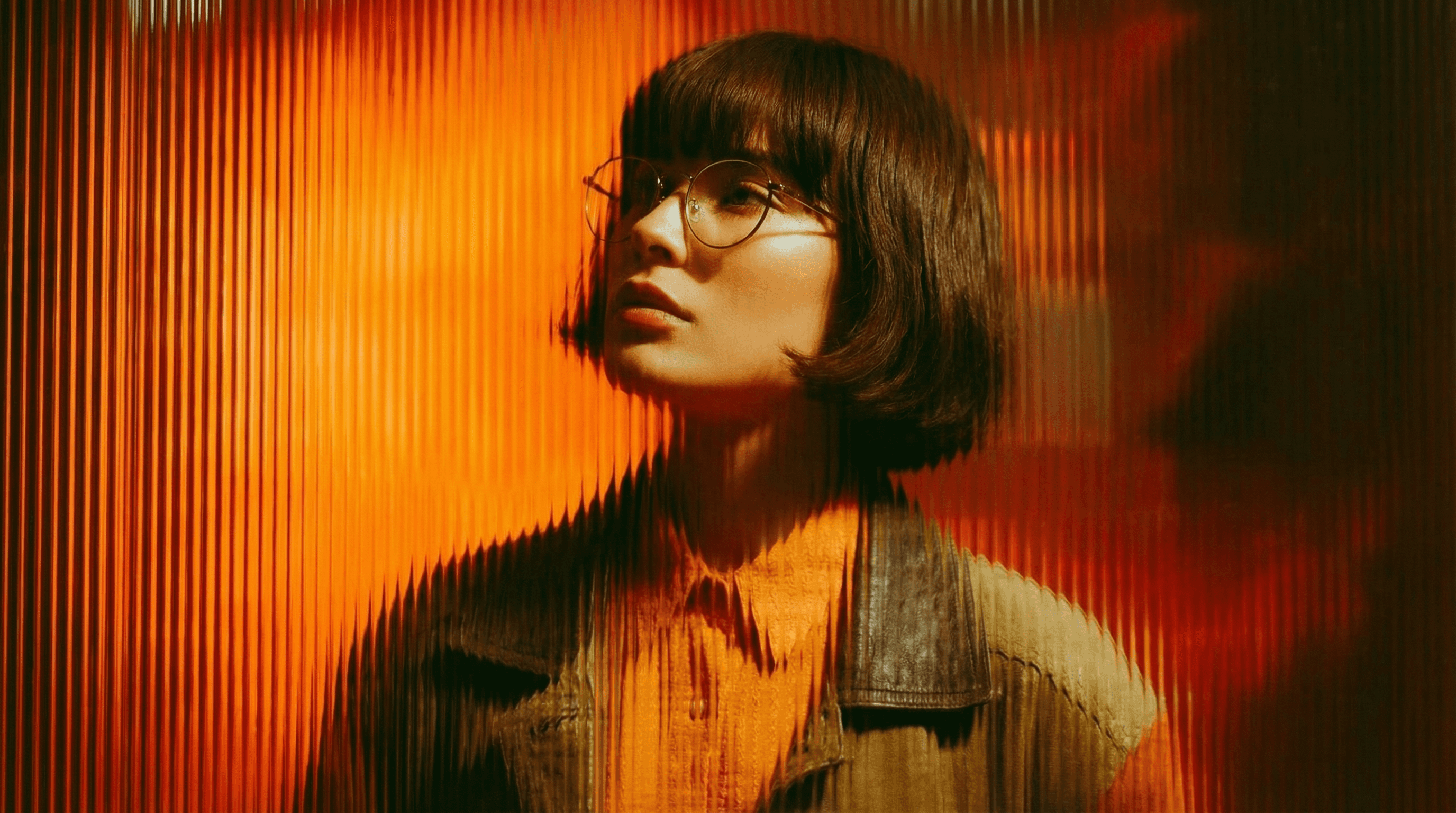
Agencies
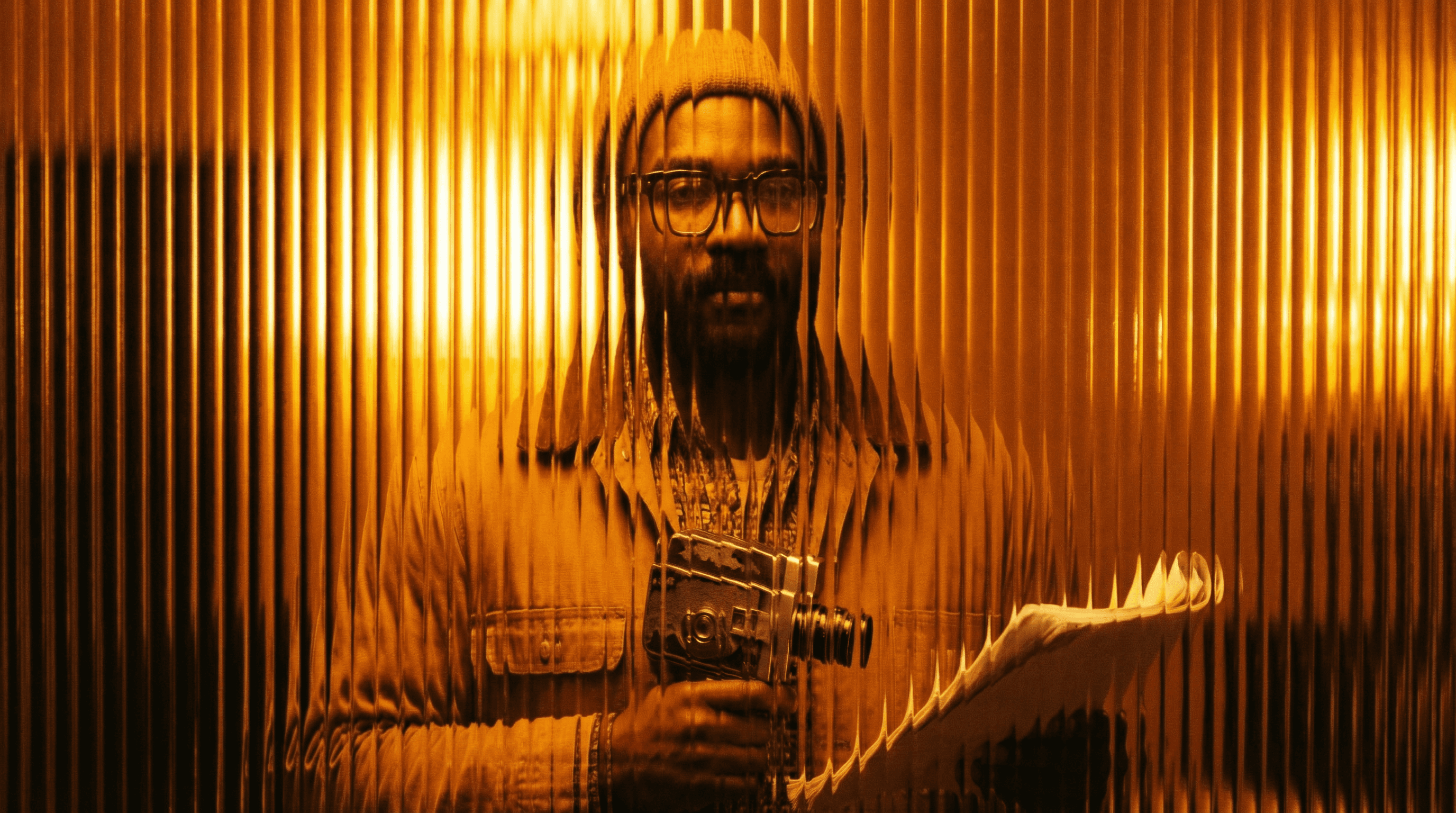
Studios
Built for Modern Creators.
Bringing your vision to reality. From passion projects to the big screen.
Filmmakers
Turn imagination into something you can see. Build the world, shape the characters, and bring your story to life one scene at a time.
Agencies
From pitch deck to production in days, not months.
Studios
Intelligent automation that learns from your workflow. Let AI handle the repetitive tasks.
Storytelling for Any Screen.
FAQs
How does Flashback Filter work?
Upload your image or video, choose your target decade or describe the look you want, and the AI applies a decade-accurate visual treatment, grain, color shift, and all the era-specific details.
Is Flashback Filter free to use?
Yes, you can apply flashback effects on a free Magic Lantern account. Paid plans unlock more decade options, video support, and higher resolution outputs.
What decades and styles are available?
1960s, 1970s (Super 8, Kodachrome), 1980s (VHS, neon), 1990s (disposable camera, VHS tape), 2000s (early digital), and more, with option to describe specific looks.
Can I use Flashback Filter content commercially?
Yes. With a paid Magic Lantern plan, all processed images and videos are cleared for commercial use in advertising, social media campaigns, and branded content.
How is this different from vintage preset packs?
Preset packs apply static adjustments. Flashback Filter uses AI to analyze your specific image and apply period-accurate stylistic treatment that accounts for the content, not just the sliders.
Who is Flashback Filter designed for?
Content creators, social media managers, filmmakers, photographers, marketers, and anyone who wants to tap into the power of nostalgia with visually authentic decade-specific content.
How does Flashback Filter work?
Upload your image or video, choose your target decade or describe the look you want, and the AI applies a decade-accurate visual treatment, grain, color shift, and all the era-specific details.
Is Flashback Filter free to use?
Yes, you can apply flashback effects on a free Magic Lantern account. Paid plans unlock more decade options, video support, and higher resolution outputs.
What decades and styles are available?
1960s, 1970s (Super 8, Kodachrome), 1980s (VHS, neon), 1990s (disposable camera, VHS tape), 2000s (early digital), and more, with option to describe specific looks.
Can I use Flashback Filter content commercially?
Yes. With a paid Magic Lantern plan, all processed images and videos are cleared for commercial use in advertising, social media campaigns, and branded content.
How is this different from vintage preset packs?
Preset packs apply static adjustments. Flashback Filter uses AI to analyze your specific image and apply period-accurate stylistic treatment that accounts for the content, not just the sliders.
Who is Flashback Filter designed for?
Content creators, social media managers, filmmakers, photographers, marketers, and anyone who wants to tap into the power of nostalgia with visually authentic decade-specific content.
More Apps.
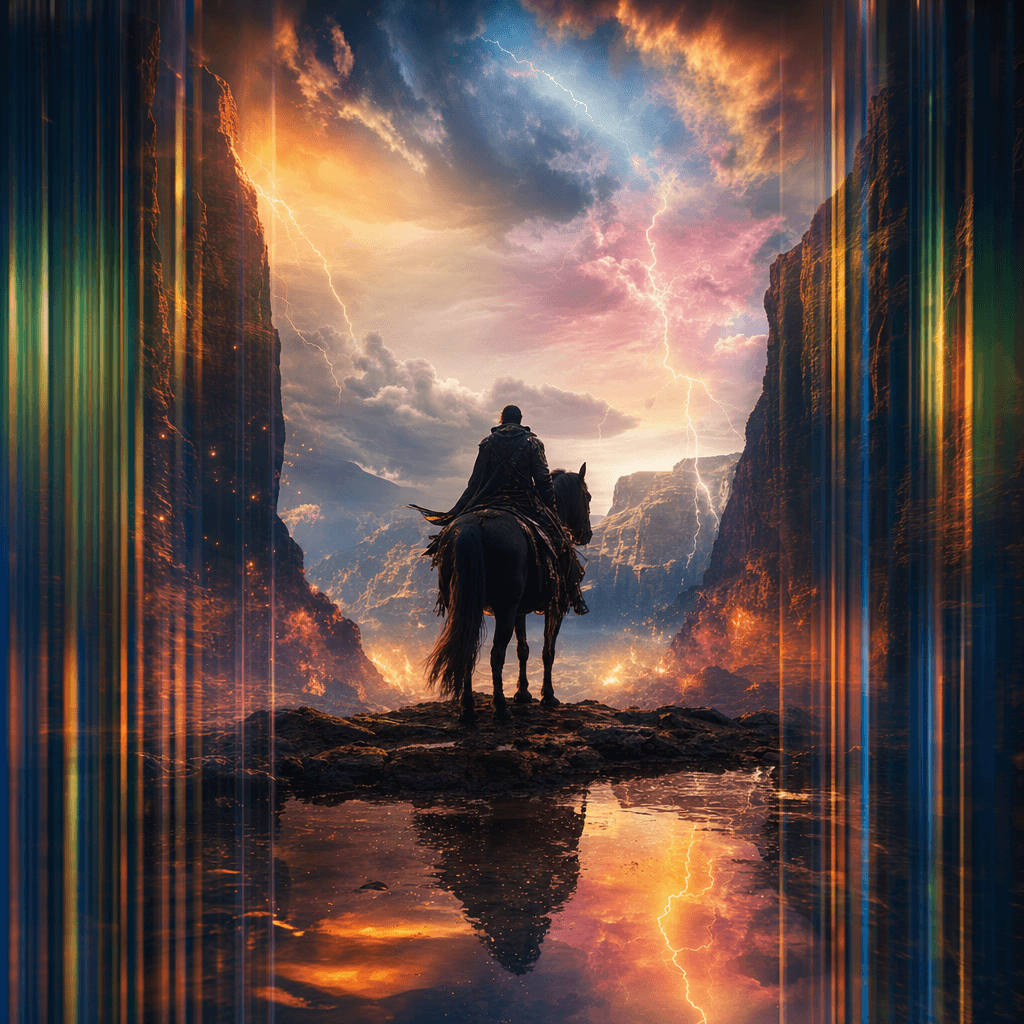
Cinematic Scene Creator
Describe any scene. Watch it come alive.
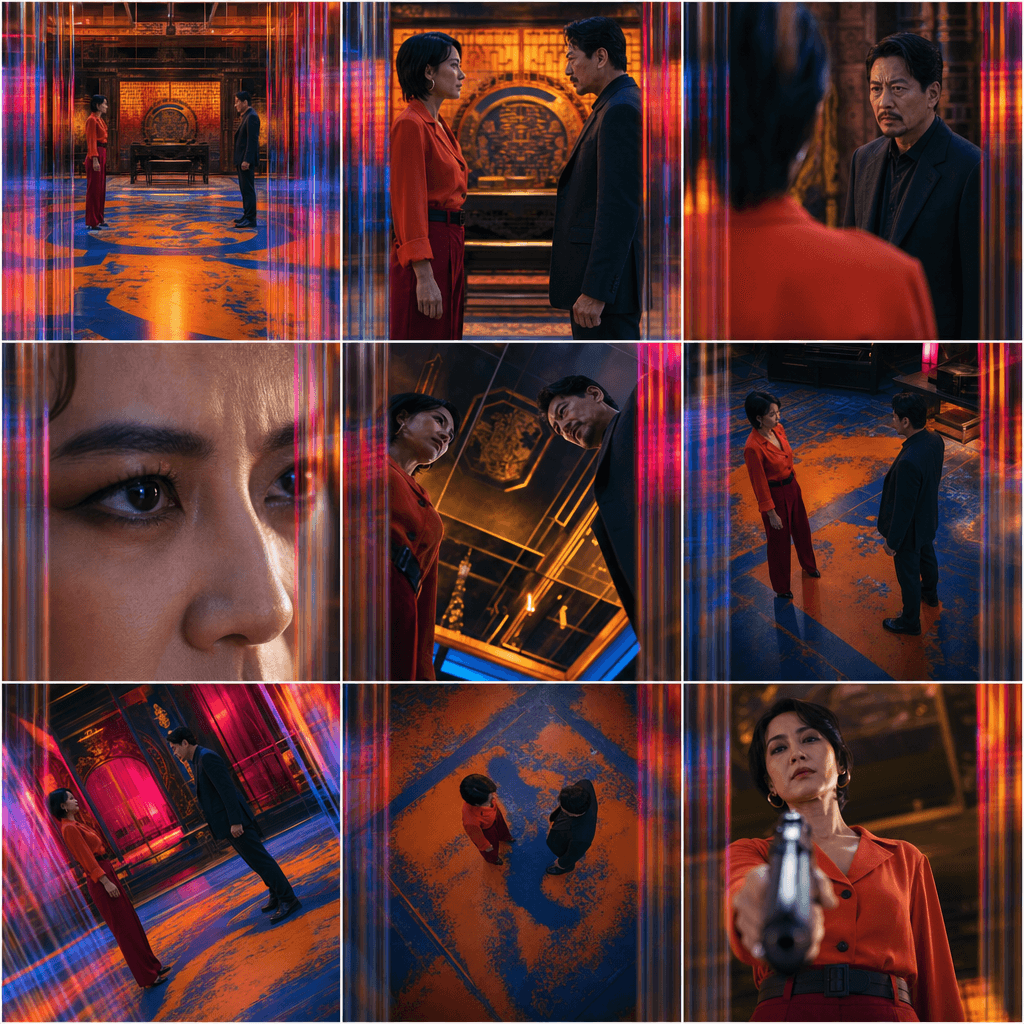
Scene Coverage
See every angle of your scene — before you shoot.
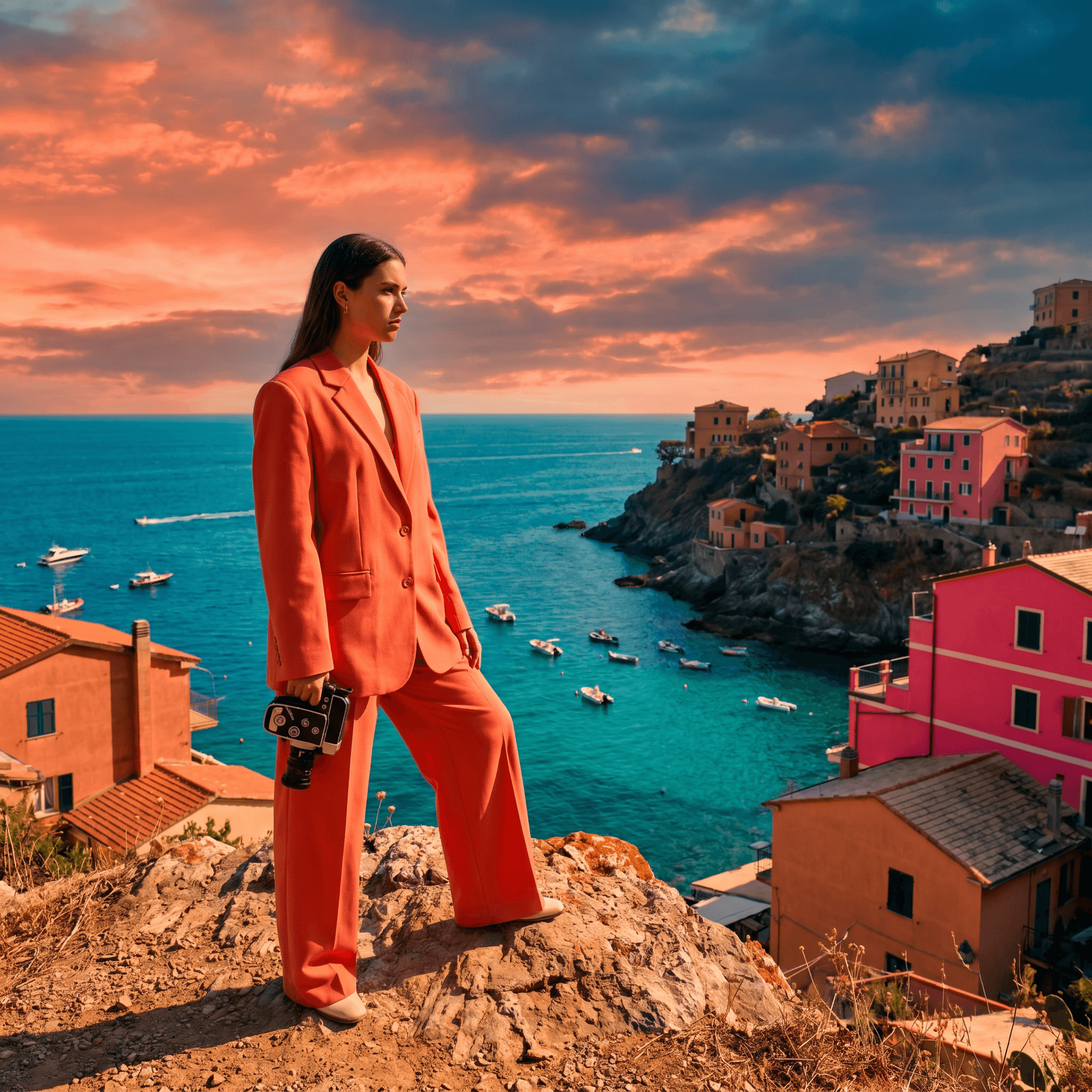
Location Scout
Find the perfect location without leaving your desk.

Storyboard Creator
Your shot list, illustrated. Instantly.
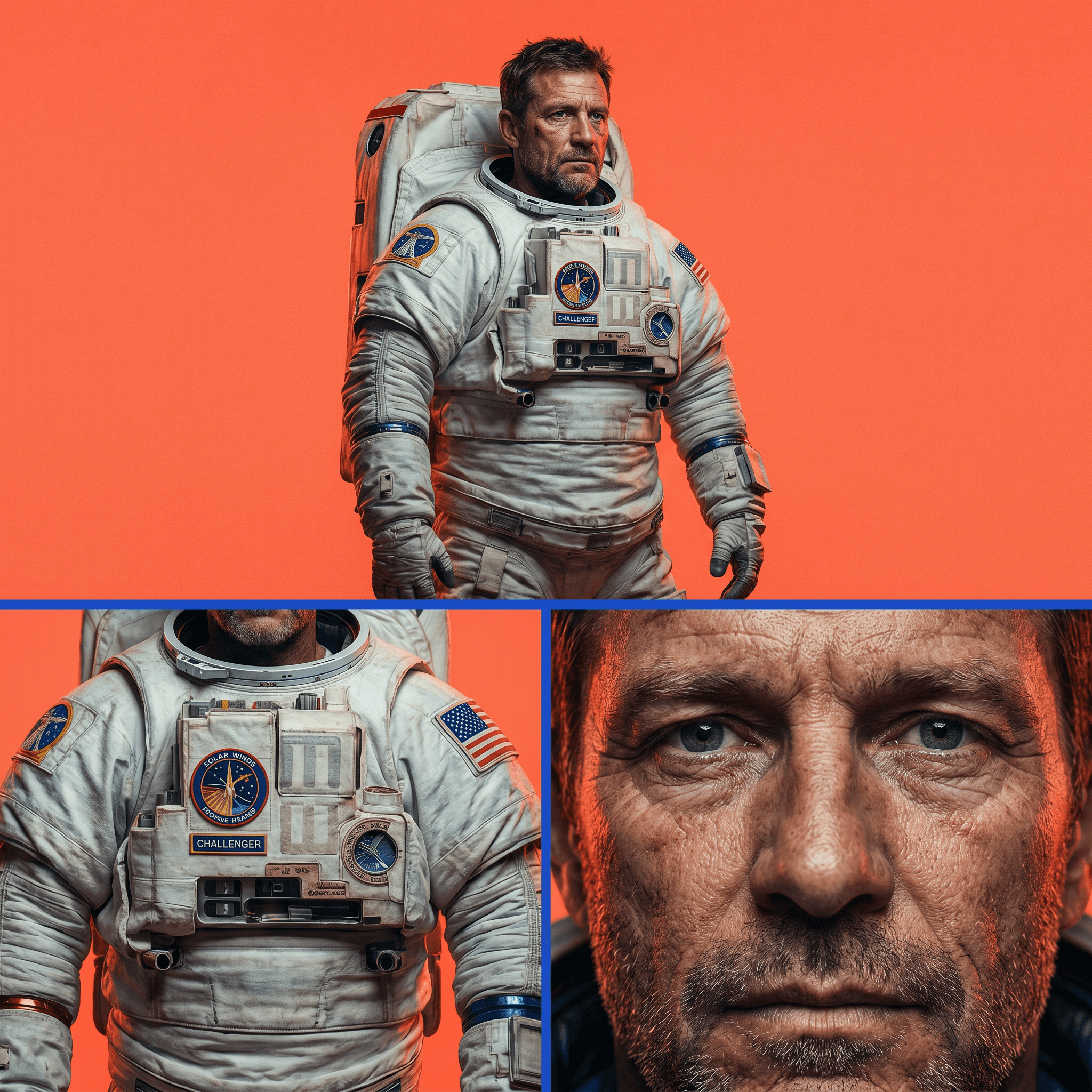
Character Reference Sheet
Consistent characters, every angle, every time.
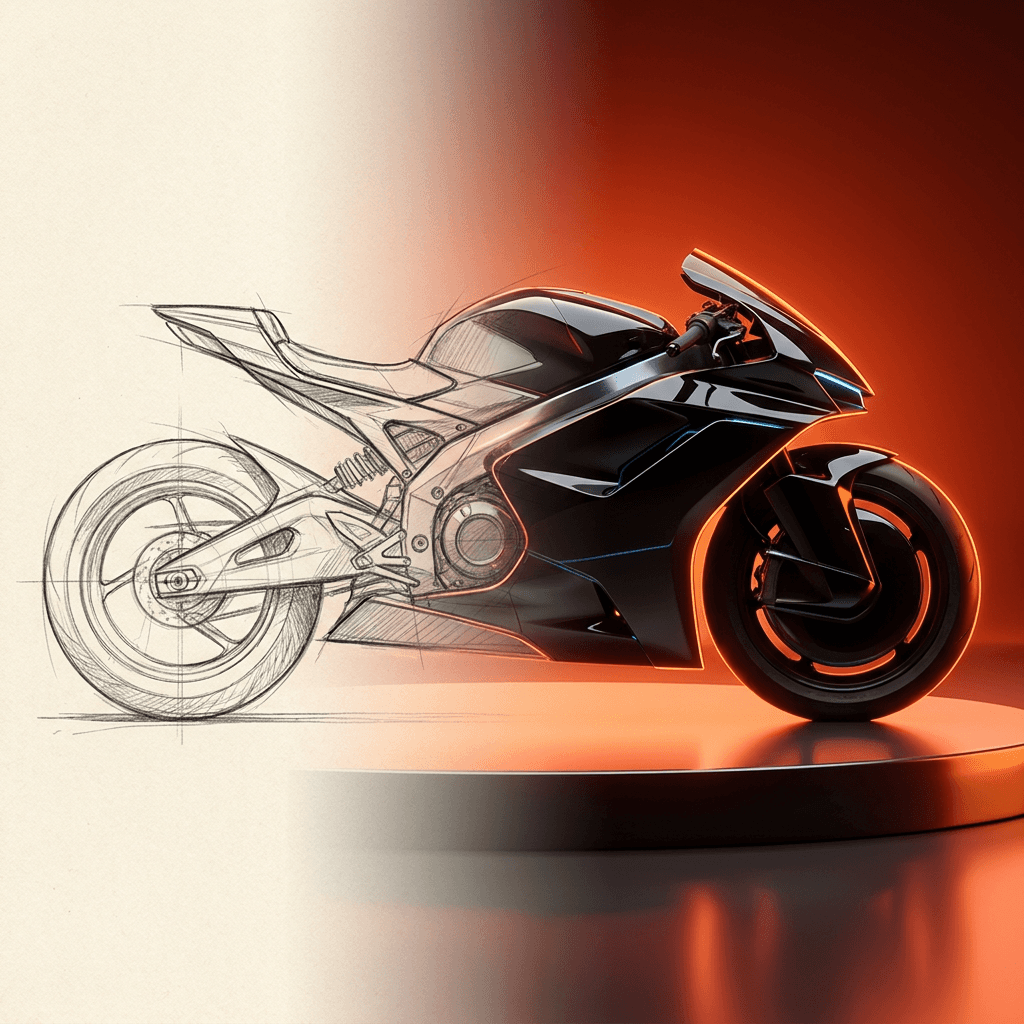
Concept Art from Sketch
From rough idea to polished art in seconds.
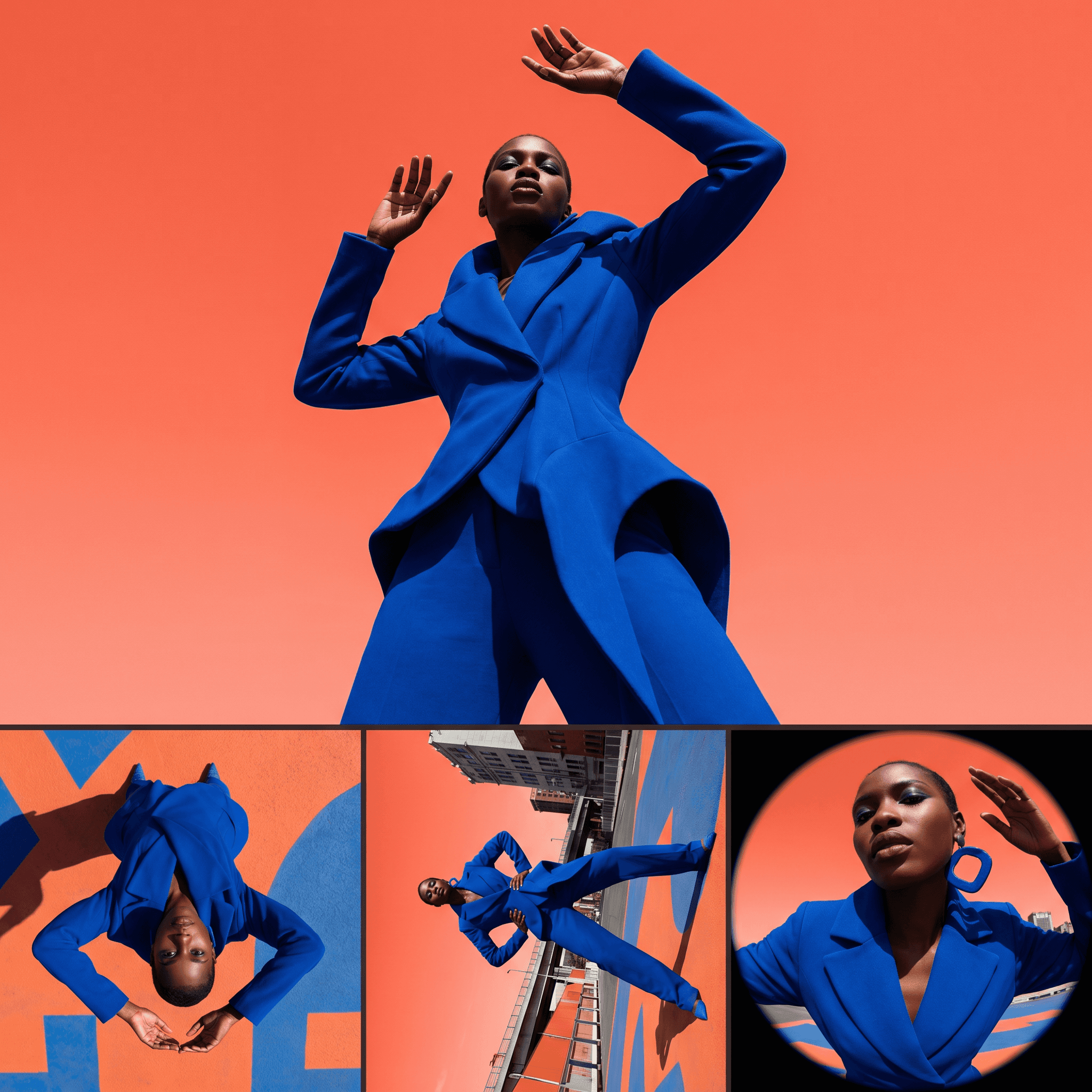
Change Shot Angles
Every angle. No reshoot required.
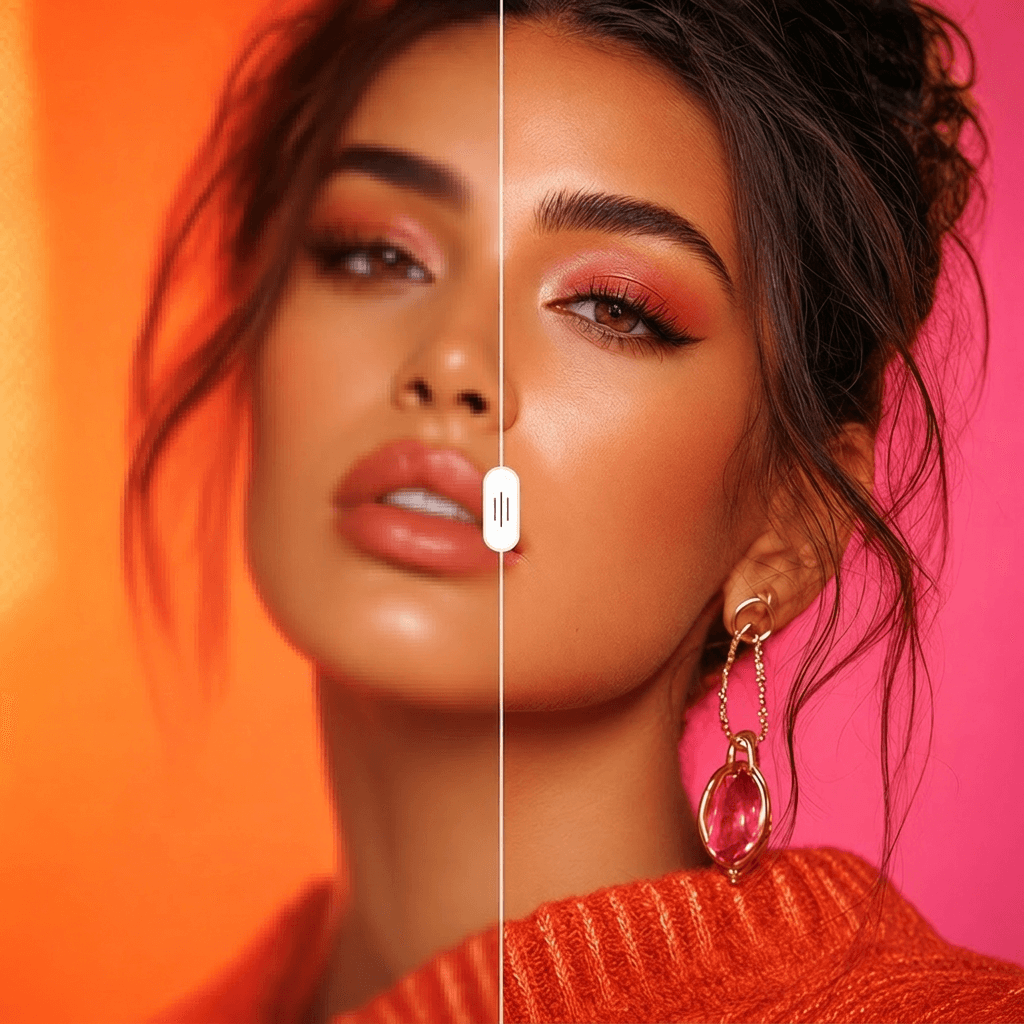
Image Upscaler
Cinema-quality resolution from any image.
More Apps.
Cinematic Scene Creator
Describe any scene. Watch it come alive.
Scene Coverage
See every angle of your scene — before you shoot.
Location Scout
Find the perfect location without leaving your desk.
Storyboard Creator
Your shot list, illustrated. Instantly.
Character Reference Sheet
Consistent characters, every angle, every time.
Concept Art from Sketch
From rough idea to polished art in seconds.