Image to Video
Image to Video
Magic Lantern's Image to Video app breathes life into any still image, adding naturalistic motion, subtle animation, and cinematic movement to bring your photos, illustrations, and AI-generated images off the screen. Turn a single frame into living, moving content in seconds.
Magic Lantern's Image to Video app breathes life into any still image, adding naturalistic motion, subtle animation, and cinematic movement to bring your photos, illustrations, and AI-generated images off the screen. Turn a single frame into living, moving content in seconds.
Your still image, now moving.
Turn any image into a video with AI. Add natural motion, camera moves, and cinematic animation to photos and illustrations, in seconds.
Still Images, Now Moving
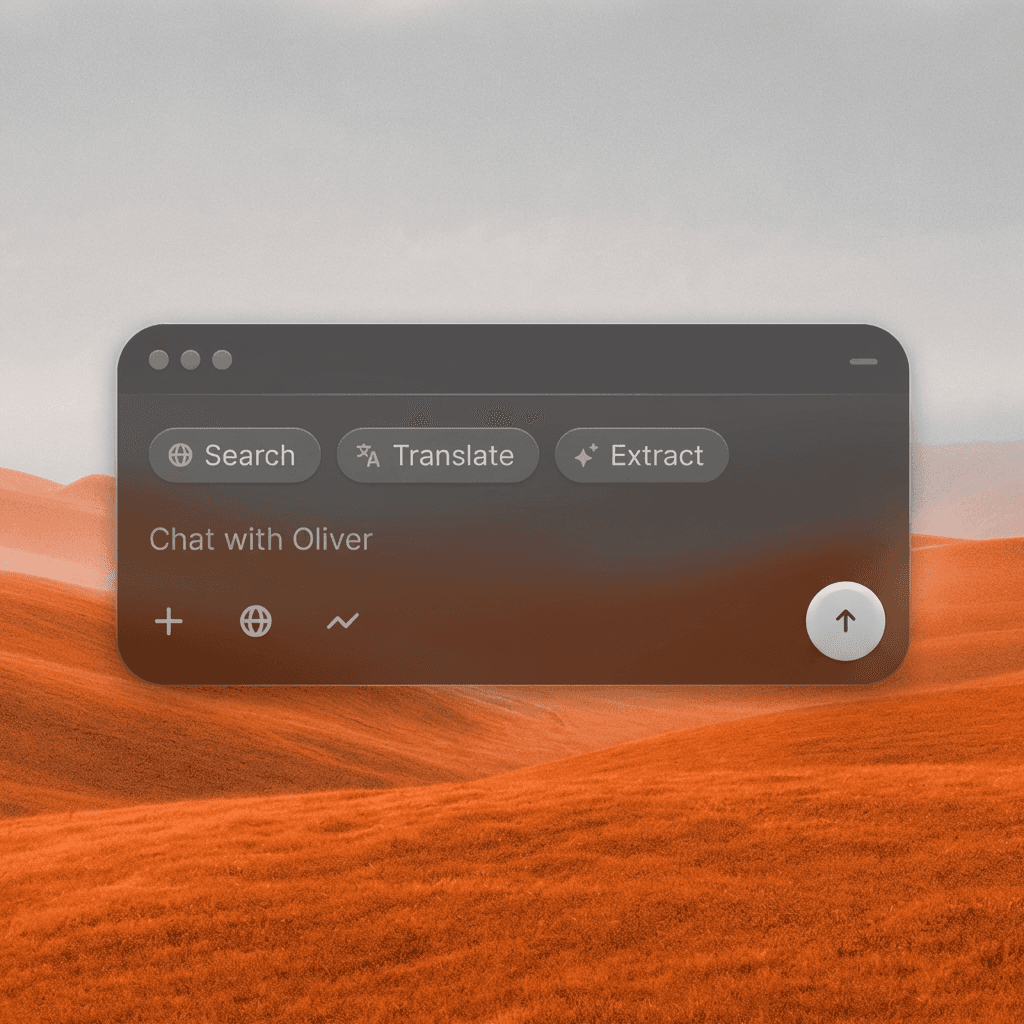
Upload any image and describe the motion you want, a gentle breeze, a slow camera push, flowing hair, rising smoke, and the AI animates your still with natural, cinematic movement.
Still Images, Now Moving
Upload any image and describe the motion you want, a gentle breeze, a slow camera push, flowing hair, rising smoke, and the AI animates your still with natural, cinematic movement.
Camera Motion Control
Add professional camera moves to your animation, slow zooms, gentle pans, orbital movements, or a subtle handheld drift, to give your video a lived-in, cinematic feel.
Camera Motion Control
Add professional camera moves to your animation, slow zooms, gentle pans, orbital movements, or a subtle handheld drift, to give your video a lived-in, cinematic feel.
Any Image, Any Style
Works on photographs, AI-generated images, illustrations, concept art, product shots, and portraits. Whatever your source image, we bring it into motion.
Any Image, Any Style
Works on photographs, AI-generated images, illustrations, concept art, product shots, and portraits. Whatever your source image, we bring it into motion.
Built for Modern Creators.
Bringing your vision to reality. From passion projects to the big screen.
Filmmakers
Agencies
Studios
Built for Modern Creators.
Bringing your vision to reality. From passion projects to the big screen.
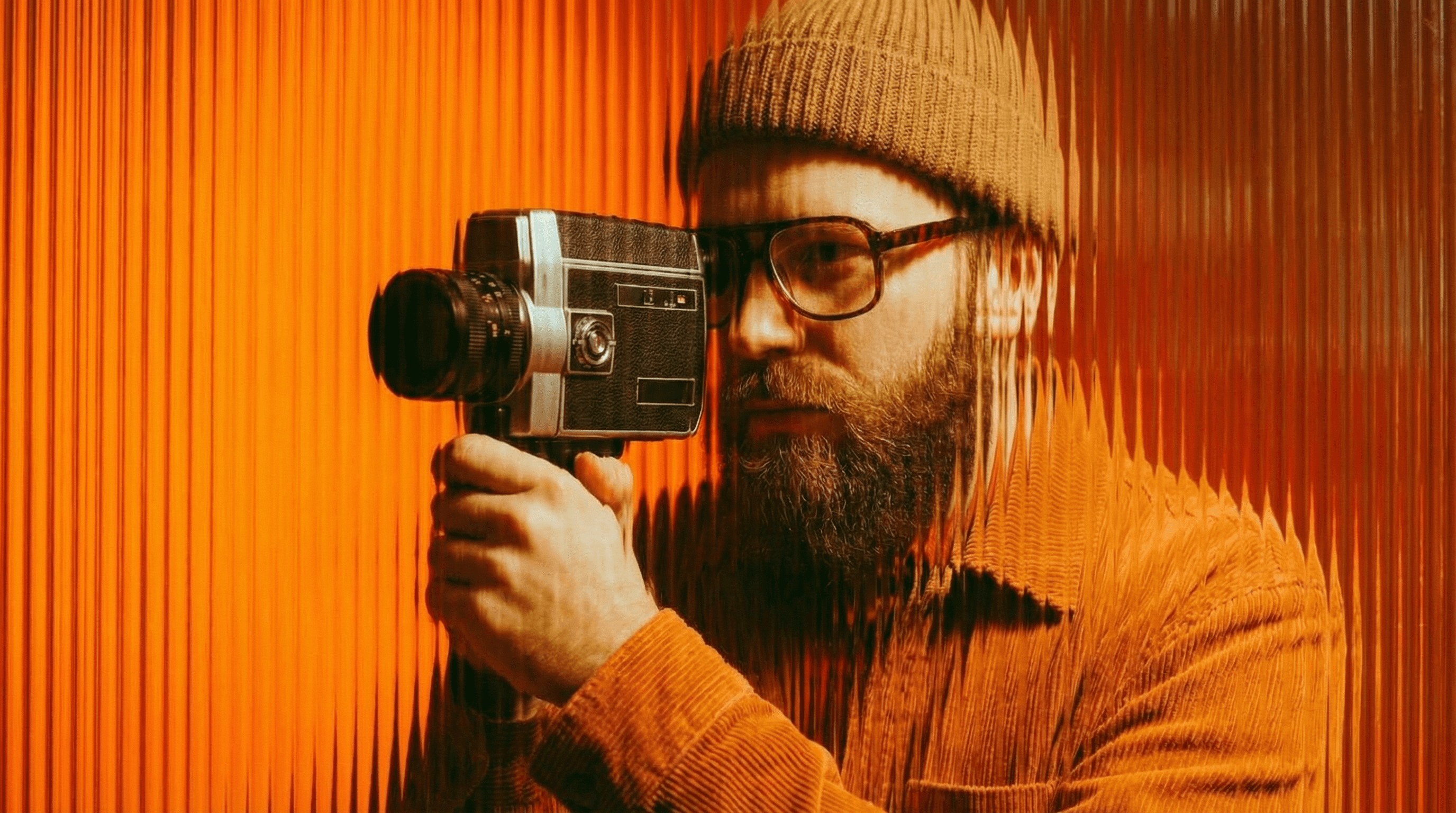
Filmmakers
Turn imagination into something you can see. Build the world, shape the characters, and bring your story to life one scene at a time.
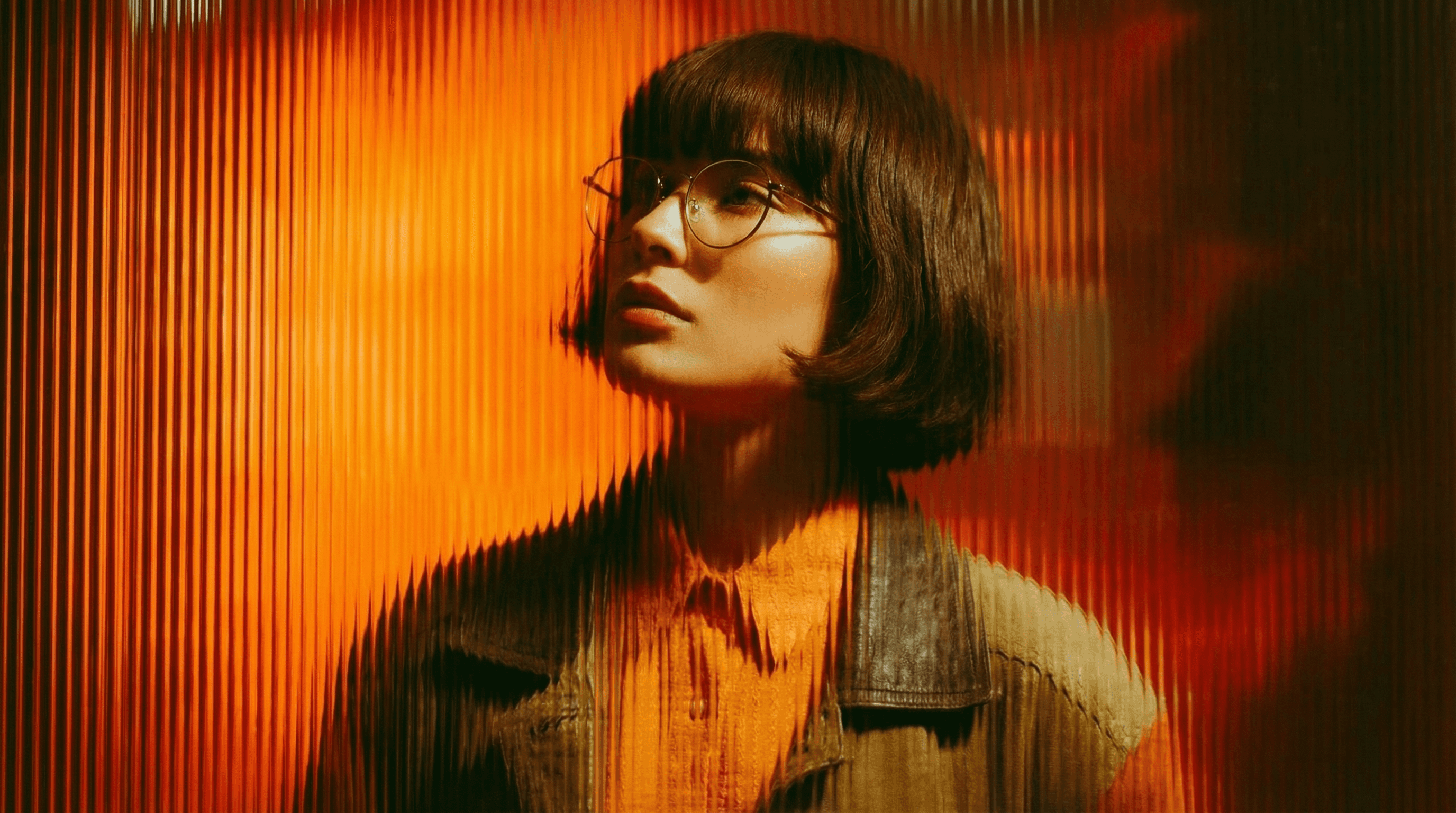
Agencies
From pitch deck to production in days, not months.
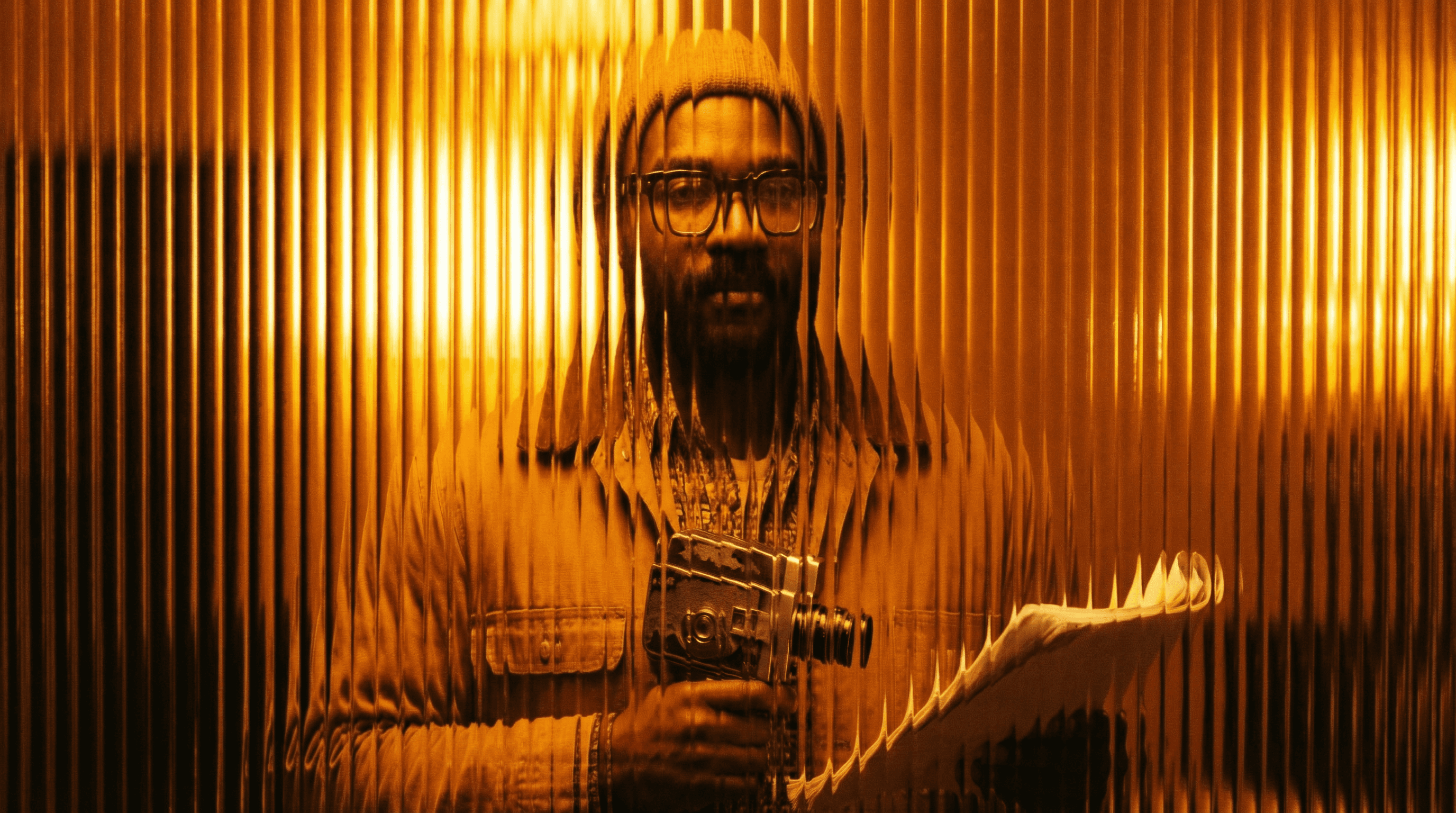
Studios
Intelligent automation that learns from your workflow. Let AI handle the repetitive tasks.
Storytelling for Any Screen.
FAQs
How does Image to Video work?
Upload your image and describe the type of motion you want, subject movement, camera motion, environmental effects. The AI generates a short video clip animating your still.
Is Image to Video free to use?
Yes, basic image animation is available on a free Magic Lantern account. Paid plans unlock higher resolution, longer duration clips, and more complex motion control.
What kinds of images work best?
Portrait shots, landscapes, product images, concept art, cinematic stills, and illustrated characters. Clearer subject separation leads to more precise motion control.
Can I use image-to-video clips commercially?
Yes. With a paid Magic Lantern plan, all animated clips are cleared for commercial use in social media, advertising, and branded content.
How long are the generated videos?
Clips are typically 3-8 seconds, ideal for social media loops, GIF-style animations, and motion backgrounds. Longer clips are available on premium plans.
Who is Image to Video designed for?
Content creators, social media managers, filmmakers, digital marketers, photographers, and anyone who wants to add motion to their still image content.
How does Image to Video work?
Upload your image and describe the type of motion you want, subject movement, camera motion, environmental effects. The AI generates a short video clip animating your still.
Is Image to Video free to use?
Yes, basic image animation is available on a free Magic Lantern account. Paid plans unlock higher resolution, longer duration clips, and more complex motion control.
What kinds of images work best?
Portrait shots, landscapes, product images, concept art, cinematic stills, and illustrated characters. Clearer subject separation leads to more precise motion control.
Can I use image-to-video clips commercially?
Yes. With a paid Magic Lantern plan, all animated clips are cleared for commercial use in social media, advertising, and branded content.
How long are the generated videos?
Clips are typically 3-8 seconds, ideal for social media loops, GIF-style animations, and motion backgrounds. Longer clips are available on premium plans.
Who is Image to Video designed for?
Content creators, social media managers, filmmakers, digital marketers, photographers, and anyone who wants to add motion to their still image content.
More Apps.
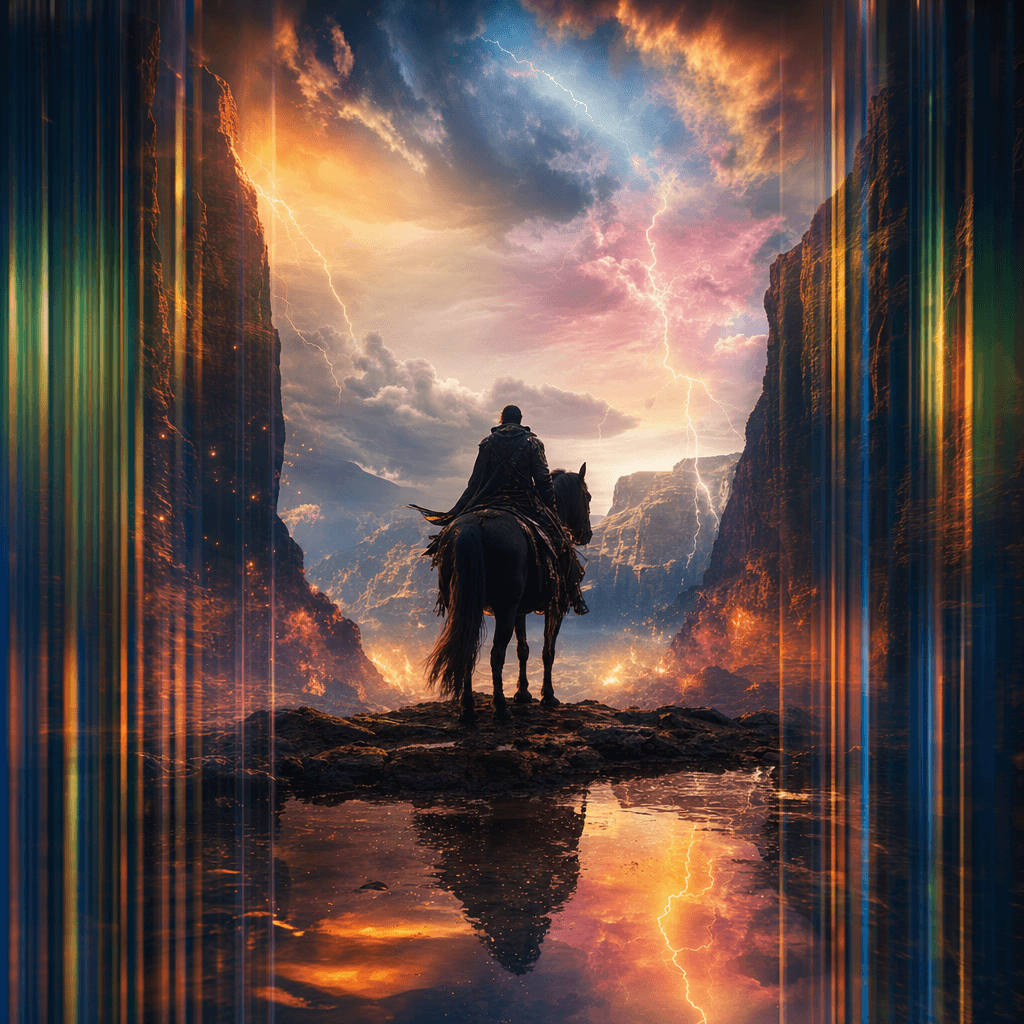
Cinematic Scene Creator
Describe any scene. Watch it come alive.
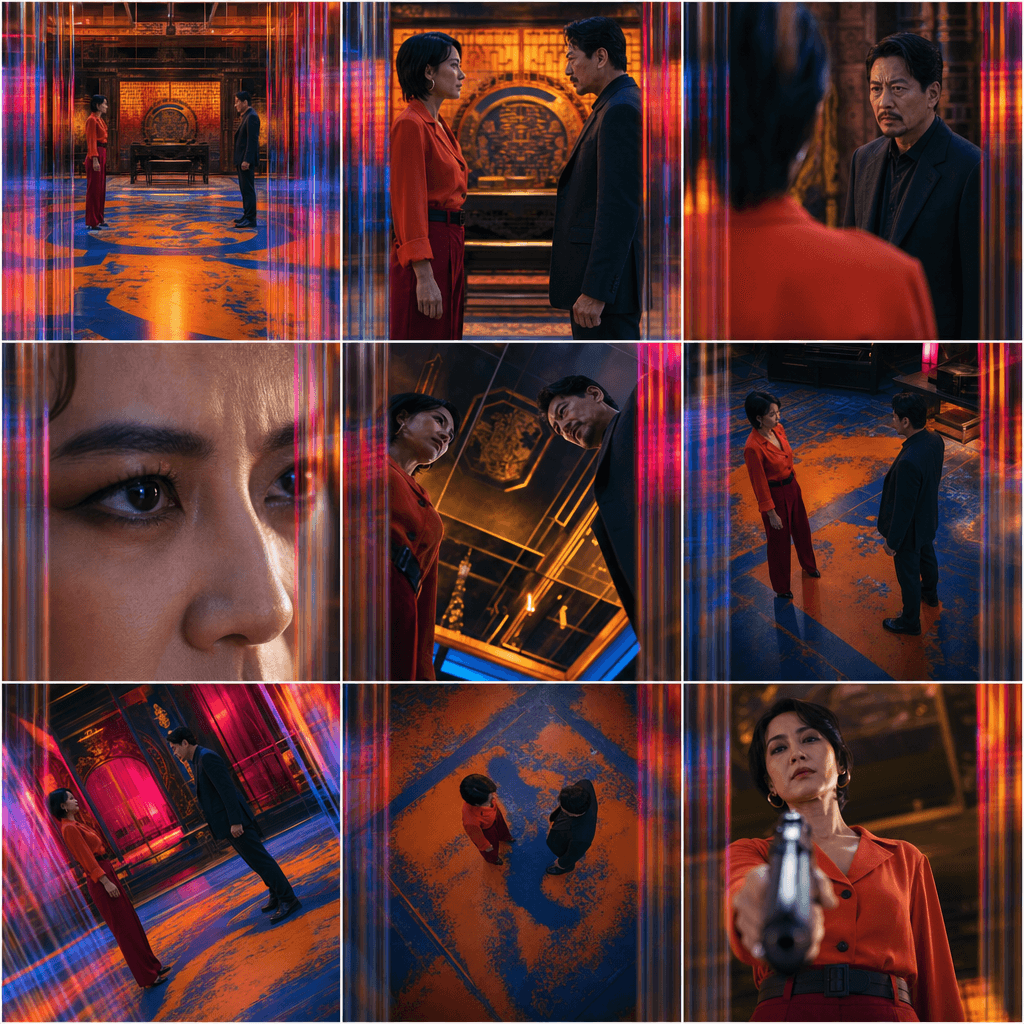
Scene Coverage
See every angle of your scene — before you shoot.
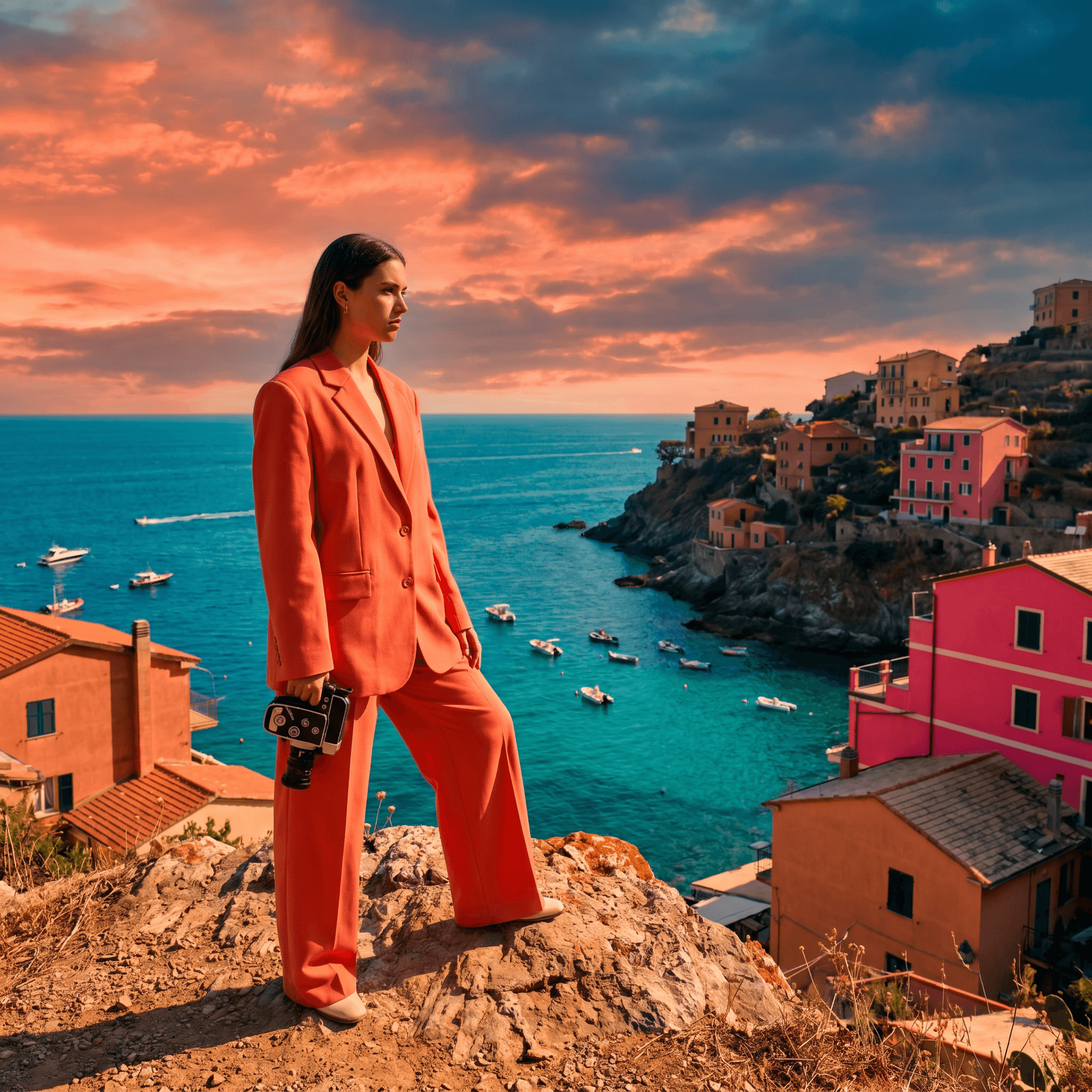
Location Scout
Find the perfect location without leaving your desk.

Storyboard Creator
Your shot list, illustrated. Instantly.
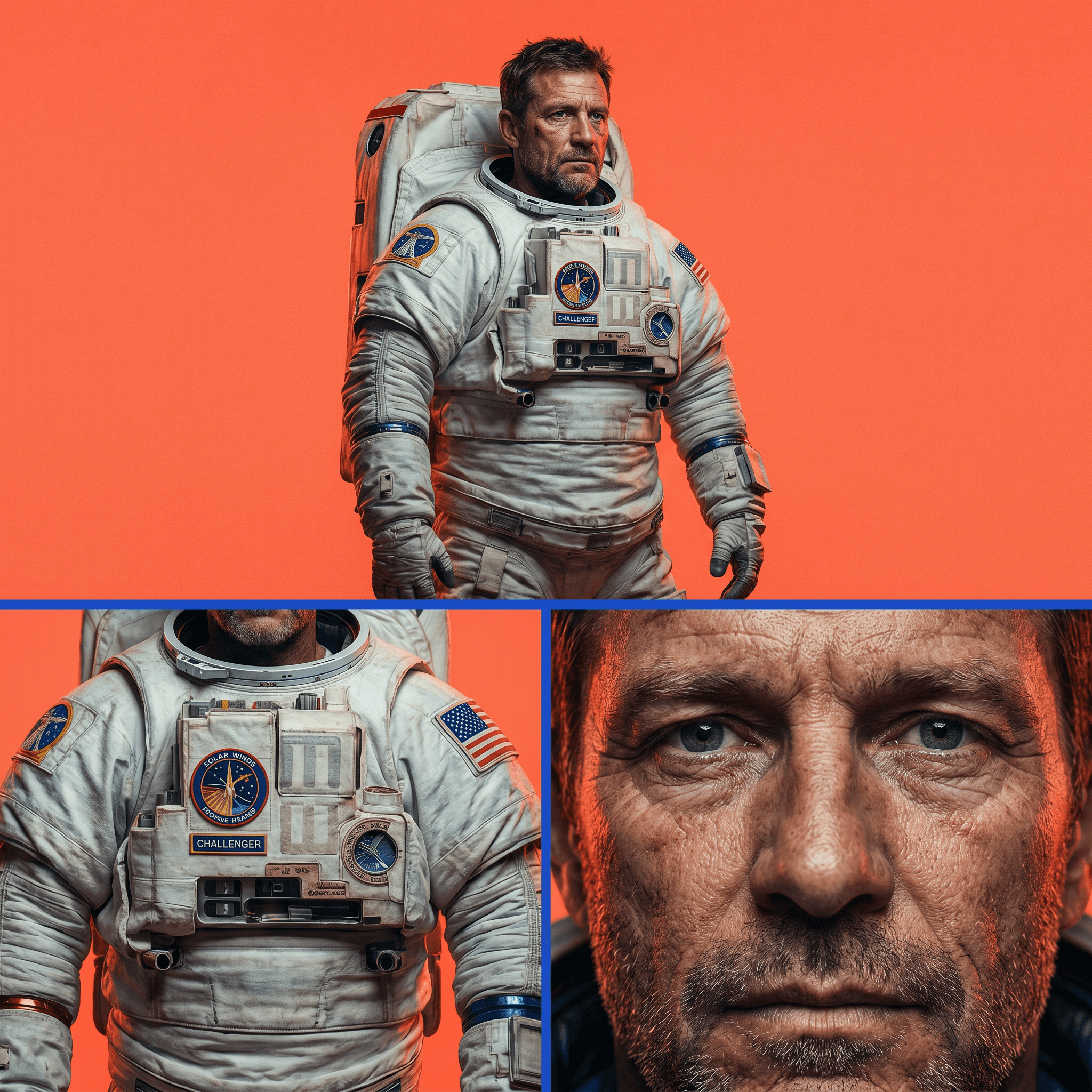
Character Reference Sheet
Consistent characters, every angle, every time.
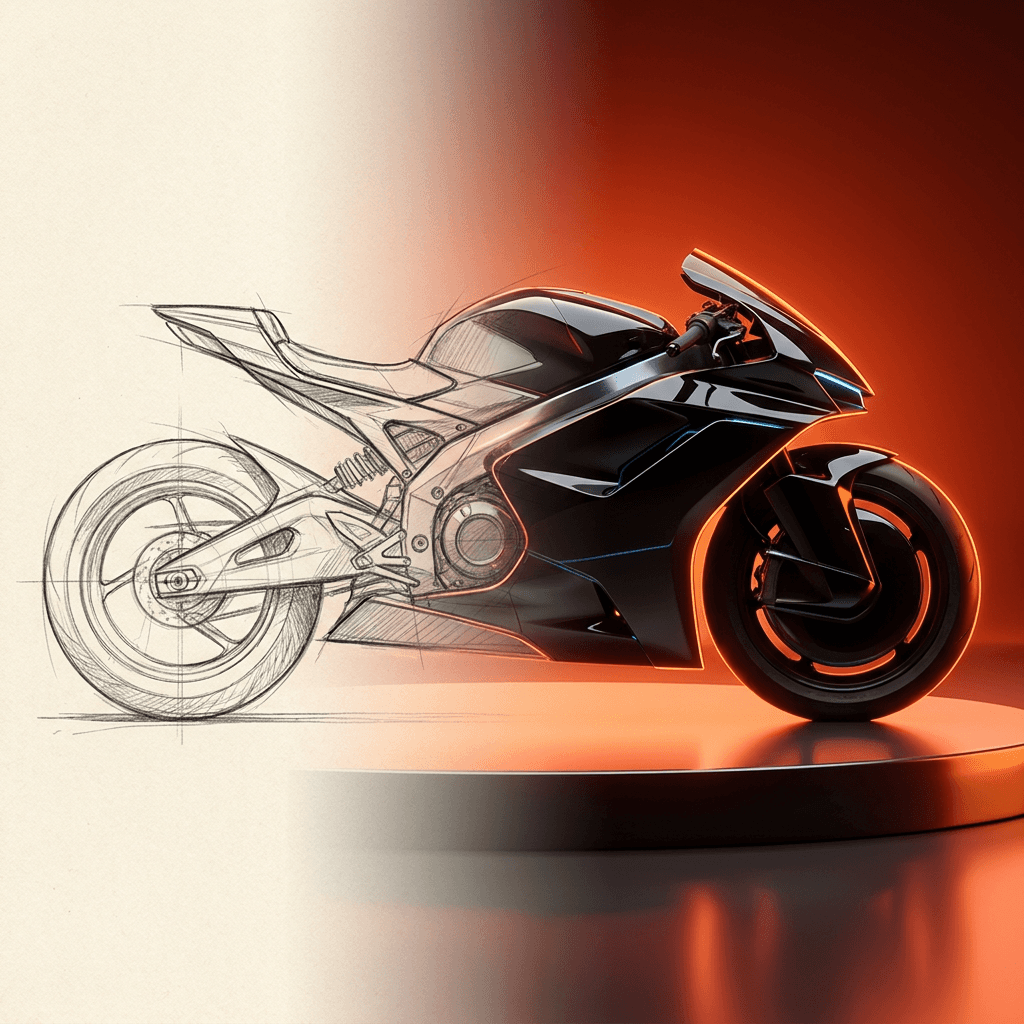
Concept Art from Sketch
From rough idea to polished art in seconds.
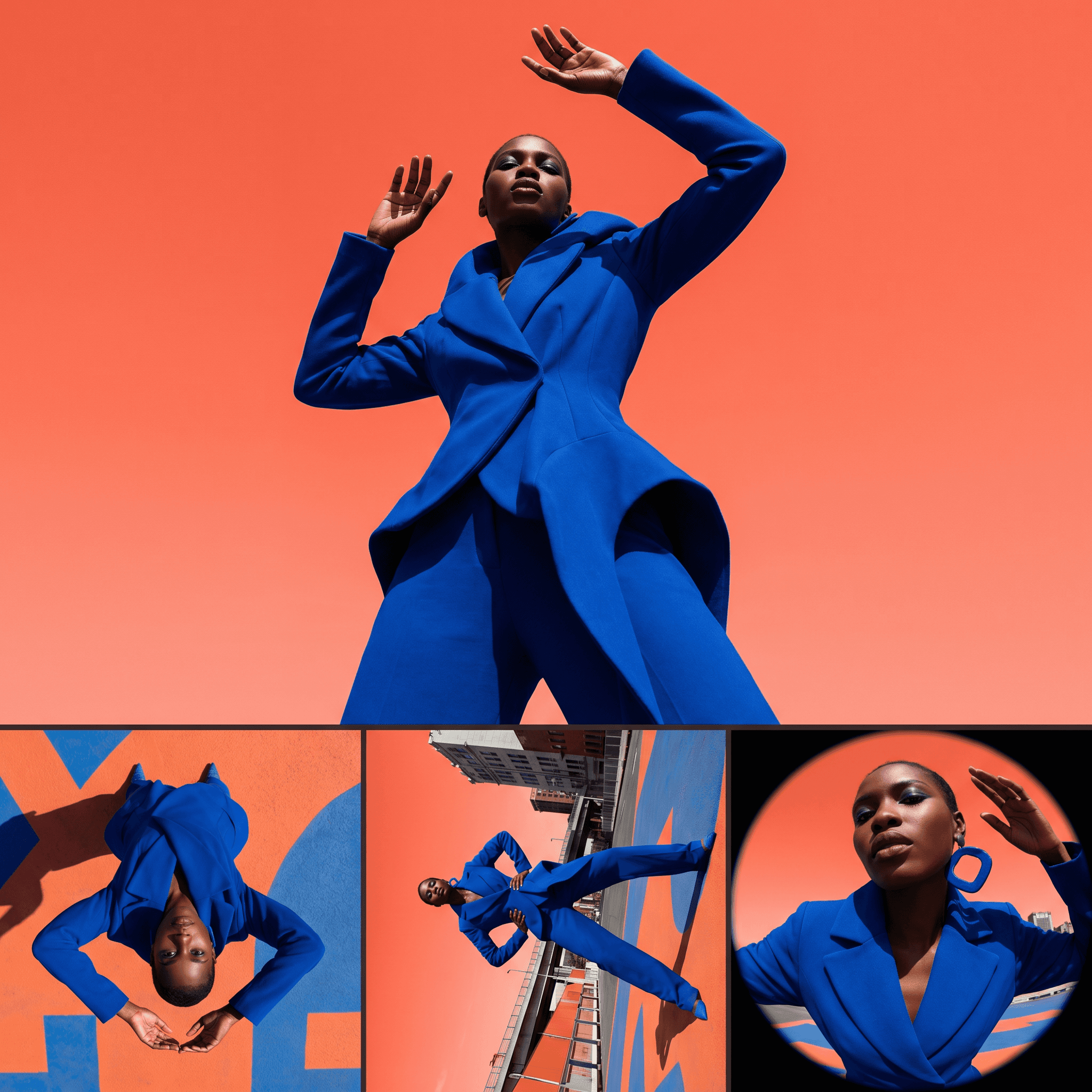
Change Shot Angles
Every angle. No reshoot required.
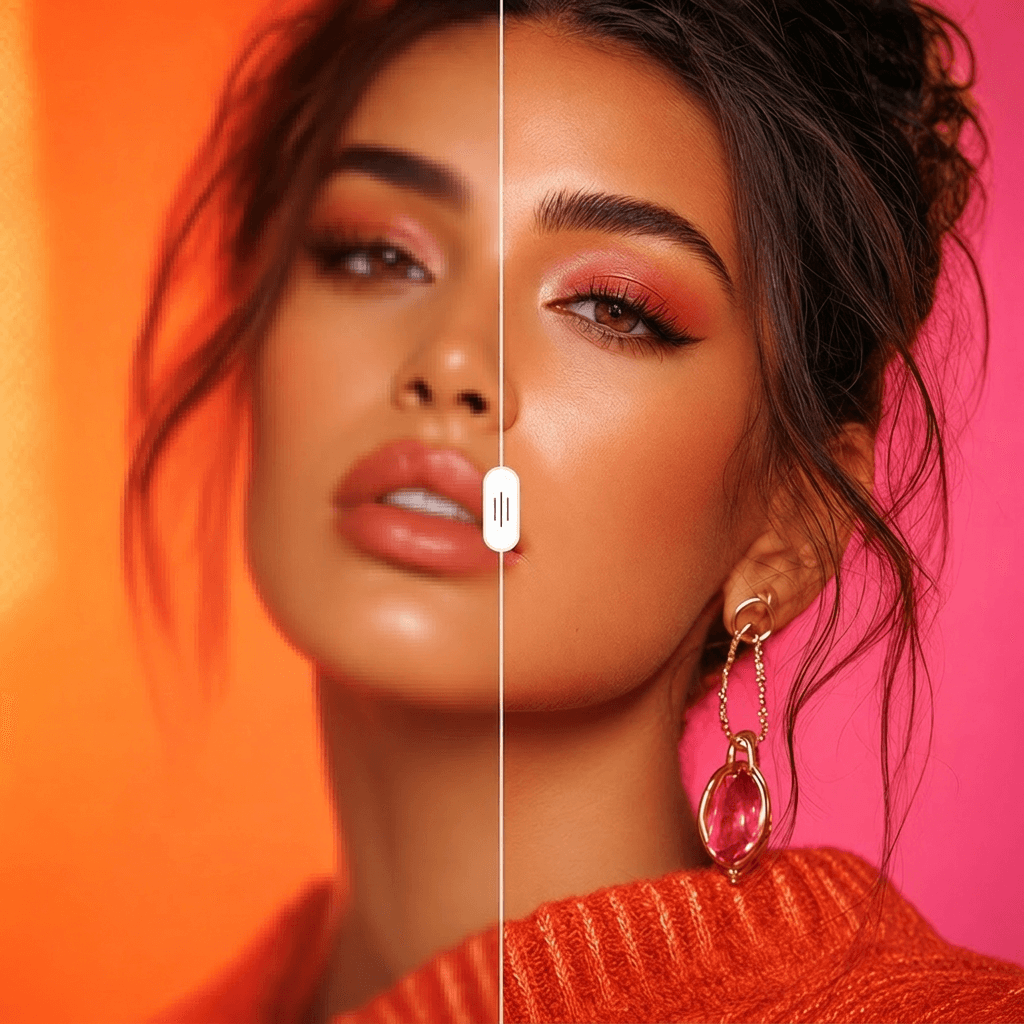
Image Upscaler
Cinema-quality resolution from any image.
More Apps.
Cinematic Scene Creator
Describe any scene. Watch it come alive.
Scene Coverage
See every angle of your scene — before you shoot.
Location Scout
Find the perfect location without leaving your desk.
Storyboard Creator
Your shot list, illustrated. Instantly.
Character Reference Sheet
Consistent characters, every angle, every time.
Concept Art from Sketch
From rough idea to polished art in seconds.