Motion Capture
Motion Capture
Magic Lantern's Motion Capture app lets you record any performance using a standard camera and transfer that movement to any digital character. No rigging, no mocap suit, no green screen, no controlled studio environment. What used to demand specialized hardware, weeks of technical setup, and an army of VFX artists now takes minutes. Record a performance on your phone or webcam, choose your character, and watch the motion transfer with natural weight, timing, and physical fidelity.
Magic Lantern's Motion Capture app lets you record any performance using a standard camera and transfer that movement to any digital character. No rigging, no mocap suit, no green screen, no controlled studio environment. What used to demand specialized hardware, weeks of technical setup, and an army of VFX artists now takes minutes. Record a performance on your phone or webcam, choose your character, and watch the motion transfer with natural weight, timing, and physical fidelity.
Your performance. Any character. No studio required.
Transfer real performances to any digital character with AI. No mocap suit, no studio, no rigging required. Record with any camera and bring your characters to life.
Any Camera, Full Performance Capture
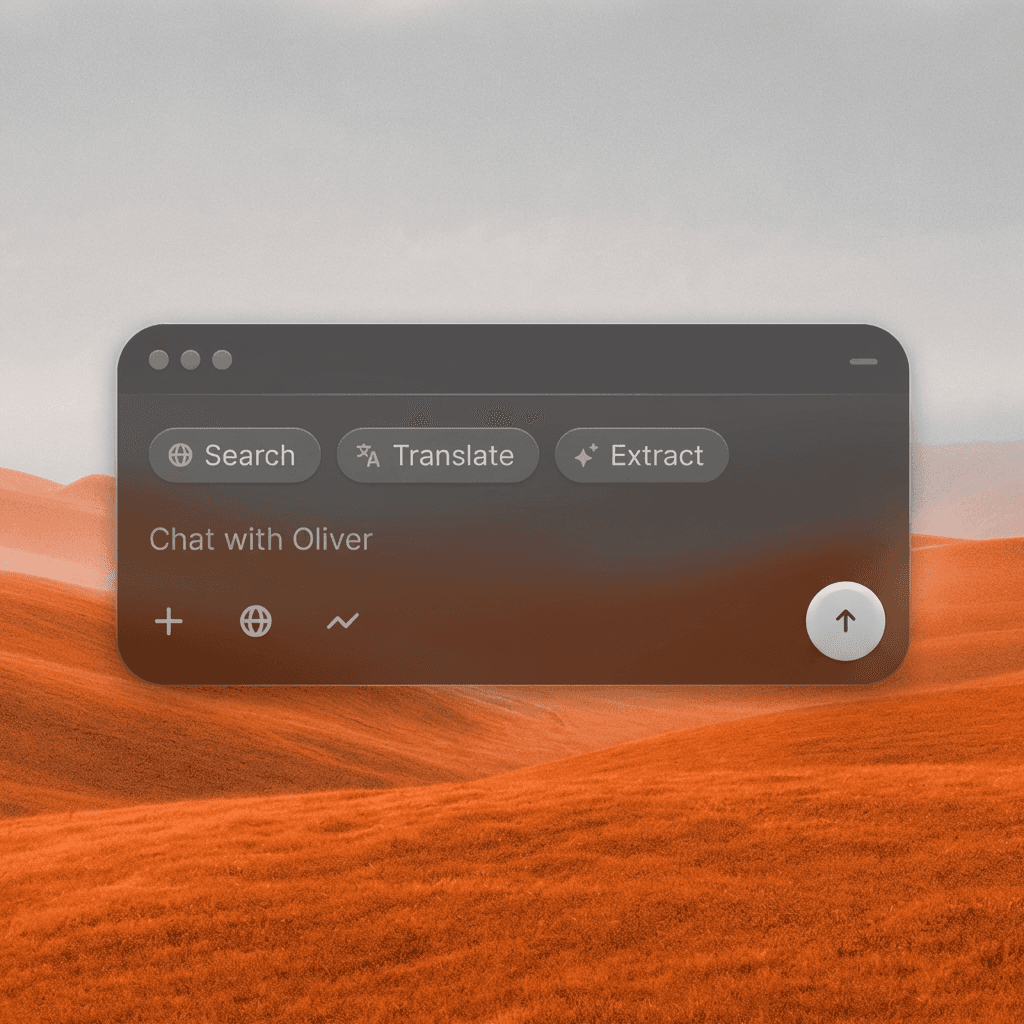
Record your performance with a smartphone, webcam, or any standard camera. The AI extracts full body movement, posture, timing, and physical weight, then maps it to your character with natural fidelity across every frame.
Any Camera, Full Performance Capture
Record your performance with a smartphone, webcam, or any standard camera. The AI extracts full body movement, posture, timing, and physical weight, then maps it to your character with natural fidelity across every frame.
No Suit, No Studio, No Rigging
Traditional motion capture required a specialized suit, dozens of sensors, a calibrated studio, and hours of technical rigging. Magic Lantern extracts motion from a single video in minutes, with no equipment beyond the camera you already own.
No Suit, No Studio, No Rigging
Traditional motion capture required a specialized suit, dozens of sensors, a calibrated studio, and hours of technical rigging. Magic Lantern extracts motion from a single video in minutes, with no equipment beyond the camera you already own.
Any Character, Any Style
Transfer your performance to realistic human characters, stylized 3D figures, animated avatars, or any character in your project. The motion adapts to the character's proportions and visual style automatically.
Any Character, Any Style
Transfer your performance to realistic human characters, stylized 3D figures, animated avatars, or any character in your project. The motion adapts to the character's proportions and visual style automatically.
Built for Modern Creators.
Bringing your vision to reality. From passion projects to the big screen.
Filmmakers
Agencies
Studios
Built for Modern Creators.
Bringing your vision to reality. From passion projects to the big screen.
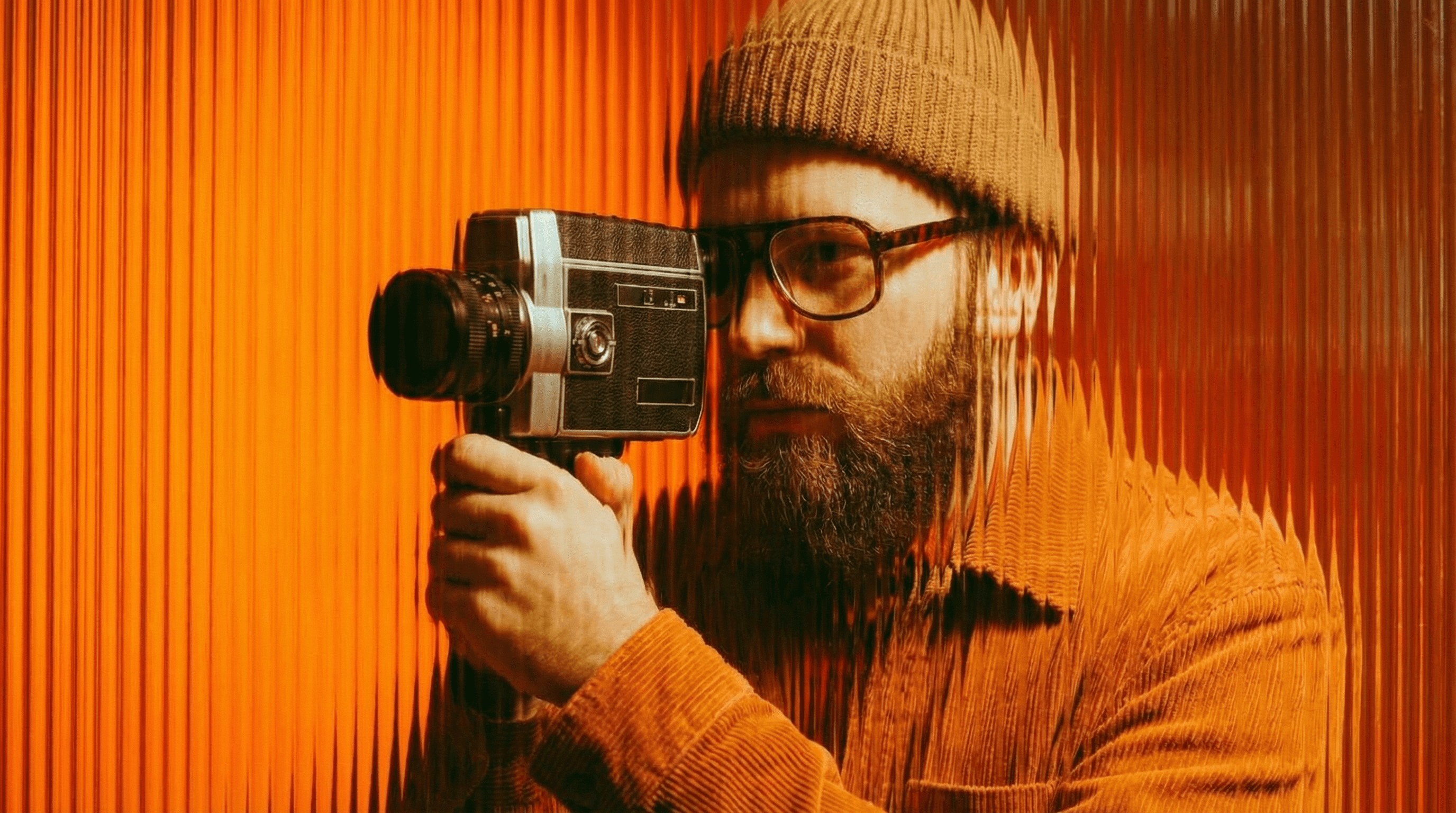
Filmmakers
Turn imagination into something you can see. Build the world, shape the characters, and bring your story to life one scene at a time.
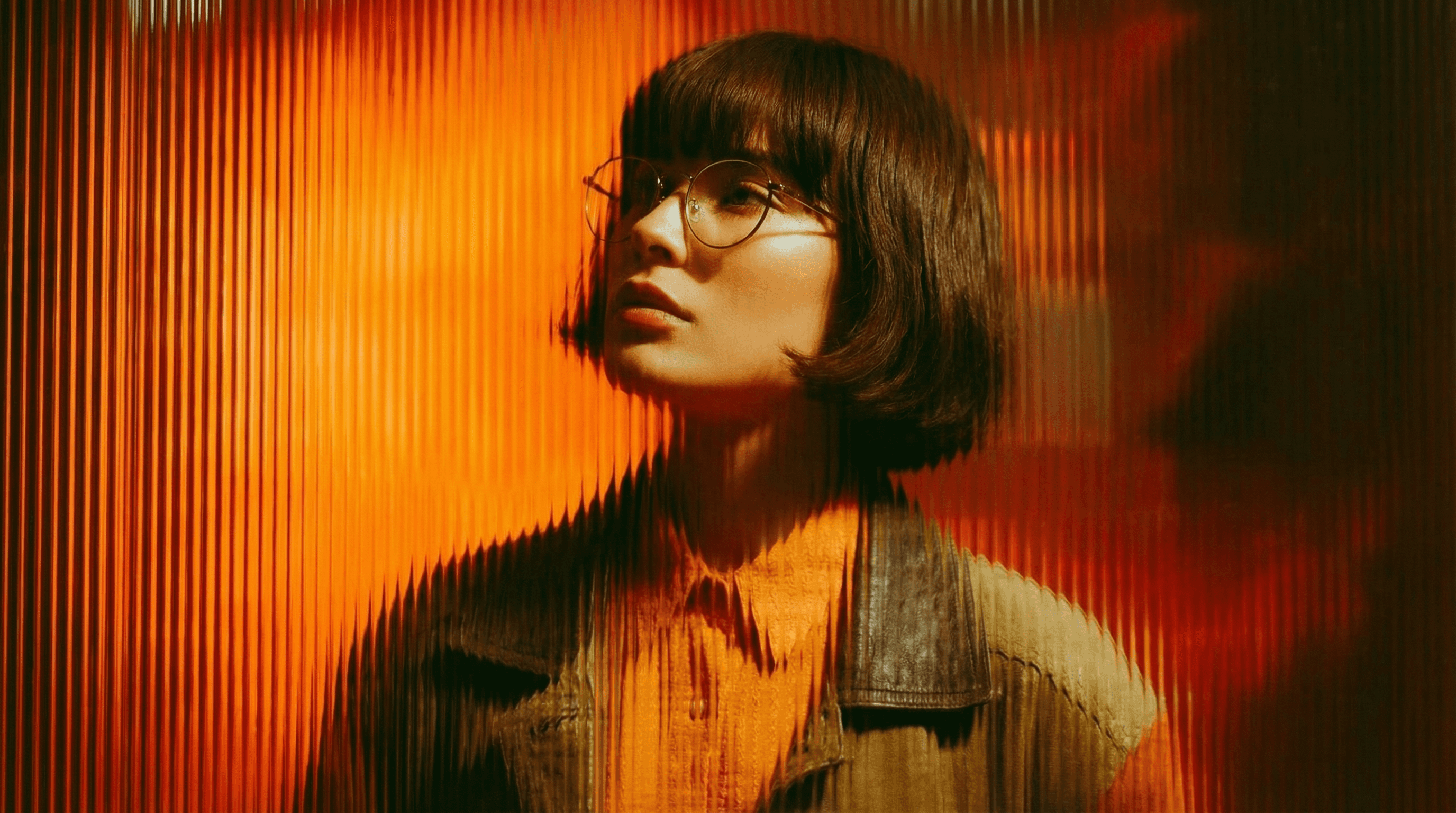
Agencies
From pitch deck to production in days, not months.
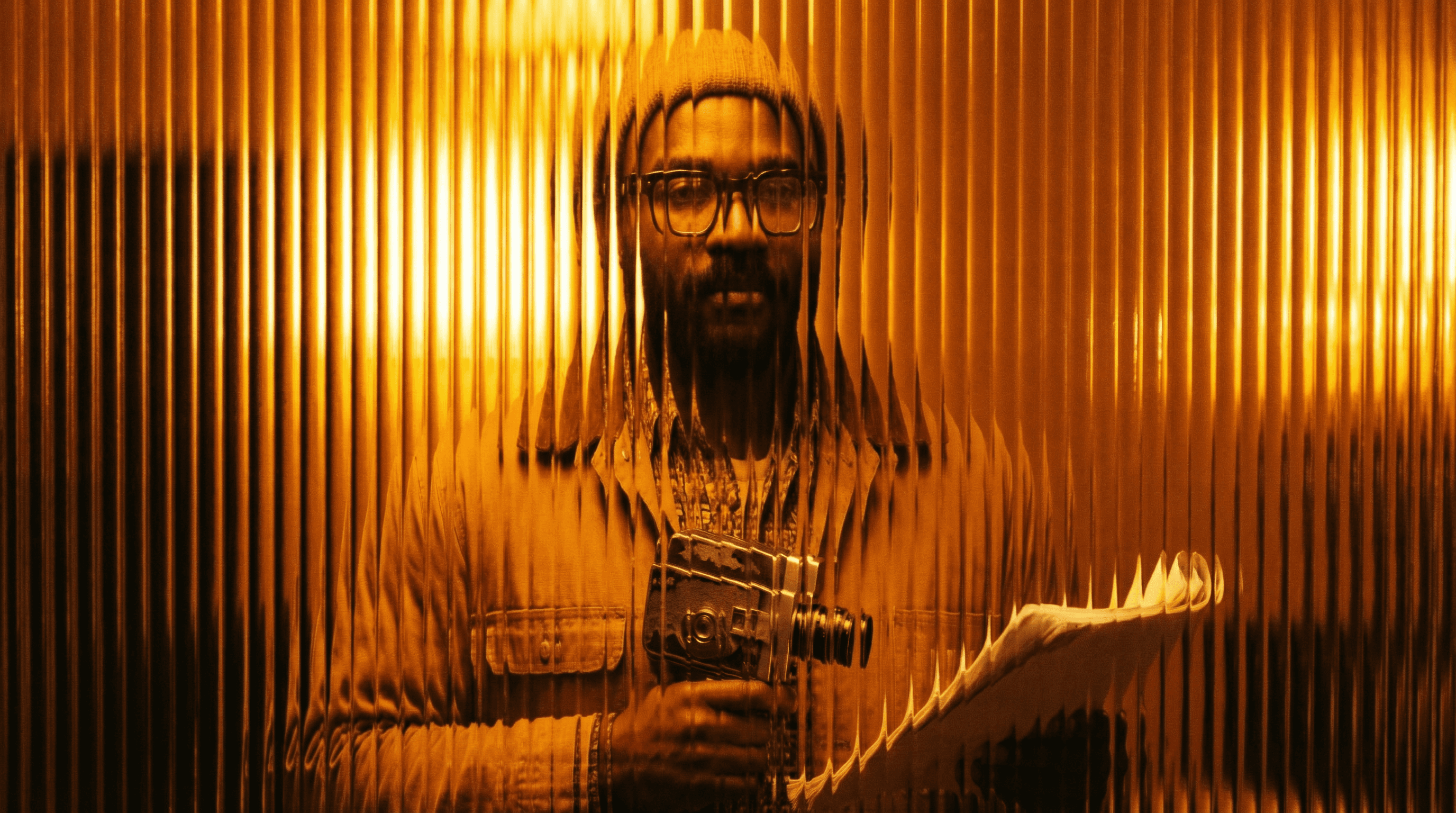
Studios
Intelligent automation that learns from your workflow. Let AI handle the repetitive tasks.
Storytelling for Any Screen.
FAQs
How does Motion Capture work?
Record a video of yourself or any performer using a standard camera. The AI analyzes body movement frame by frame, extracts the motion data, and maps it onto your chosen digital character, matching timing, posture, and physical weight.
Do I need a mocap suit or special equipment?
No. Motion Capture works with any camera, including a smartphone or webcam. No suit, sensors, markers, or controlled studio environment required.
Is Motion Capture free to use?
Basic motion capture is available on a free Magic Lantern account. Paid plans unlock longer recordings, more character types, higher output fidelity, and batch processing.
What kinds of characters can I transfer motion to?
Realistic human characters, stylized 3D avatars, animated figures, game-ready characters, and custom character designs. If you can describe or upload the character, you can bring it to life with a real performance.
Can I use Motion Capture output in commercial projects?
Yes. With a paid Magic Lantern plan, all motion capture output is cleared for commercial use in film, animation, games, advertising, and branded content.
Who is Motion Capture designed for?
Animators, filmmakers, game developers, content creators, YouTubers, and anyone who wants to bring a character to life with a real performance, without access to a professional mocap studio.
How does Motion Capture work?
Record a video of yourself or any performer using a standard camera. The AI analyzes body movement frame by frame, extracts the motion data, and maps it onto your chosen digital character, matching timing, posture, and physical weight.
Do I need a mocap suit or special equipment?
No. Motion Capture works with any camera, including a smartphone or webcam. No suit, sensors, markers, or controlled studio environment required.
Is Motion Capture free to use?
Basic motion capture is available on a free Magic Lantern account. Paid plans unlock longer recordings, more character types, higher output fidelity, and batch processing.
What kinds of characters can I transfer motion to?
Realistic human characters, stylized 3D avatars, animated figures, game-ready characters, and custom character designs. If you can describe or upload the character, you can bring it to life with a real performance.
Can I use Motion Capture output in commercial projects?
Yes. With a paid Magic Lantern plan, all motion capture output is cleared for commercial use in film, animation, games, advertising, and branded content.
Who is Motion Capture designed for?
Animators, filmmakers, game developers, content creators, YouTubers, and anyone who wants to bring a character to life with a real performance, without access to a professional mocap studio.
More Apps.
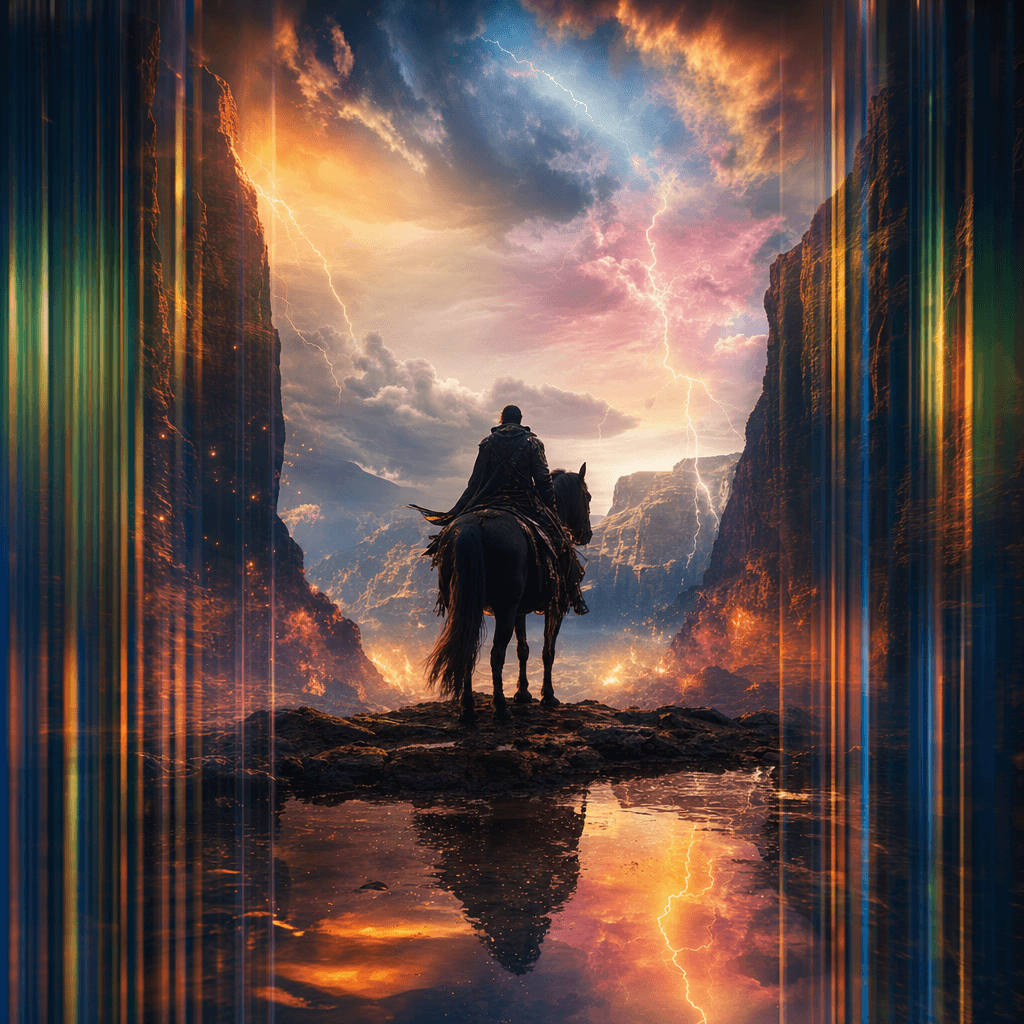
Cinematic Scene Creator
Describe any scene. Watch it come alive.
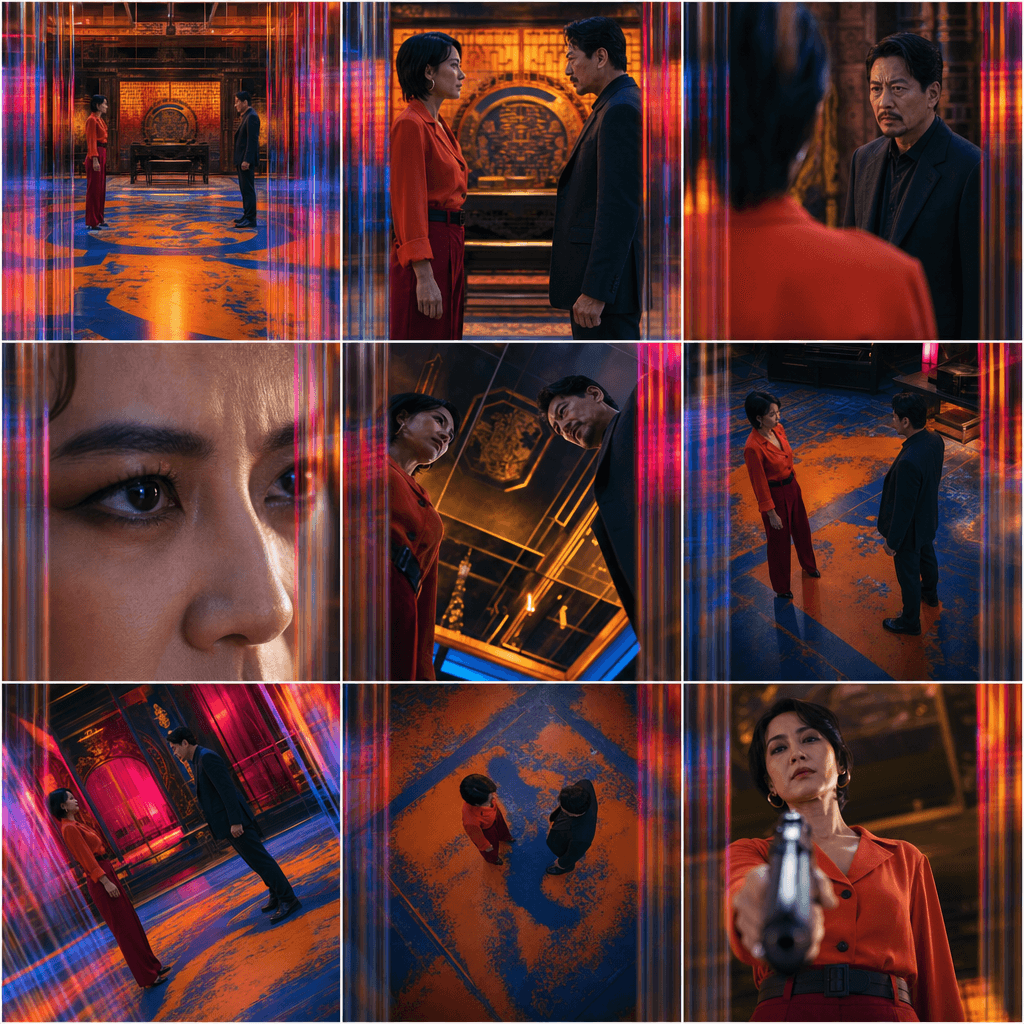
Scene Coverage
See every angle of your scene — before you shoot.
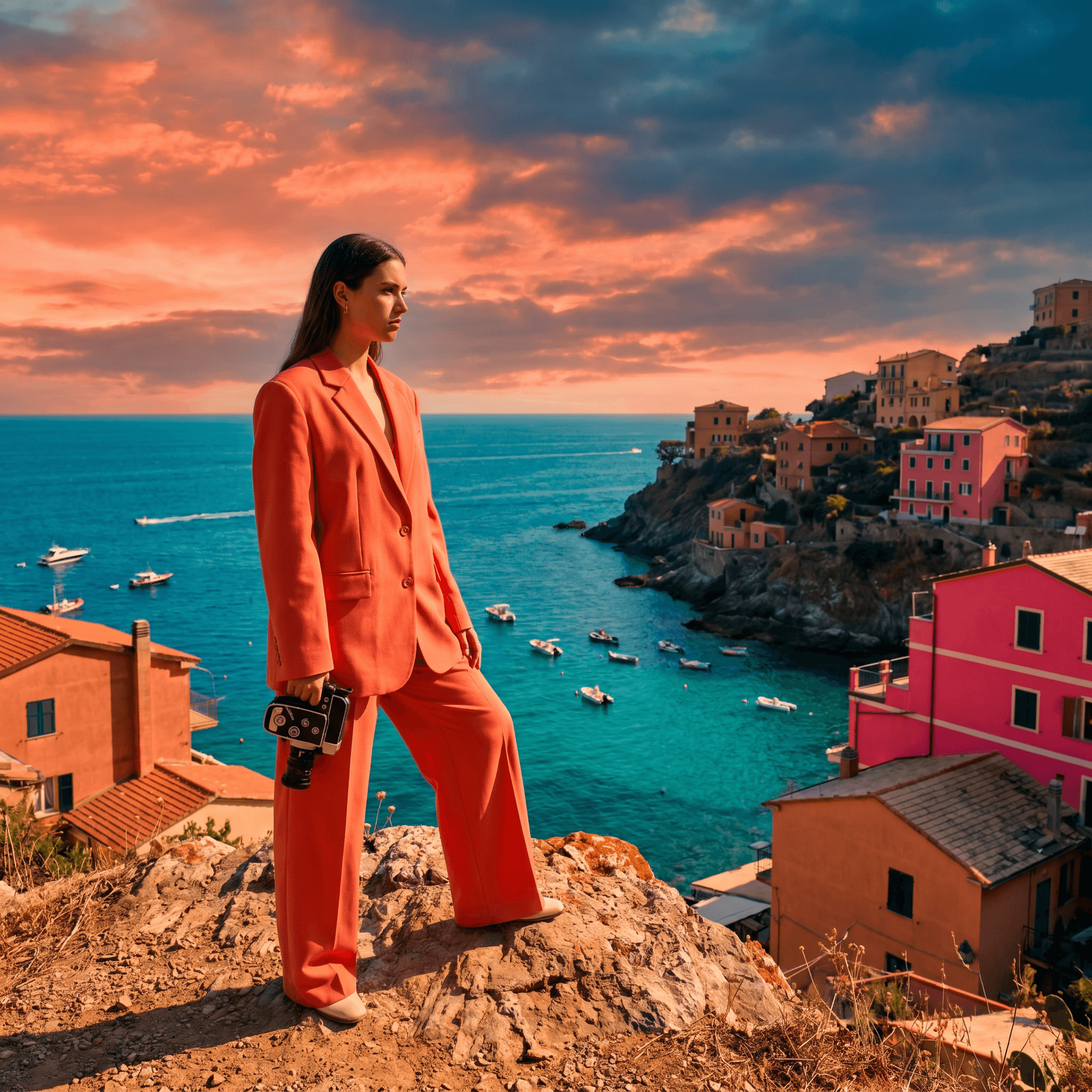
Location Scout
Find the perfect location without leaving your desk.

Storyboard Creator
Your shot list, illustrated. Instantly.
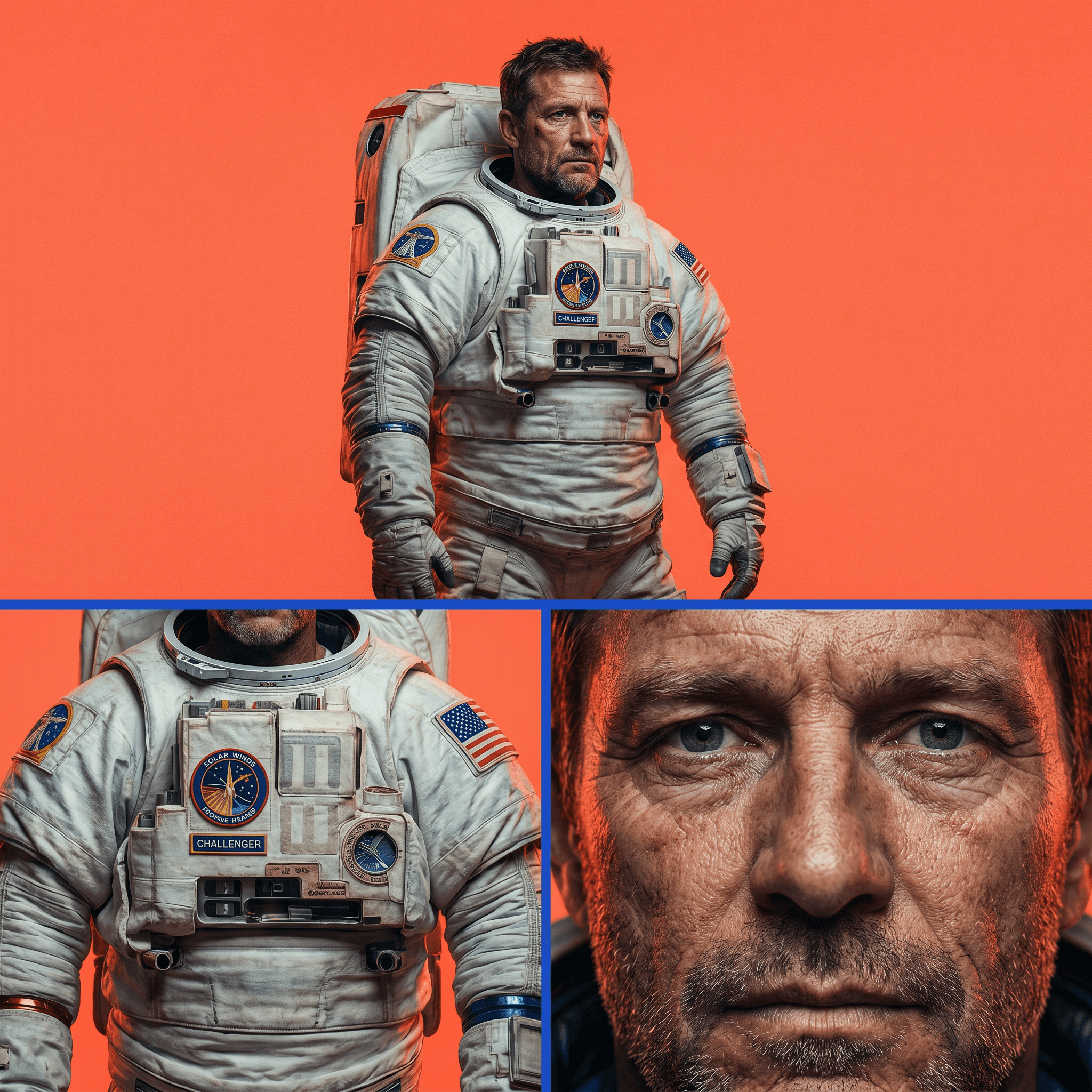
Character Reference Sheet
Consistent characters, every angle, every time.
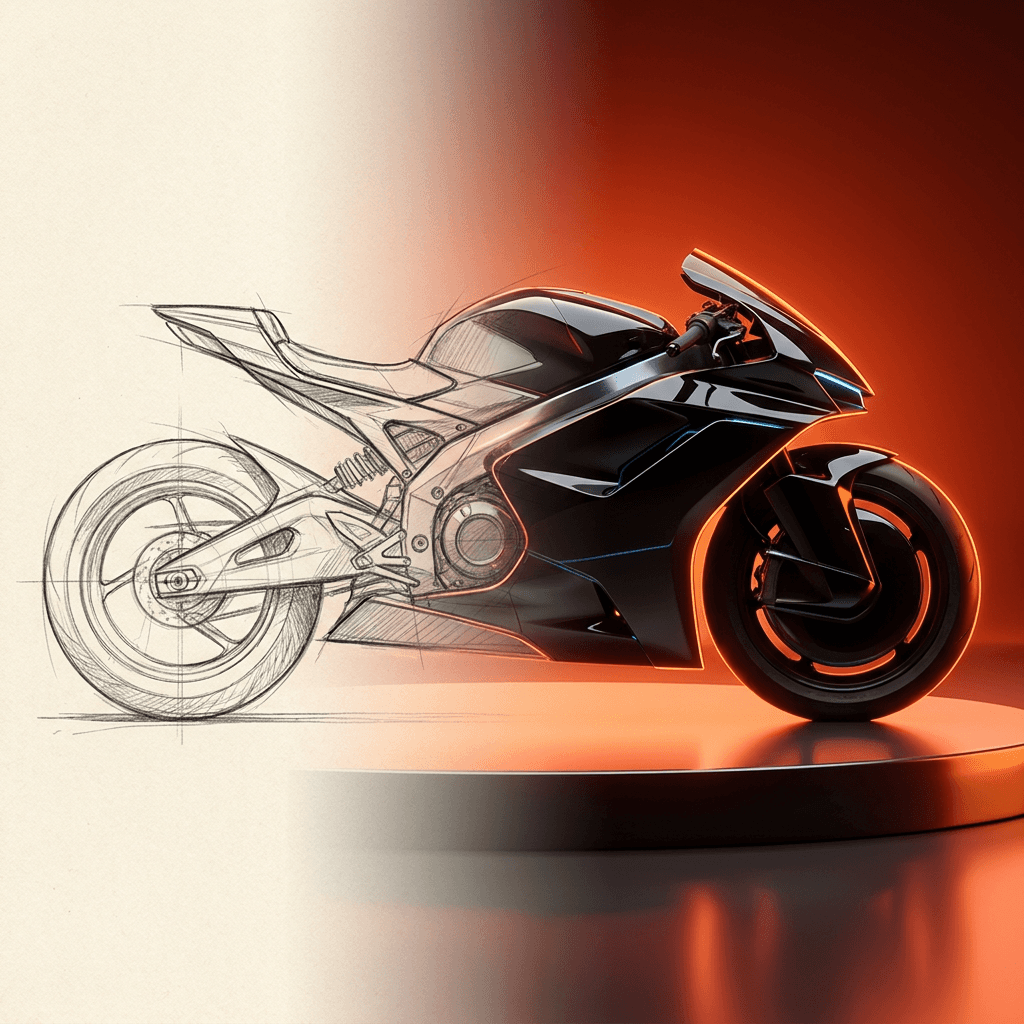
Concept Art from Sketch
From rough idea to polished art in seconds.
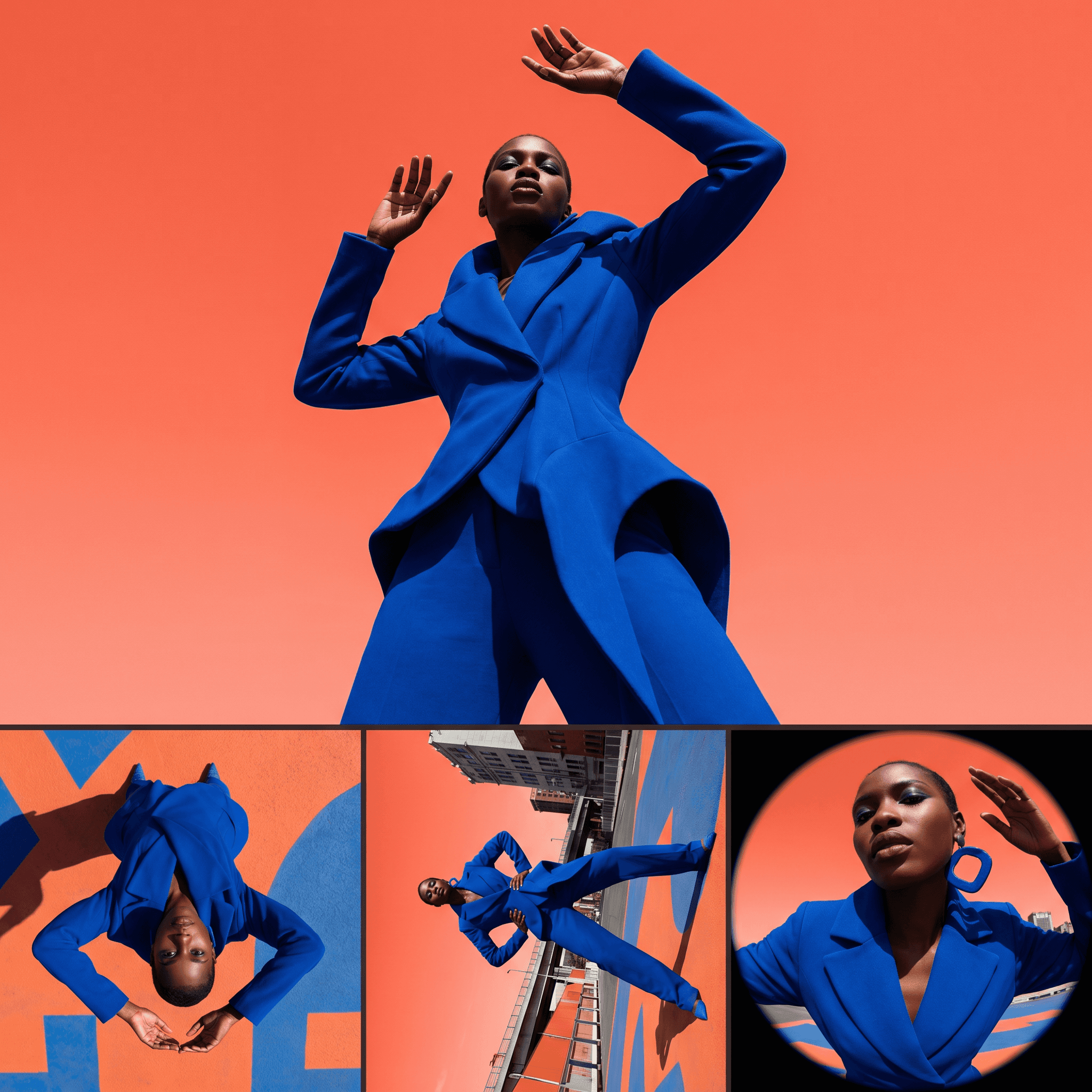
Change Shot Angles
Every angle. No reshoot required.
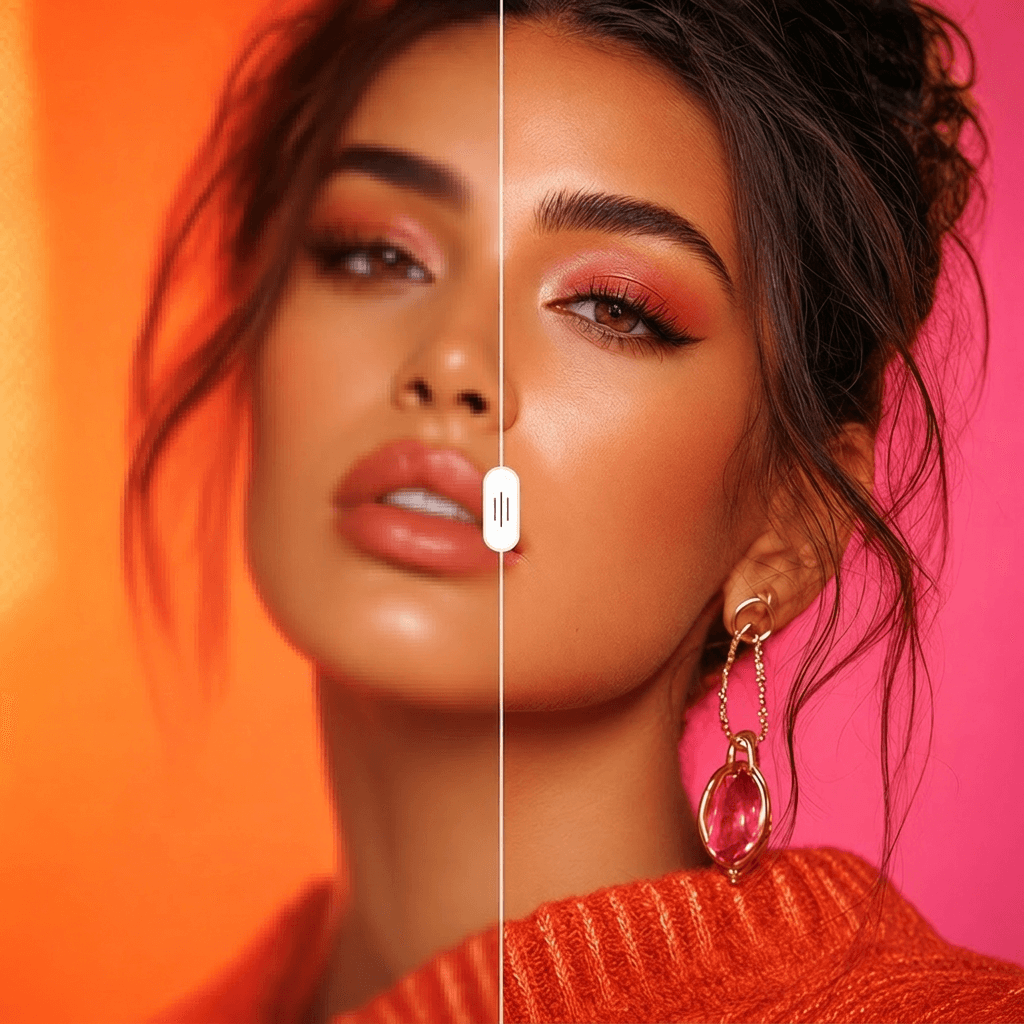
Image Upscaler
Cinema-quality resolution from any image.
More Apps.
Cinematic Scene Creator
Describe any scene. Watch it come alive.
Scene Coverage
See every angle of your scene — before you shoot.
Location Scout
Find the perfect location without leaving your desk.
Storyboard Creator
Your shot list, illustrated. Instantly.
Character Reference Sheet
Consistent characters, every angle, every time.
Concept Art from Sketch
From rough idea to polished art in seconds.