Multi-Shot Scene
Multi-Shot Scene
Magic Lantern's Multi-Shot Scene generates a complete multi-shot video sequence from a single description, automatically creating coverage with different angles, cuts, and visual rhythm. Skip the shoot, skip the edit, and get a finished scene that tells a story with professional pacing and visual flow.
Magic Lantern's Multi-Shot Scene generates a complete multi-shot video sequence from a single description, automatically creating coverage with different angles, cuts, and visual rhythm. Skip the shoot, skip the edit, and get a finished scene that tells a story with professional pacing and visual flow.
One description. A complete video scene.
Generate a complete multi-shot video scene with AI. Different angles, cuts, and visual rhythm, from a single description, no shooting required.
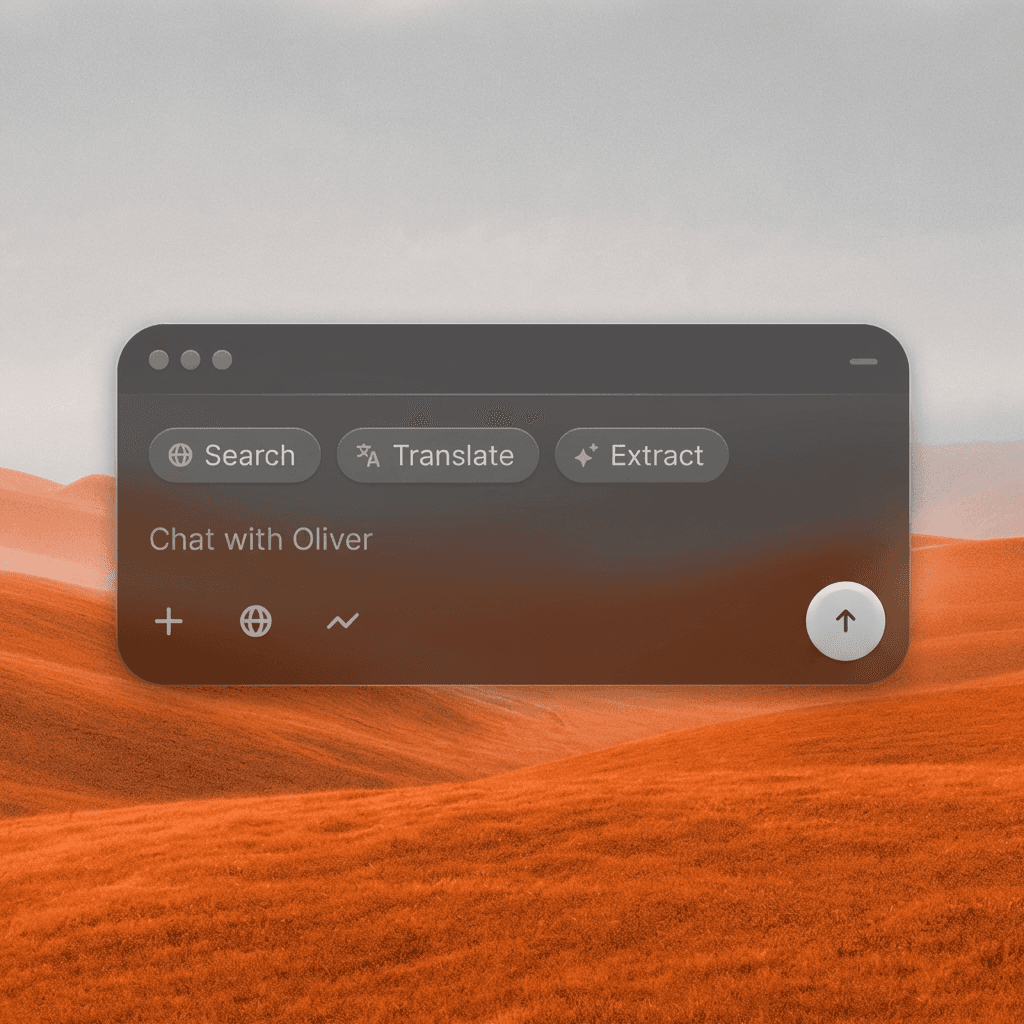
One Description, Full Scene
Describe your scene and the AI generates a sequence of shots, establishing, medium, close-up, and coverage angles, automatically assembled into a coherent video scene.
One Description, Full Scene
Describe your scene and the AI generates a sequence of shots, establishing, medium, close-up, and coverage angles, automatically assembled into a coherent video scene.
Automatic Cutting and Rhythm
The AI handles shot selection and pacing automatically, creating natural cuts and visual rhythm that feel like they were edited by a professional, not assembled by an algorithm.
Automatic Cutting and Rhythm
The AI handles shot selection and pacing automatically, creating natural cuts and visual rhythm that feel like they were edited by a professional, not assembled by an algorithm.
Storyboarding Meets Production
Use Multi-Shot Scene to create pitch-ready video sequences, test narrative ideas before shooting, or generate reference footage to guide your actual production.
Storyboarding Meets Production
Use Multi-Shot Scene to create pitch-ready video sequences, test narrative ideas before shooting, or generate reference footage to guide your actual production.
Built for Modern Creators.
Bringing your vision to reality. From passion projects to the big screen.
Filmmakers
Agencies
Studios
Built for Modern Creators.
Bringing your vision to reality. From passion projects to the big screen.
Filmmakers
Turn imagination into something you can see. Build the world, shape the characters, and bring your story to life one scene at a time.
Agencies
From pitch deck to production in days, not months.
Studios
Intelligent automation that learns from your workflow. Let AI handle the repetitive tasks.
Storytelling for Any Screen.
FAQs
How does Multi-Shot Scene work?
Describe your scene, the action, mood, setting, and characters, and the AI generates a short multi-shot video sequence with varied coverage, natural cuts, and visual flow.
Is Multi-Shot Scene free to use?
You can create scenes with a free Magic Lantern account. Paid plans unlock longer scenes, more shots per sequence, and higher resolution output.
What types of scenes can I create?
Dialogue scenes, action sequences, product reveals, brand story moments, character introductions, establishing sequences, social media narratives, and pitch reels.
Can I use Multi-Shot Scene content commercially?
Yes. With a paid Magic Lantern plan, all generated scenes are cleared for commercial use, advertising, film, branded content, and social media.
How long are the generated scenes?
Scenes typically run 10-30 seconds depending on the number of shots. Longer sequences are available on premium plans.
Who is Multi-Shot Scene designed for?
Filmmakers, content creators, marketers, ad agencies, YouTubers, and anyone who needs a complete video narrative without a full production shoot.
How does Multi-Shot Scene work?
Describe your scene, the action, mood, setting, and characters, and the AI generates a short multi-shot video sequence with varied coverage, natural cuts, and visual flow.
Is Multi-Shot Scene free to use?
You can create scenes with a free Magic Lantern account. Paid plans unlock longer scenes, more shots per sequence, and higher resolution output.
What types of scenes can I create?
Dialogue scenes, action sequences, product reveals, brand story moments, character introductions, establishing sequences, social media narratives, and pitch reels.
Can I use Multi-Shot Scene content commercially?
Yes. With a paid Magic Lantern plan, all generated scenes are cleared for commercial use, advertising, film, branded content, and social media.
How long are the generated scenes?
Scenes typically run 10-30 seconds depending on the number of shots. Longer sequences are available on premium plans.
Who is Multi-Shot Scene designed for?
Filmmakers, content creators, marketers, ad agencies, YouTubers, and anyone who needs a complete video narrative without a full production shoot.
More Apps.
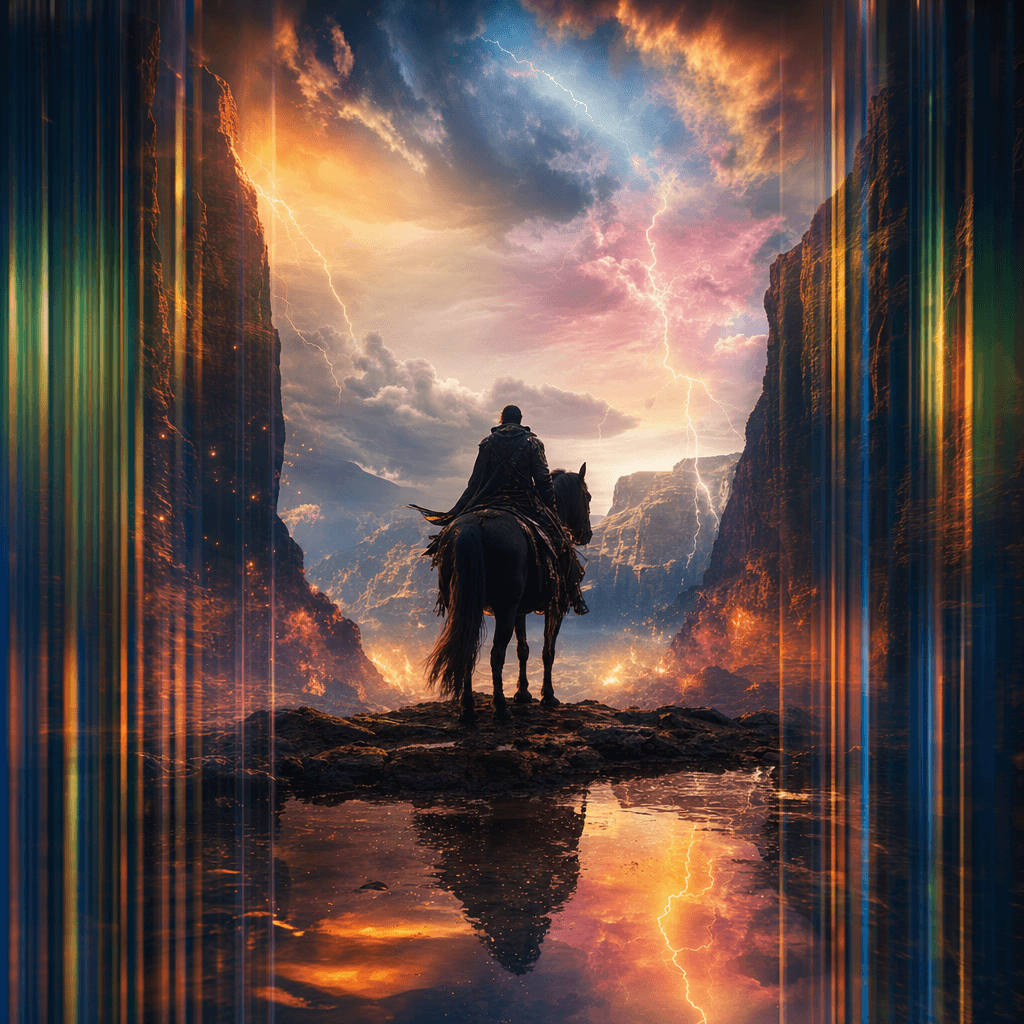
Cinematic Scene Creator
Describe any scene. Watch it come alive.
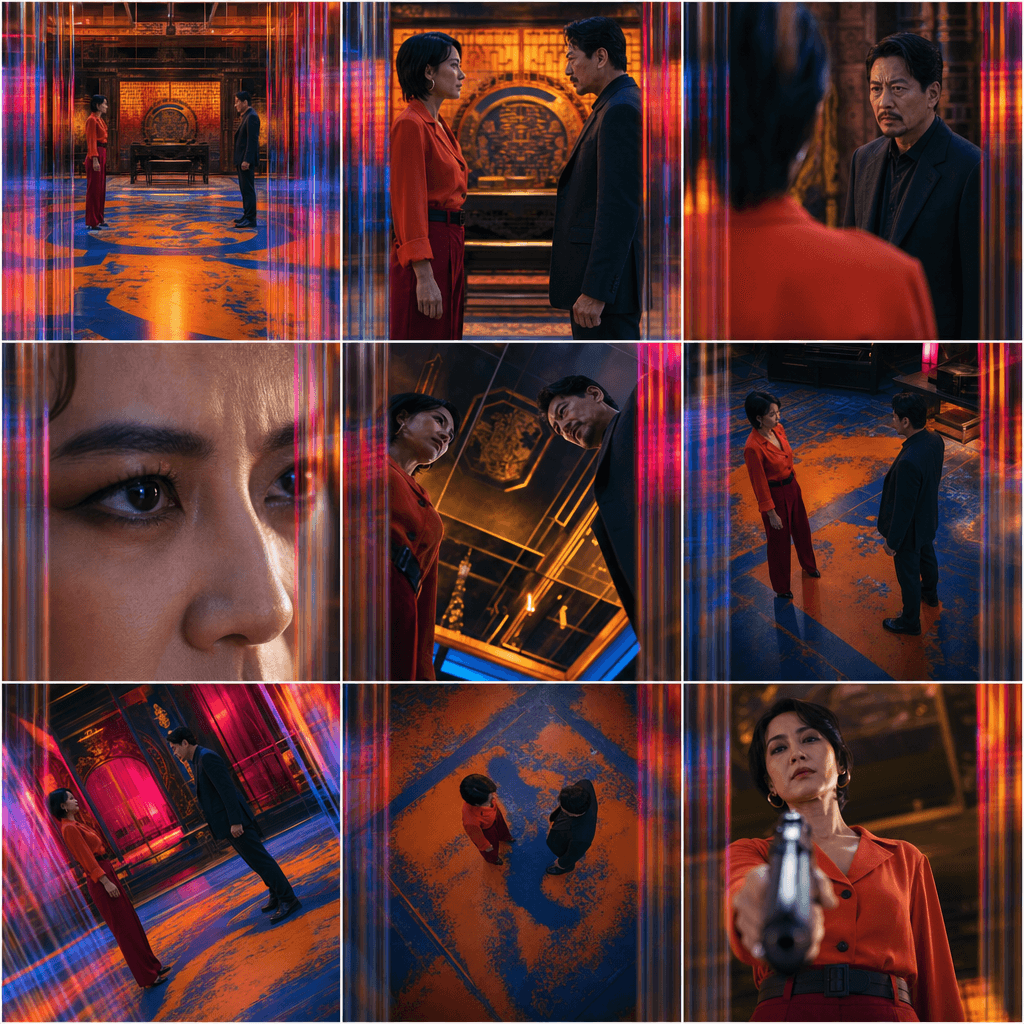
Scene Coverage
See every angle of your scene — before you shoot.
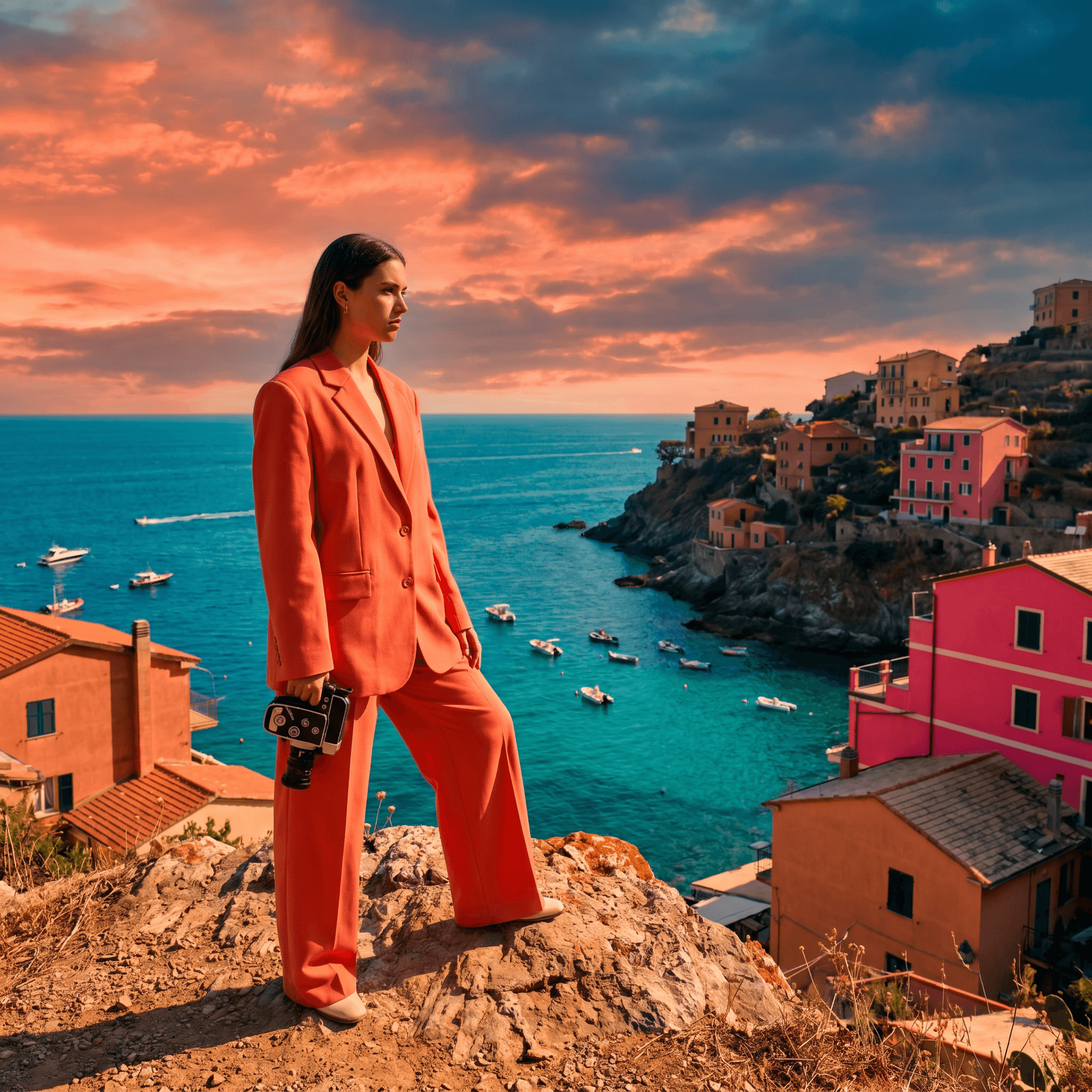
Location Scout
Find the perfect location without leaving your desk.

Storyboard Creator
Your shot list, illustrated. Instantly.
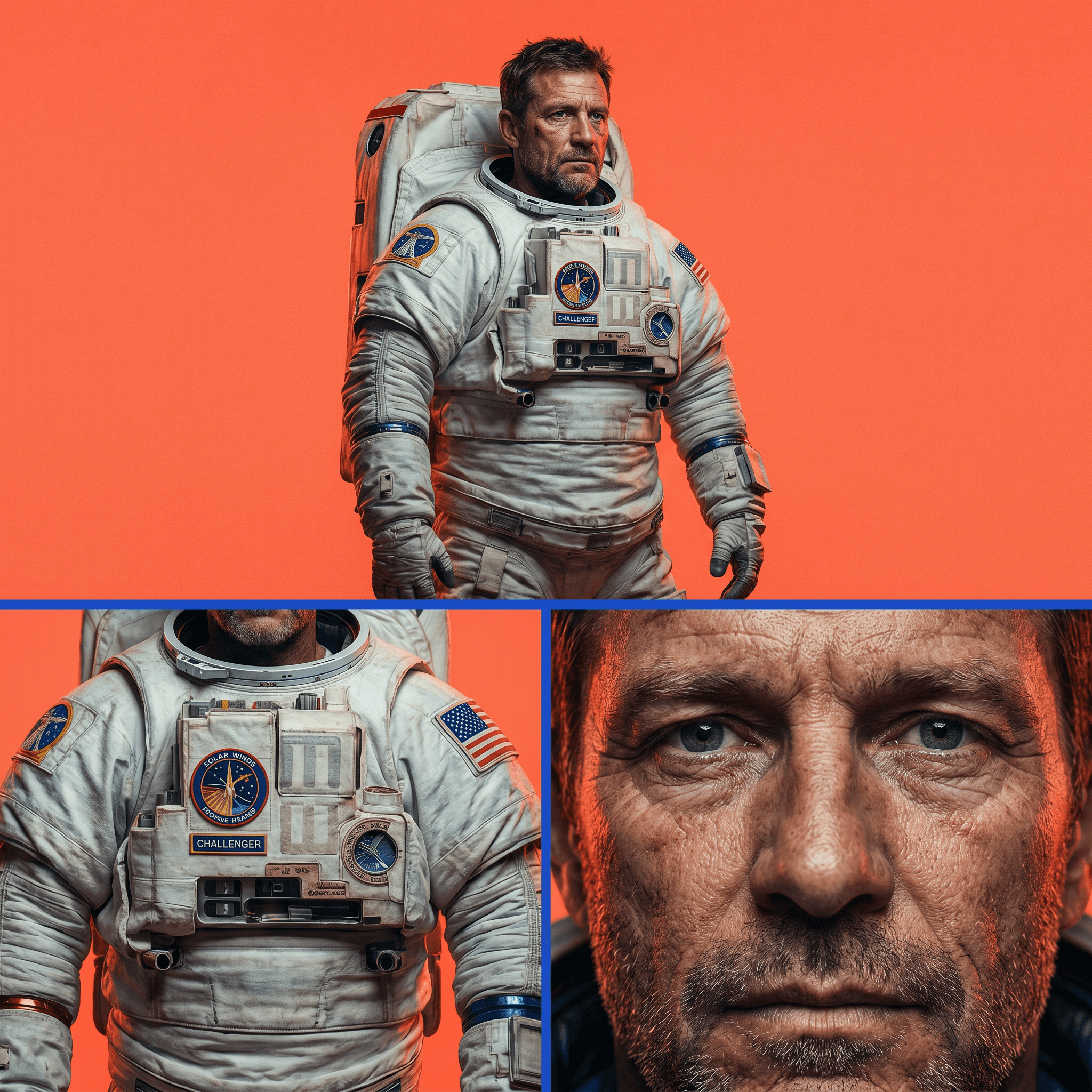
Character Reference Sheet
Consistent characters, every angle, every time.
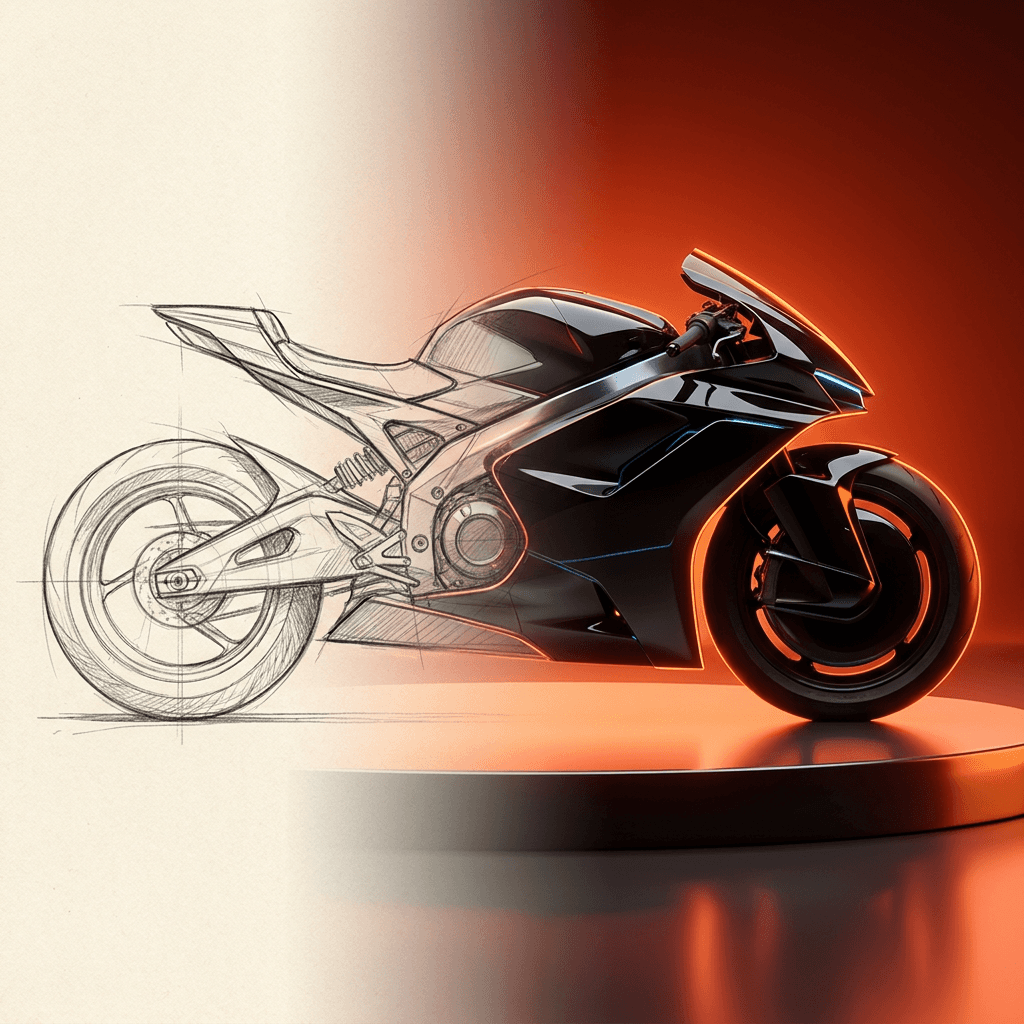
Concept Art from Sketch
From rough idea to polished art in seconds.
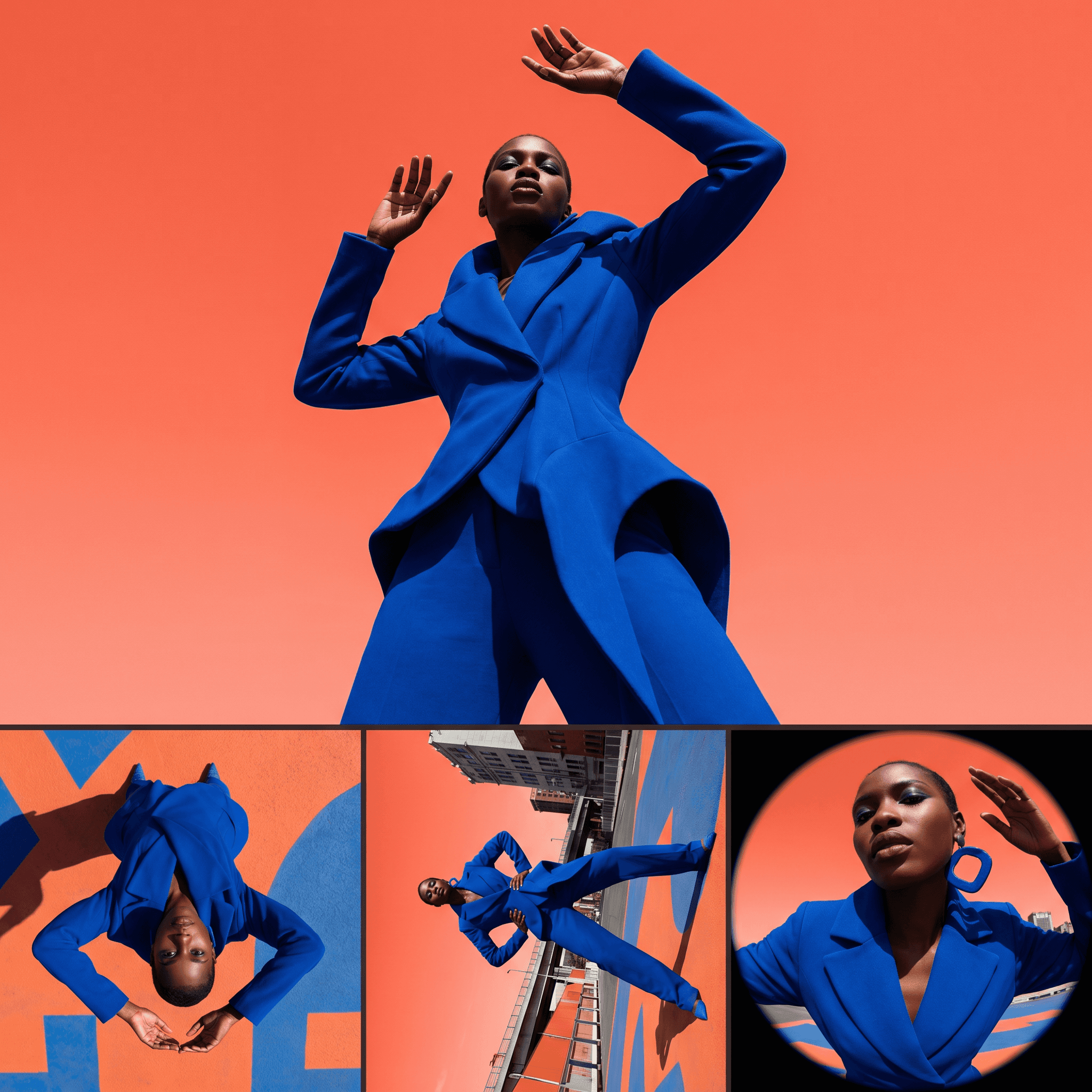
Change Shot Angles
Every angle. No reshoot required.
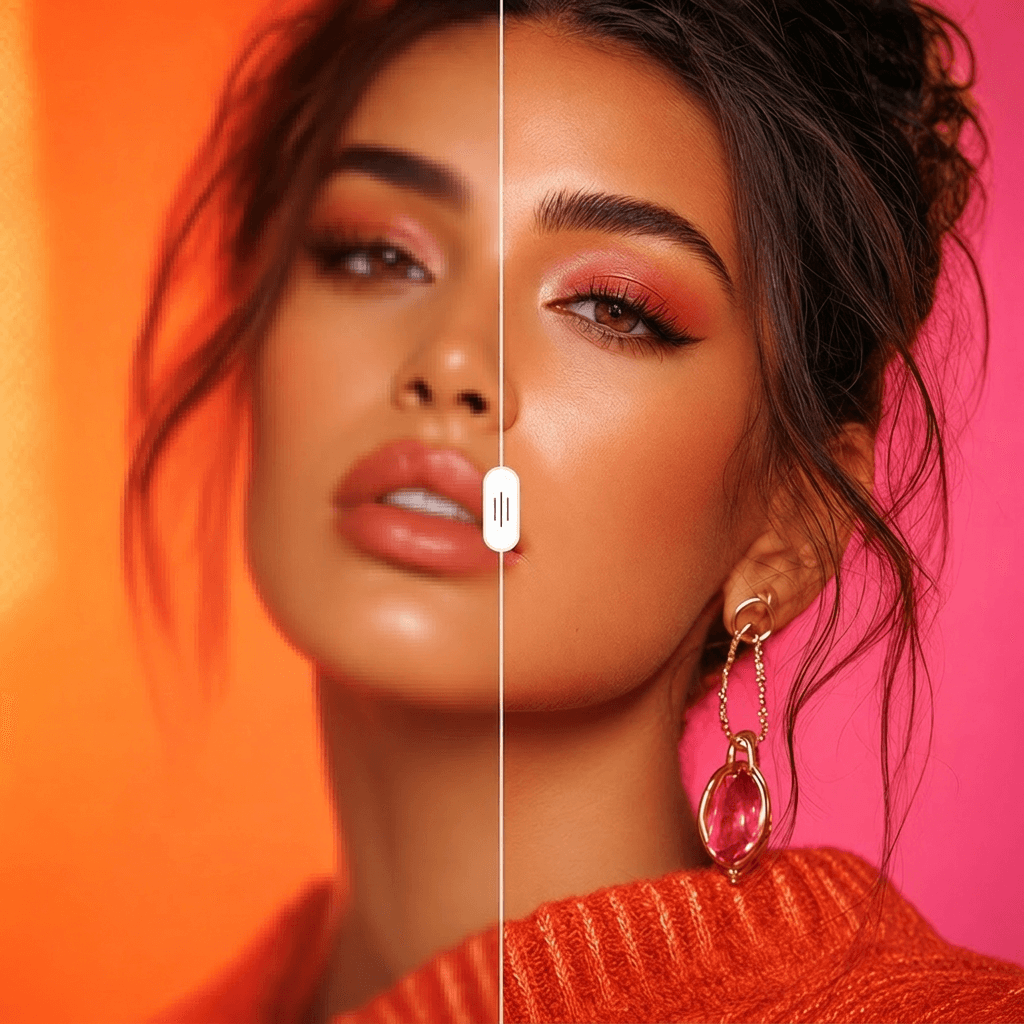
Image Upscaler
Cinema-quality resolution from any image.
More Apps.
Cinematic Scene Creator
Describe any scene. Watch it come alive.
Scene Coverage
See every angle of your scene — before you shoot.
Location Scout
Find the perfect location without leaving your desk.
Storyboard Creator
Your shot list, illustrated. Instantly.
Character Reference Sheet
Consistent characters, every angle, every time.
Concept Art from Sketch
From rough idea to polished art in seconds.