Object Eraser
Object Eraser
Magic Lantern's Object Eraser removes unwanted objects, people, logos, text, or elements from any video, filling in the removed area with matching background, texture, and motion. Fix continuity errors, remove distracting elements, and clean up your footage in post without expensive VFX software or specialist skills.
Magic Lantern's Object Eraser removes unwanted objects, people, logos, text, or elements from any video, filling in the removed area with matching background, texture, and motion. Fix continuity errors, remove distracting elements, and clean up your footage in post without expensive VFX software or specialist skills.
Remove anything from video. No VFX skills needed.
Remove objects, logos, and unwanted elements from video with AI. Clean background fill, natural motion, no VFX software needed.
Remove Anything
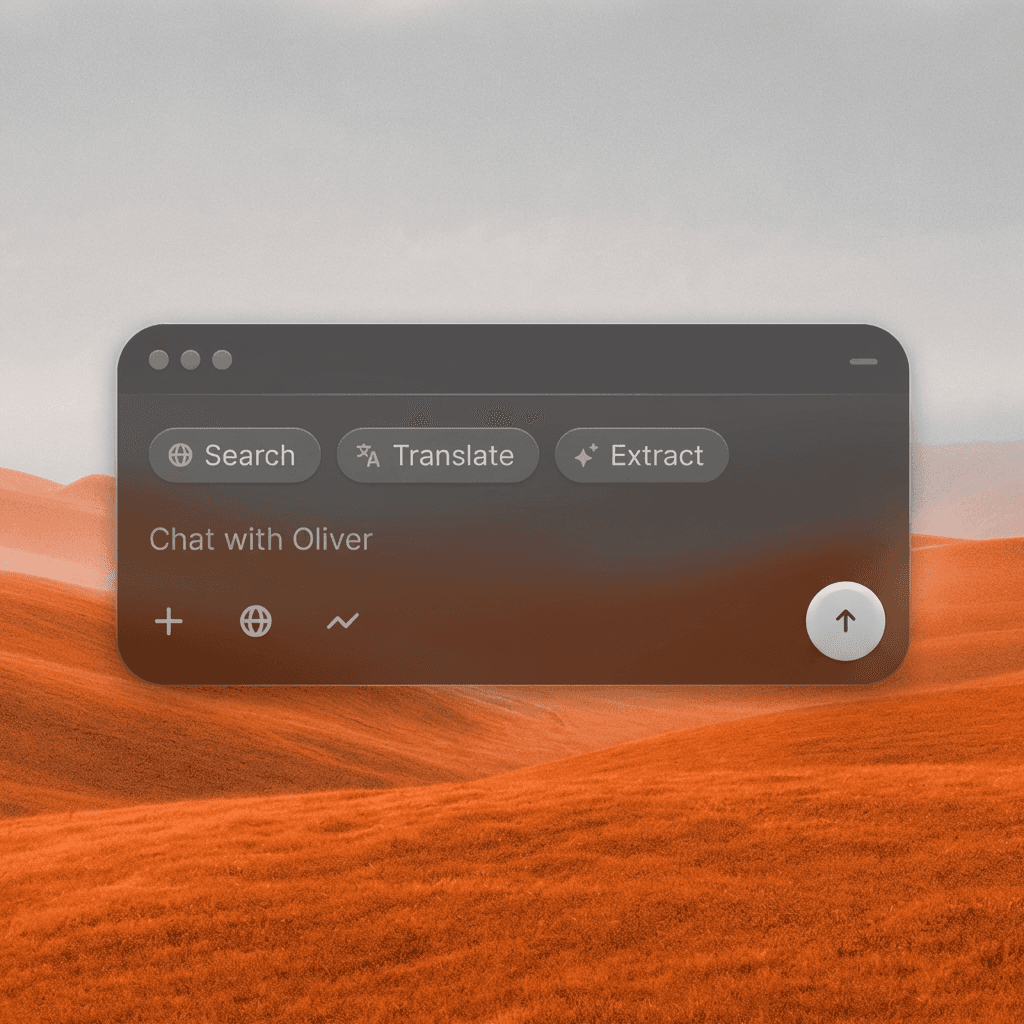
Select any object, person, logo, watermark, or element in your video and the AI removes it, replacing it with a seamlessly generated background that matches the surrounding scene.
Remove Anything
Select any object, person, logo, watermark, or element in your video and the AI removes it, replacing it with a seamlessly generated background that matches the surrounding scene.
Motion-Matched Fill
The AI tracks camera movement and scene motion to ensure the removed area fills naturally across every frame, no flickering, no ghosting, no visible seams.
Motion-Matched Fill
The AI tracks camera movement and scene motion to ensure the removed area fills naturally across every frame, no flickering, no ghosting, no visible seams.
No VFX Skills Required
What used to require After Effects, specialist compositors, and hours of rotoscoping can now be done in minutes, just select, erase, and export.
No VFX Skills Required
What used to require After Effects, specialist compositors, and hours of rotoscoping can now be done in minutes, just select, erase, and export.
Built for Modern Creators.
Bringing your vision to reality. From passion projects to the big screen.

Filmmakers

Agencies

Studios
Built for Modern Creators.
Bringing your vision to reality. From passion projects to the big screen.
Filmmakers
Turn imagination into something you can see. Build the world, shape the characters, and bring your story to life one scene at a time.
Agencies
From pitch deck to production in days, not months.
Studios
Intelligent automation that learns from your workflow. Let AI handle the repetitive tasks.
Storytelling for Any Screen.
FAQs
How does Object Eraser work?
Upload your video, mark or describe the object you want removed, and the AI erases it frame by frame, filling the gap with generated background that matches the surrounding scene.
Is Object Eraser free to use?
Short clips with simple erasures are available on a free Magic Lantern account. Paid plans support longer videos, more complex removals, and faster processing.
What kinds of objects can be erased?
Logos, watermarks, text overlays, microphone booms, people walking into frame, unwanted props, cameras in mirrors, distracting background elements, and more.
Can I use Object Eraser on commercial video?
Yes. With a paid Magic Lantern plan, all processed footage is cleared for commercial use in productions, advertising, and branded content.
How is this different from content-aware fill in After Effects?
After Effects requires frame-by-frame manual work for moving objects. Object Eraser tracks the object across all frames automatically, dramatically reducing the time and skill required.
Who is Object Eraser designed for?
Filmmakers, video editors, content creators, advertisers, and anyone who needs to clean up footage in post without specialist VFX knowledge or software.
How does Object Eraser work?
Upload your video, mark or describe the object you want removed, and the AI erases it frame by frame, filling the gap with generated background that matches the surrounding scene.
Is Object Eraser free to use?
Short clips with simple erasures are available on a free Magic Lantern account. Paid plans support longer videos, more complex removals, and faster processing.
What kinds of objects can be erased?
Logos, watermarks, text overlays, microphone booms, people walking into frame, unwanted props, cameras in mirrors, distracting background elements, and more.
Can I use Object Eraser on commercial video?
Yes. With a paid Magic Lantern plan, all processed footage is cleared for commercial use in productions, advertising, and branded content.
How is this different from content-aware fill in After Effects?
After Effects requires frame-by-frame manual work for moving objects. Object Eraser tracks the object across all frames automatically, dramatically reducing the time and skill required.
Who is Object Eraser designed for?
Filmmakers, video editors, content creators, advertisers, and anyone who needs to clean up footage in post without specialist VFX knowledge or software.
More Apps.

Cinematic Scene Creator
Describe any scene. Watch it come alive.
Scene Coverage
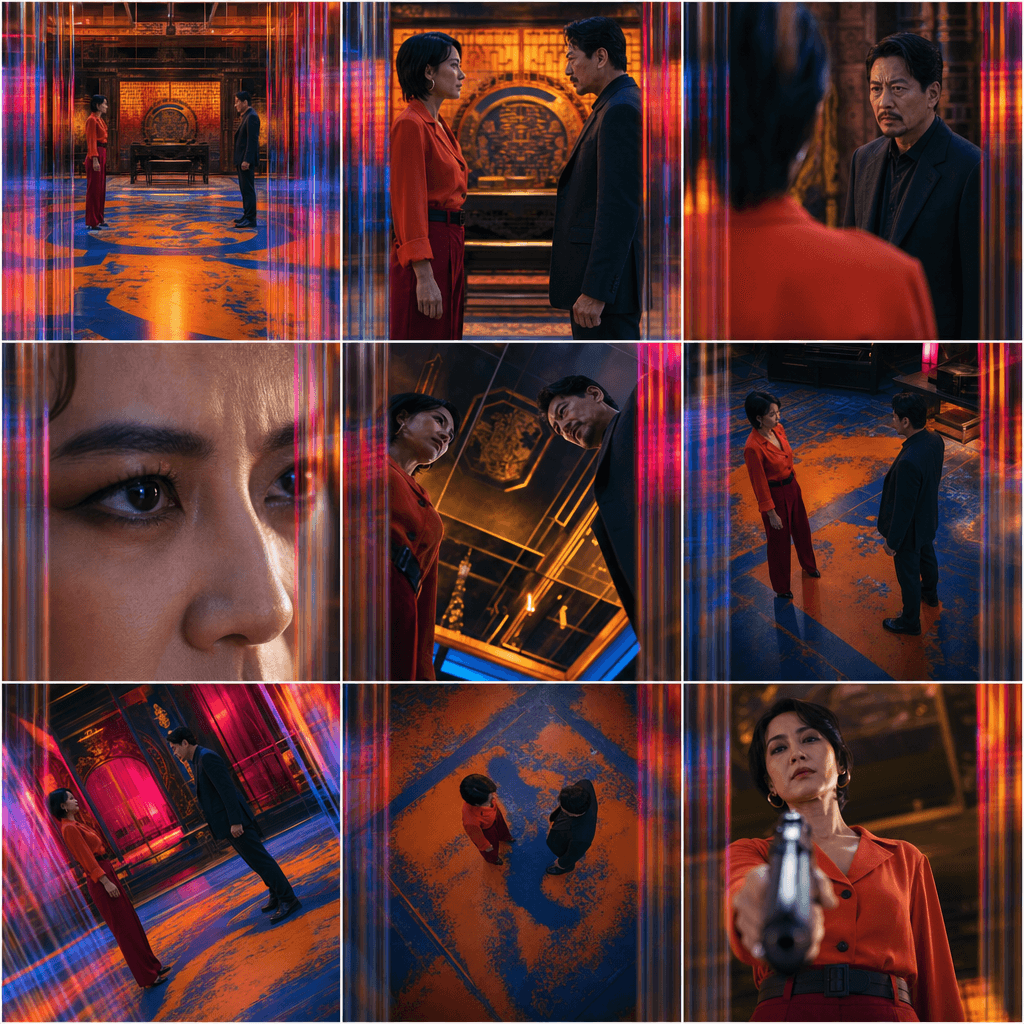
See every angle of your scene — before you shoot.

Location Scout
Find the perfect location without leaving your desk.

Storyboard Creator
Your shot list, illustrated. Instantly.

Character Reference Sheet
Consistent characters, every angle, every time.

Concept Art from Sketch
From rough idea to polished art in seconds.

Change Shot Angles
Every angle. No reshoot required.

Image Upscaler
Cinema-quality resolution from any image.
More Apps.
Cinematic Scene Creator
Describe any scene. Watch it come alive.
Scene Coverage
See every angle of your scene — before you shoot.
Location Scout
Find the perfect location without leaving your desk.
Storyboard Creator
Your shot list, illustrated. Instantly.
Character Reference Sheet
Consistent characters, every angle, every time.
Concept Art from Sketch
From rough idea to polished art in seconds.