Relight Scene
Relight Scene
Magic Lantern's Relight Scene app changes the lighting in any image, swapping daylight for golden hour, adding dramatic shadows, shifting the mood from flat to cinematic, or moving the light source entirely. Get the perfect light for your story without reshooting, without a lighting rig, and without a cinematographer on standby.
Magic Lantern's Relight Scene app changes the lighting in any image, swapping daylight for golden hour, adding dramatic shadows, shifting the mood from flat to cinematic, or moving the light source entirely. Get the perfect light for your story without reshooting, without a lighting rig, and without a cinematographer on standby.
Change the light. Change the story.
Change the lighting in any photo with AI. Add golden hour, dramatic shadows, studio lighting, or cinematic mood, without reshooting a single frame.
Change Light, Change Story
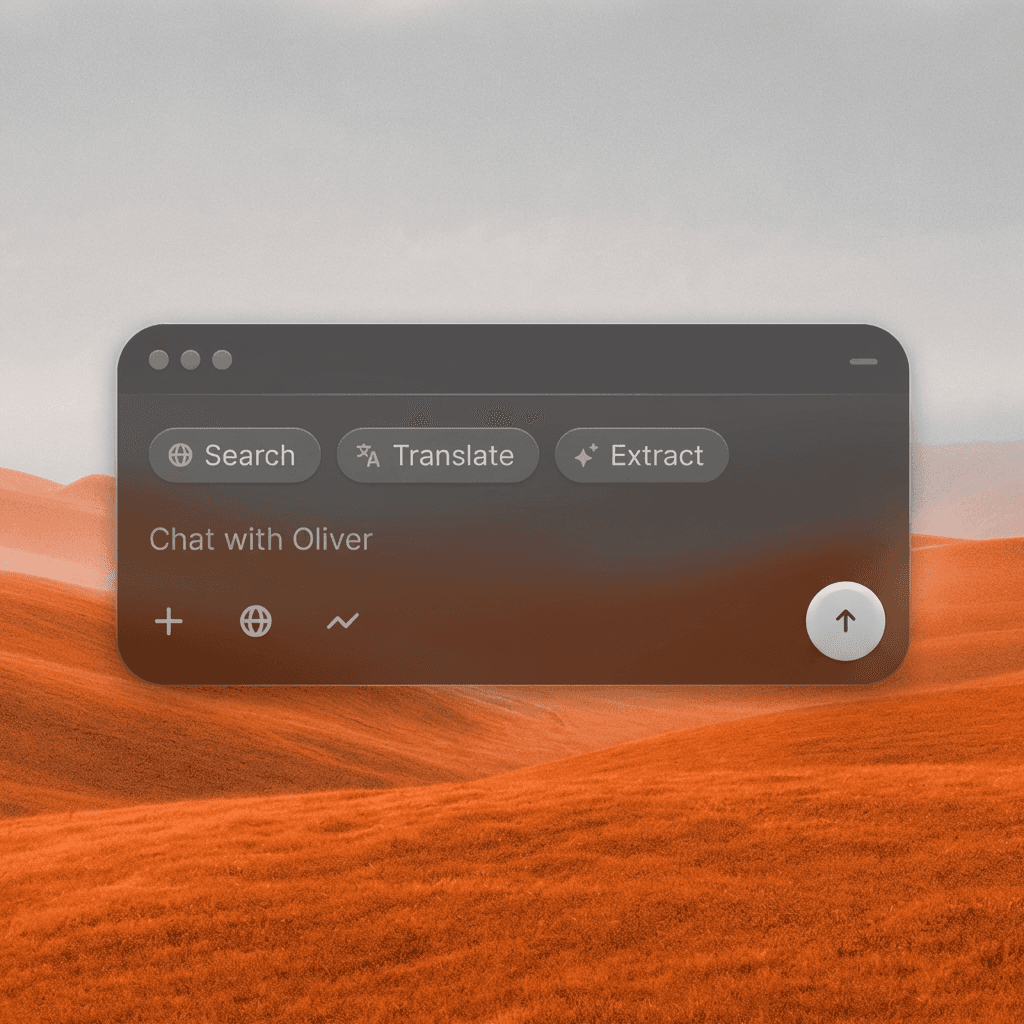
Shift the entire emotional tone of an image by relighting it, warm and golden, cold and clinical, high-contrast and noir, or soft and dreamy, with a single text prompt.
Change Light, Change Story
Shift the entire emotional tone of an image by relighting it, warm and golden, cold and clinical, high-contrast and noir, or soft and dreamy, with a single text prompt.
Move the Light Source
Reposition lighting direction, intensity, and quality. Add a strong key light from the left, soften shadows, introduce a practical window light, or go backlit for silhouette drama.
Move the Light Source
Reposition lighting direction, intensity, and quality. Add a strong key light from the left, soften shadows, introduce a practical window light, or go backlit for silhouette drama.
Match Your Mood
Take any image from flat and lifeless to cinematically lit in seconds. Use lighting to reinforce the emotional tone, genre feel, and visual identity of your project.
Match Your Mood
Take any image from flat and lifeless to cinematically lit in seconds. Use lighting to reinforce the emotional tone, genre feel, and visual identity of your project.
Built for Modern Creators.
Bringing your vision to reality. From passion projects to the big screen.
Filmmakers
Agencies
Studios
Built for Modern Creators.
Bringing your vision to reality. From passion projects to the big screen.
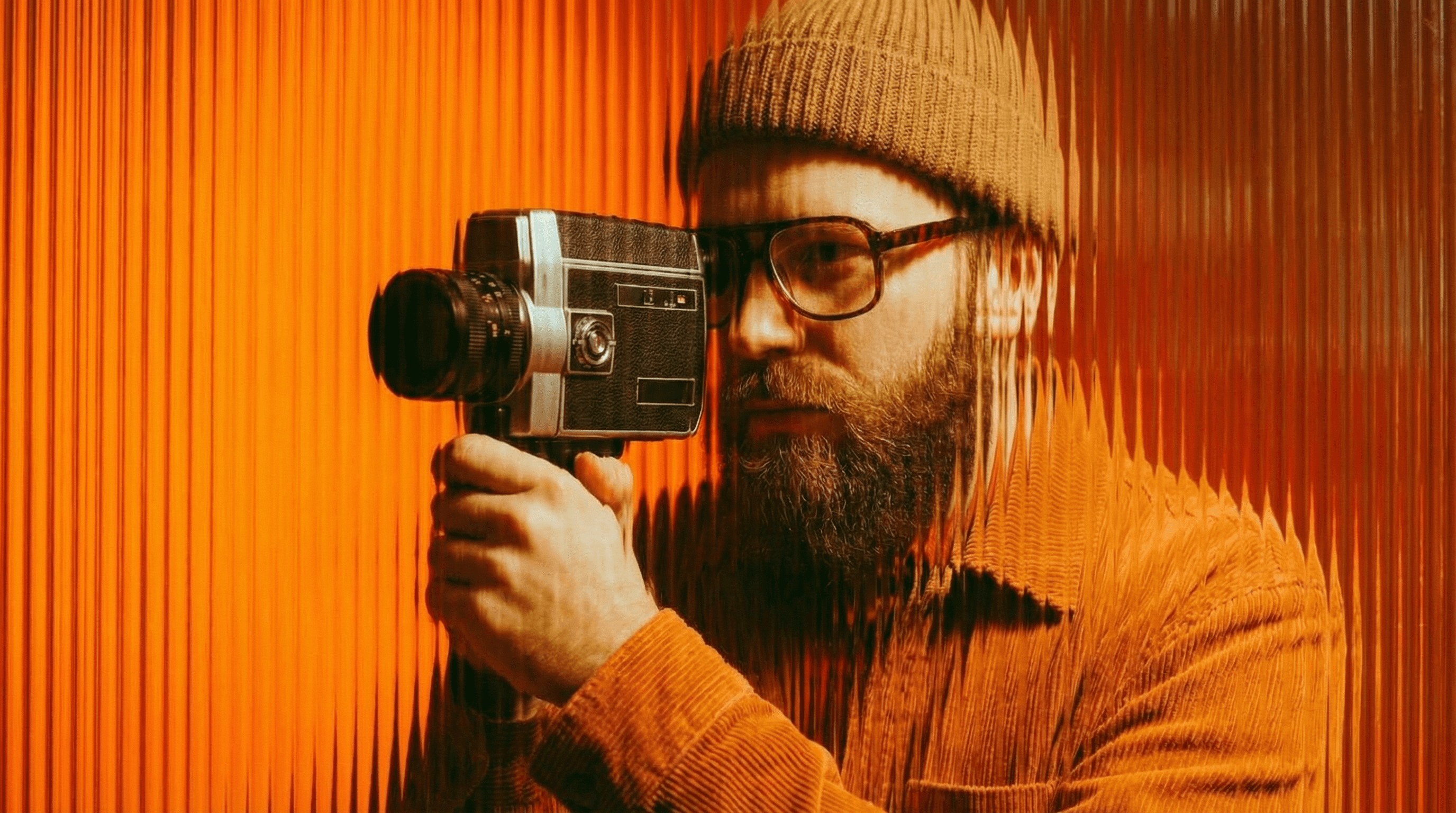
Filmmakers
Turn imagination into something you can see. Build the world, shape the characters, and bring your story to life one scene at a time.
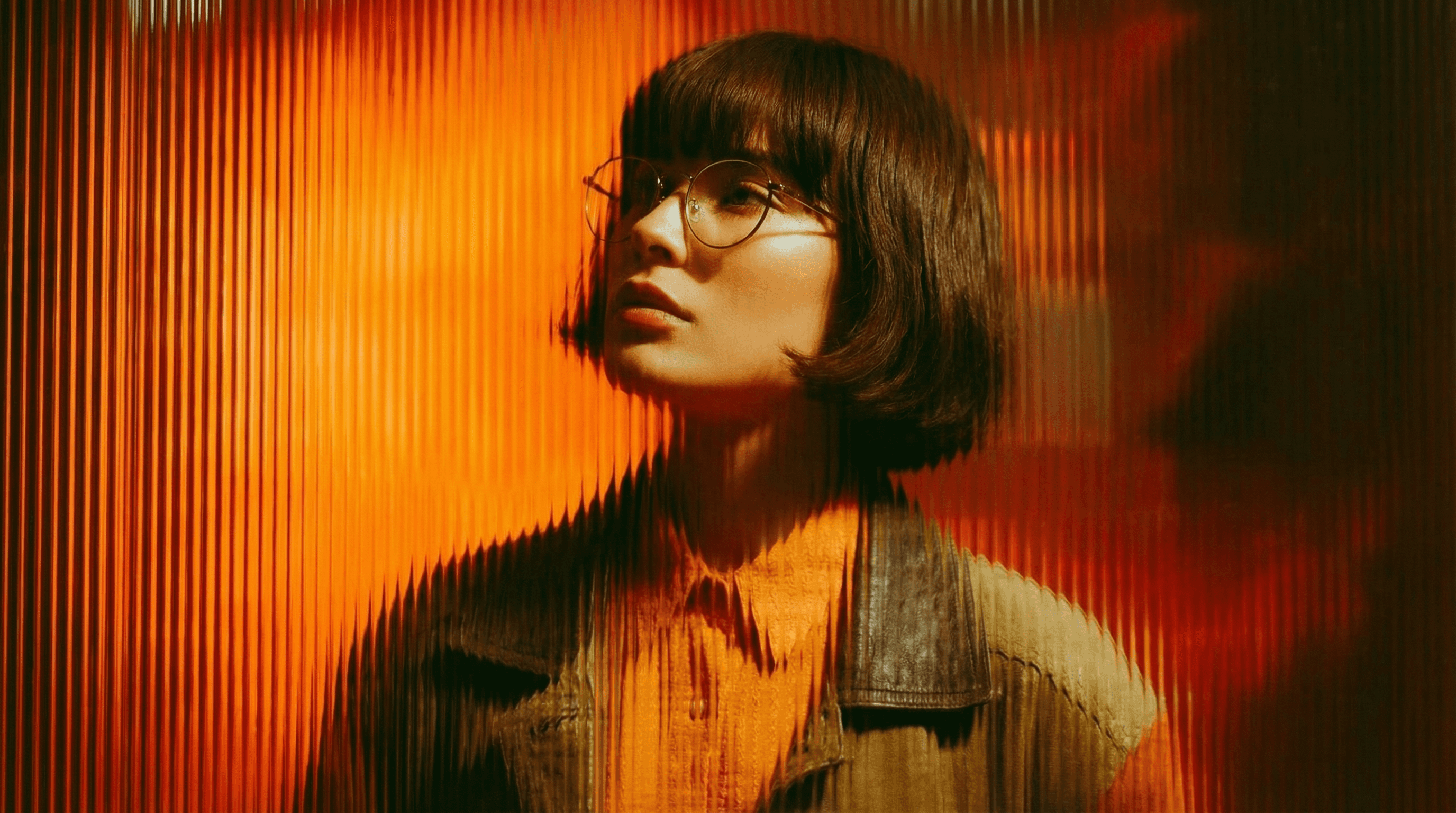
Agencies
From pitch deck to production in days, not months.
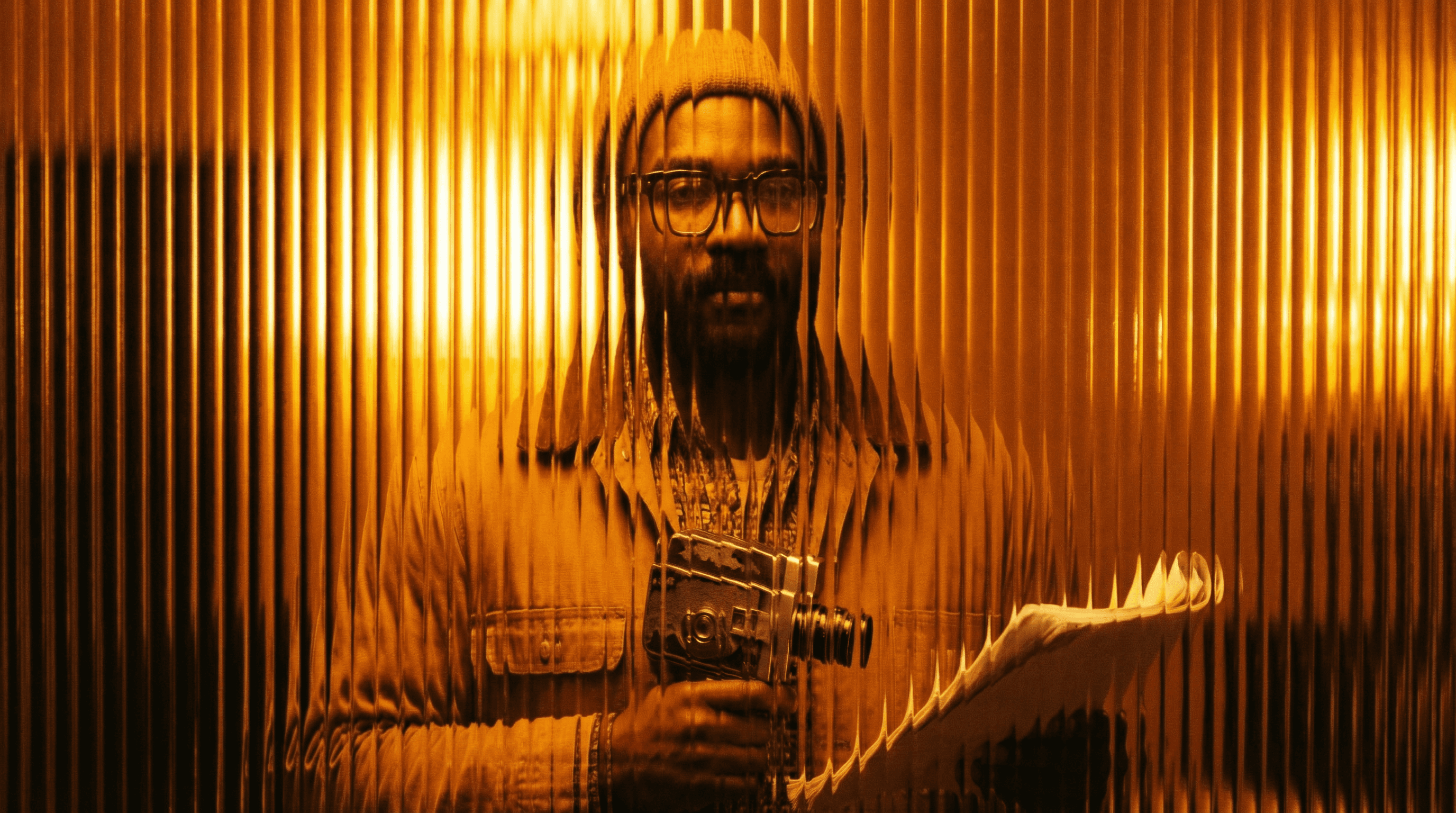
Studios
Intelligent automation that learns from your workflow. Let AI handle the repetitive tasks.
Storytelling for Any Screen.
FAQs
How does Relight Scene work?
Upload your image and describe the lighting you want, time of day, mood, direction, color temperature, and the AI relights the scene while preserving your subject and composition.
Is Relight Scene free to use?
Yes, basic relighting is available on a free Magic Lantern account. Paid plans unlock more precise control, additional lighting styles, and higher resolution output.
What lighting styles can I apply?
Golden hour, blue hour, studio three-point, hard directional, soft diffused, backlit silhouette, neon/colored light, candlelight, moonlight, and more.
Can I use relit images for commercial projects?
Yes. With a paid Magic Lantern plan, relit images are cleared for commercial use in advertising, film production, and marketing campaigns.
How is this different from editing in Lightroom?
Lightroom adjusts tone and color globally. Relight Scene changes the actual light source direction and quality, adding new shadows, highlights, and depth that weren't in the original.
Who is Relight Scene designed for?
Photographers, filmmakers, content creators, graphic designers, advertisers, and anyone who wants to dramatically improve or change the mood of an existing image.
How does Relight Scene work?
Upload your image and describe the lighting you want, time of day, mood, direction, color temperature, and the AI relights the scene while preserving your subject and composition.
Is Relight Scene free to use?
Yes, basic relighting is available on a free Magic Lantern account. Paid plans unlock more precise control, additional lighting styles, and higher resolution output.
What lighting styles can I apply?
Golden hour, blue hour, studio three-point, hard directional, soft diffused, backlit silhouette, neon/colored light, candlelight, moonlight, and more.
Can I use relit images for commercial projects?
Yes. With a paid Magic Lantern plan, relit images are cleared for commercial use in advertising, film production, and marketing campaigns.
How is this different from editing in Lightroom?
Lightroom adjusts tone and color globally. Relight Scene changes the actual light source direction and quality, adding new shadows, highlights, and depth that weren't in the original.
Who is Relight Scene designed for?
Photographers, filmmakers, content creators, graphic designers, advertisers, and anyone who wants to dramatically improve or change the mood of an existing image.
More Apps.
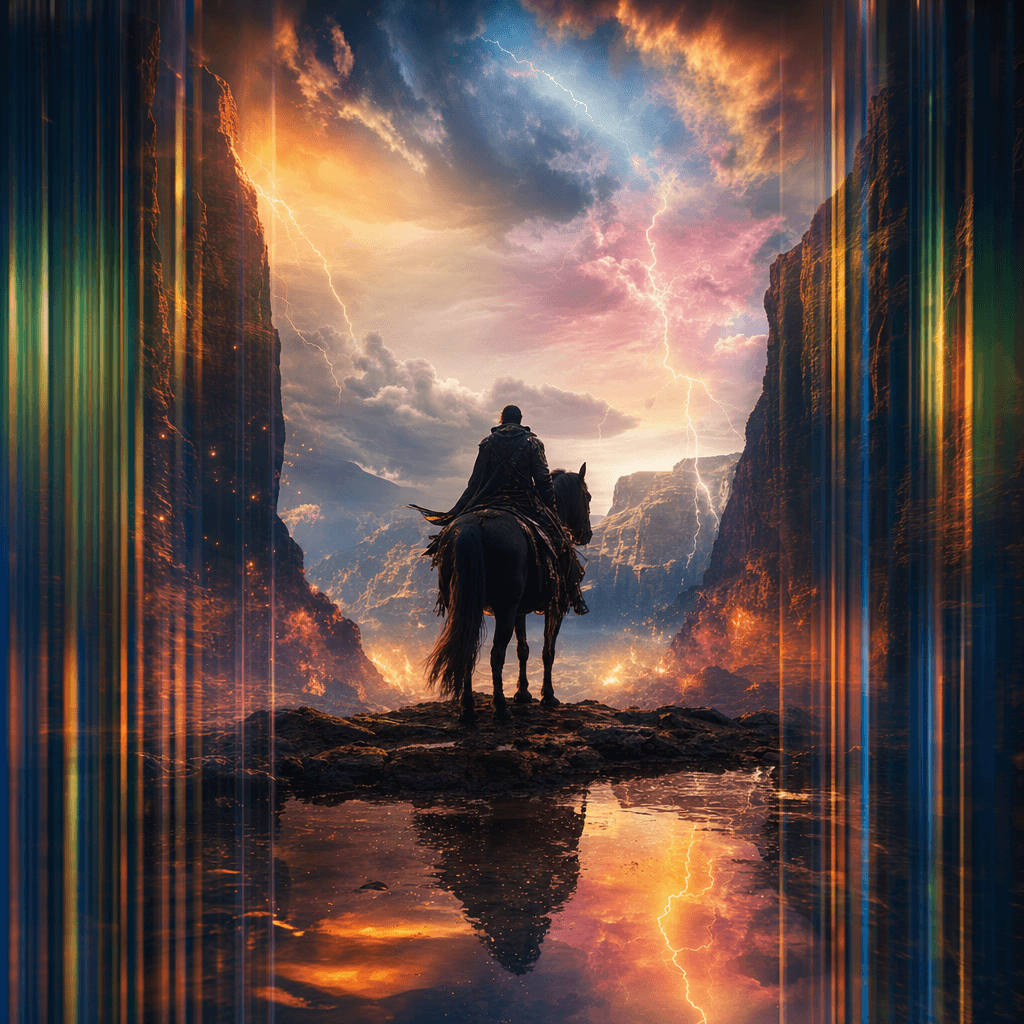
Cinematic Scene Creator
Describe any scene. Watch it come alive.
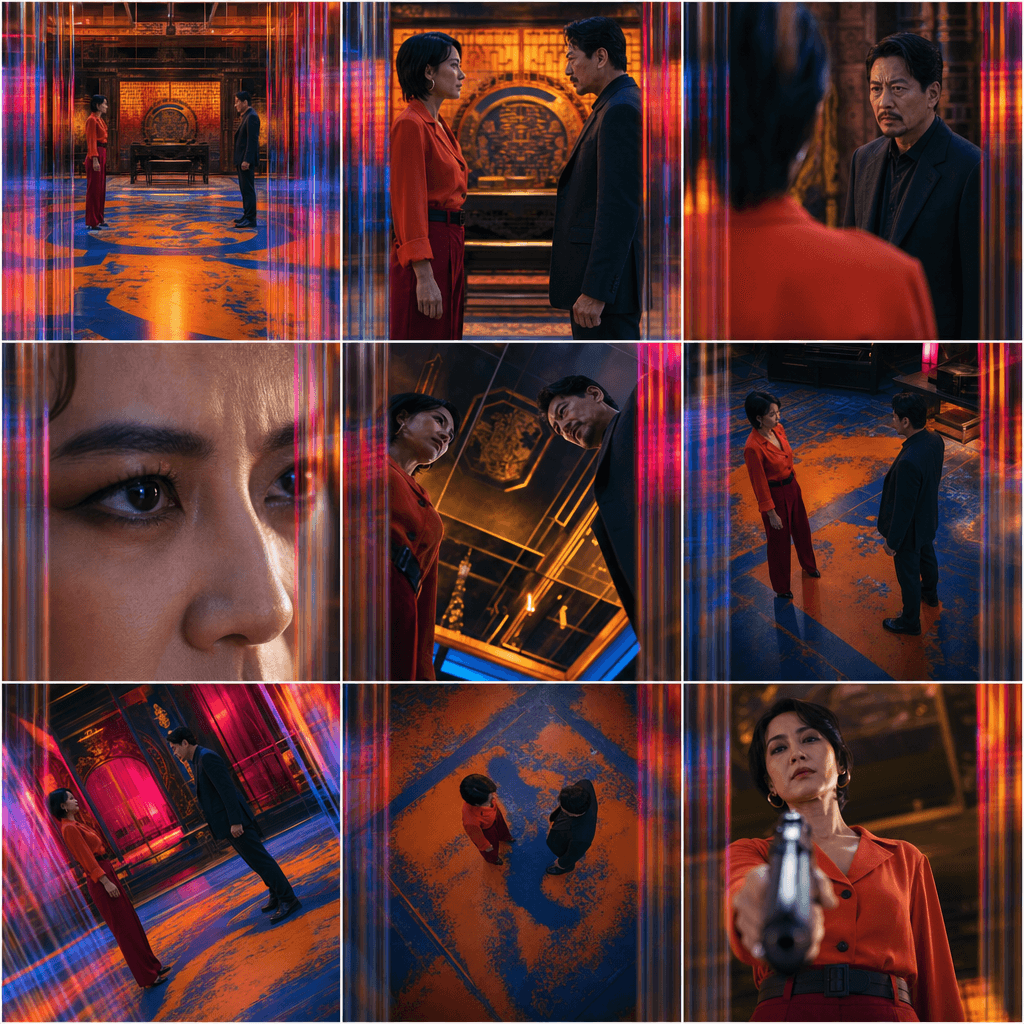
Scene Coverage
See every angle of your scene — before you shoot.
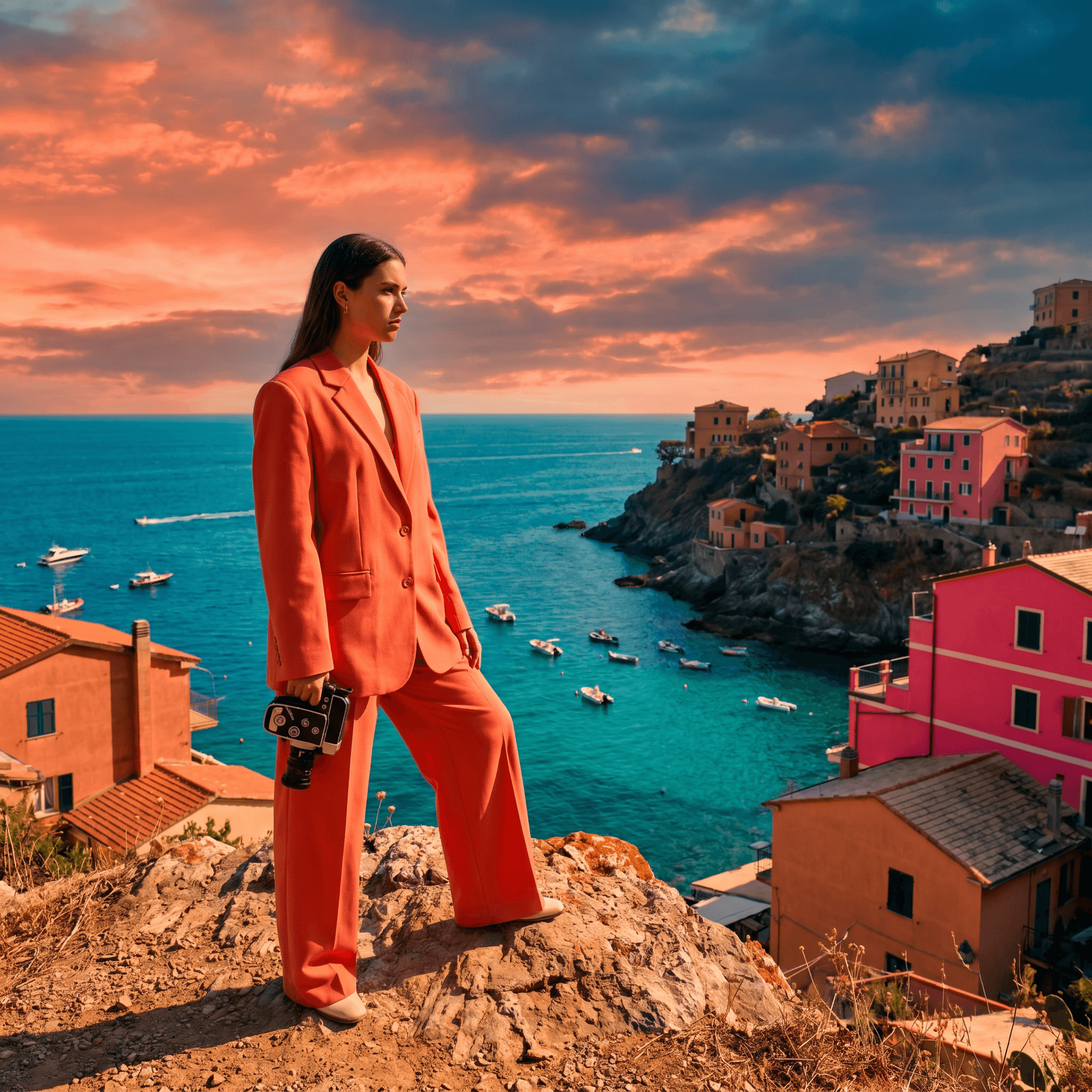
Location Scout
Find the perfect location without leaving your desk.

Storyboard Creator
Your shot list, illustrated. Instantly.

Character Reference Sheet
Consistent characters, every angle, every time.
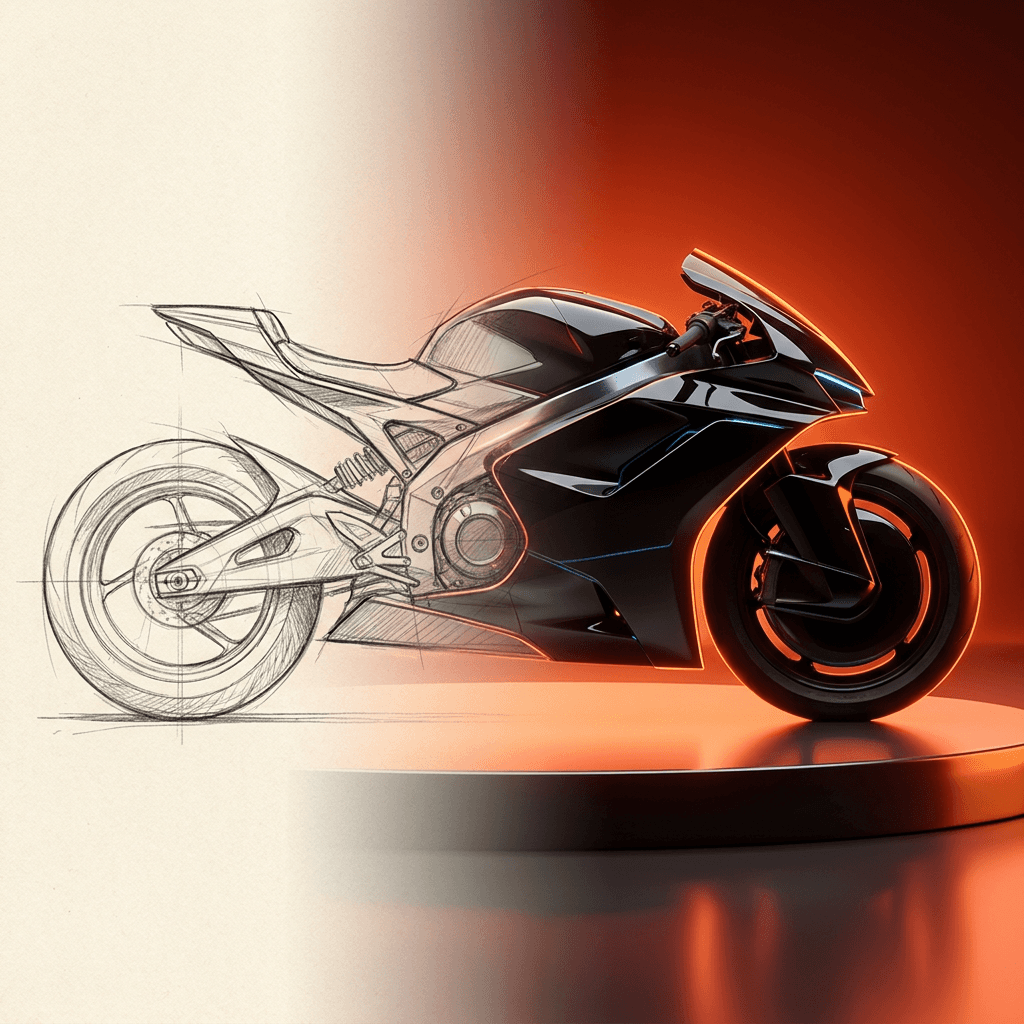
Concept Art from Sketch
From rough idea to polished art in seconds.
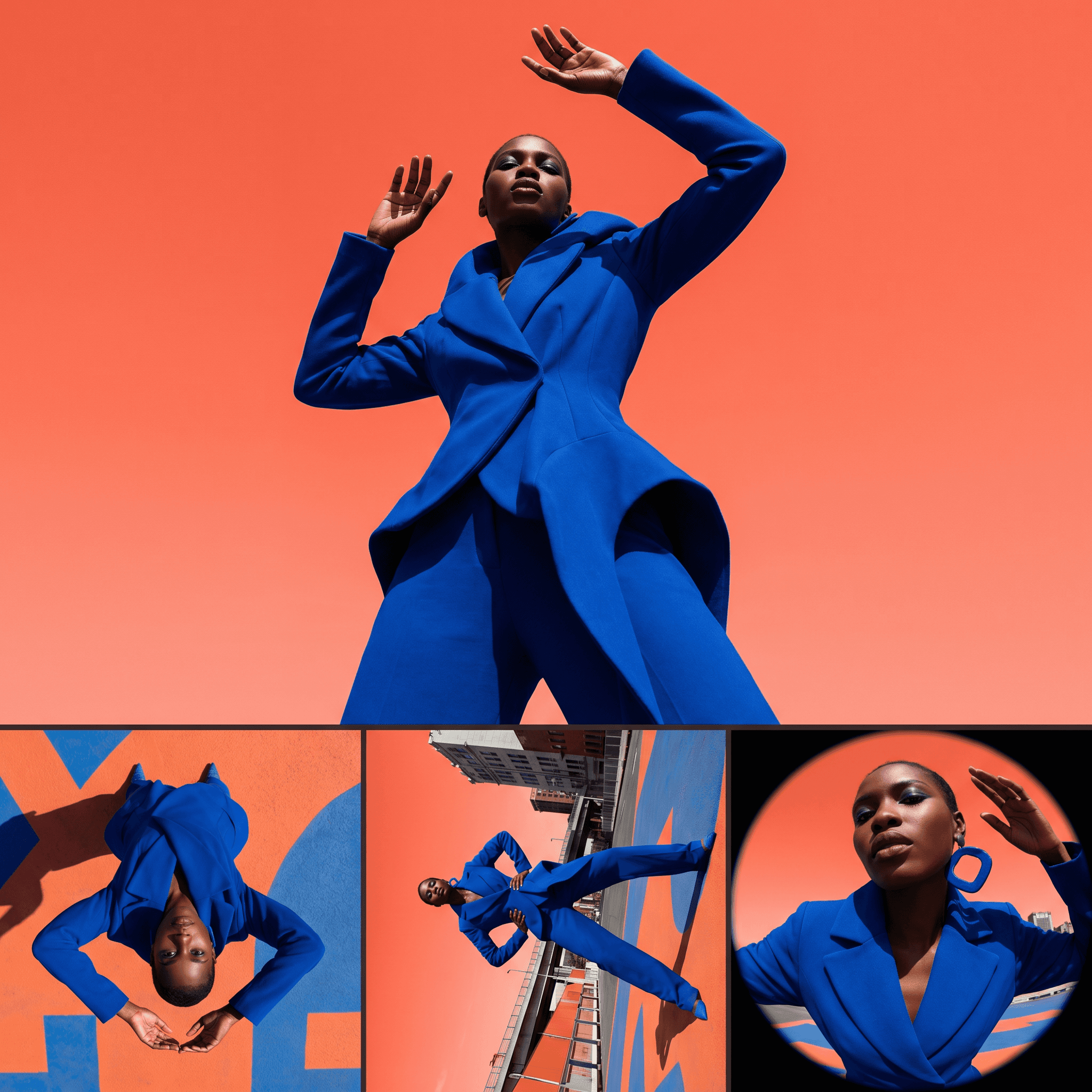
Change Shot Angles
Every angle. No reshoot required.
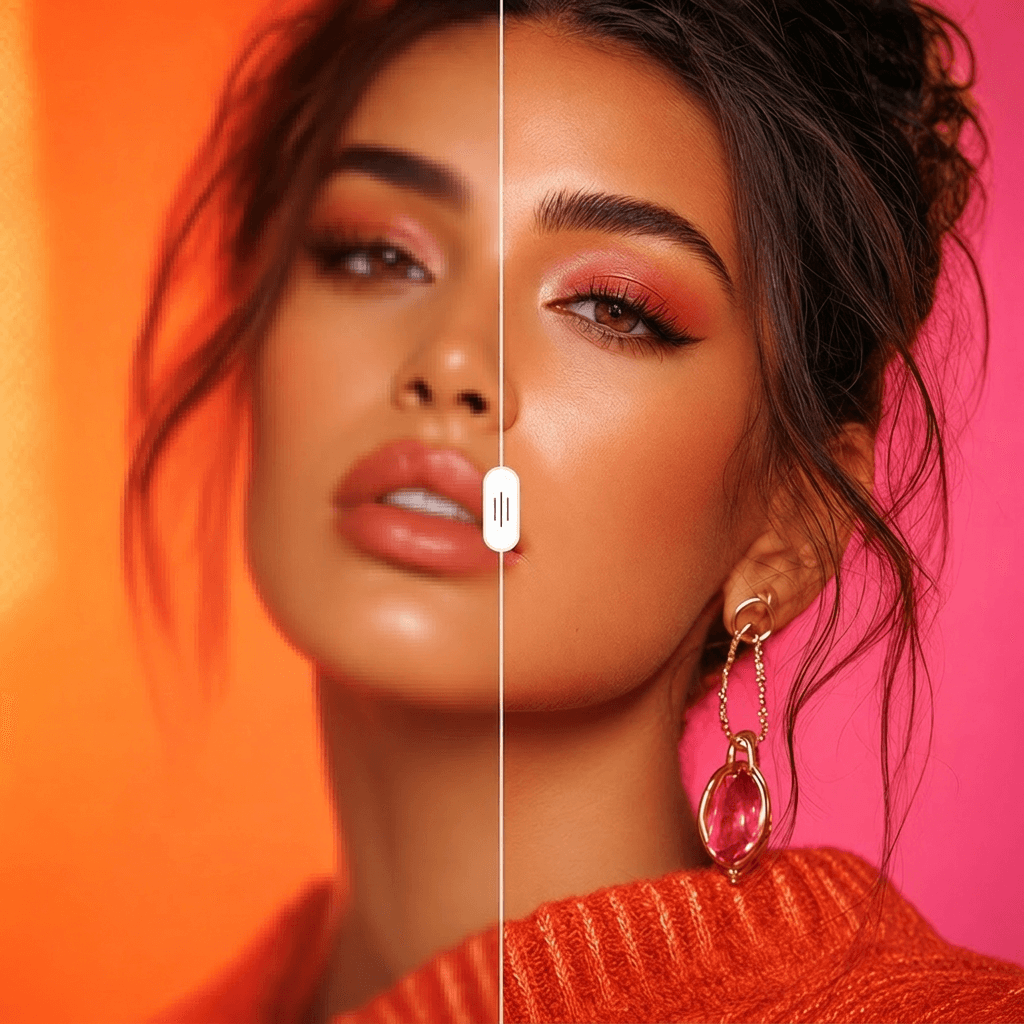
Image Upscaler
Cinema-quality resolution from any image.
More Apps.
Cinematic Scene Creator
Describe any scene. Watch it come alive.
Scene Coverage
See every angle of your scene — before you shoot.
Location Scout
Find the perfect location without leaving your desk.
Storyboard Creator
Your shot list, illustrated. Instantly.
Character Reference Sheet
Consistent characters, every angle, every time.
Concept Art from Sketch
From rough idea to polished art in seconds.