Scene Expander
Scene Expander
Magic Lantern's Scene Expander extends any image beyond its original edges, adding more scene, environment, or world in any direction while seamlessly matching the existing style, light, and composition. Perfect for creating wide-format assets, adding more breathing room to a shot, or building panoramic views from a single image.
Magic Lantern's Scene Expander extends any image beyond its original edges, adding more scene, environment, or world in any direction while seamlessly matching the existing style, light, and composition. Perfect for creating wide-format assets, adding more breathing room to a shot, or building panoramic views from a single image.
More world, seamlessly added to any image.
Expand any image beyond its borders with AI. Add more scene, background, or environment in any direction, seamlessly matched to the original.
Extend Any Image
Upload any image and tell the AI how much to expand it, left, right, up, down, or all directions. The expanded area is generated to seamlessly match the existing scene.
Extend Any Image
Upload any image and tell the AI how much to expand it, left, right, up, down, or all directions. The expanded area is generated to seamlessly match the existing scene.
Seamless Integration
No hard edges or visible seams. Our AI matches the lighting, color palette, texture, and perspective of the original image to make the expansion feel natural and intentional.
Seamless Integration
No hard edges or visible seams. Our AI matches the lighting, color palette, texture, and perspective of the original image to make the expansion feel natural and intentional.
Any Aspect Ratio, Any Format
Convert portrait shots to landscape, square images to ultra-wide, or standard frames to cinematic widescreen, adapt any image to any format without cropping.
Any Aspect Ratio, Any Format
Convert portrait shots to landscape, square images to ultra-wide, or standard frames to cinematic widescreen, adapt any image to any format without cropping.
Built for Modern Creators.
Bringing your vision to reality. From passion projects to the big screen.
Filmmakers
Agencies
Studios
Built for Modern Creators.
Bringing your vision to reality. From passion projects to the big screen.
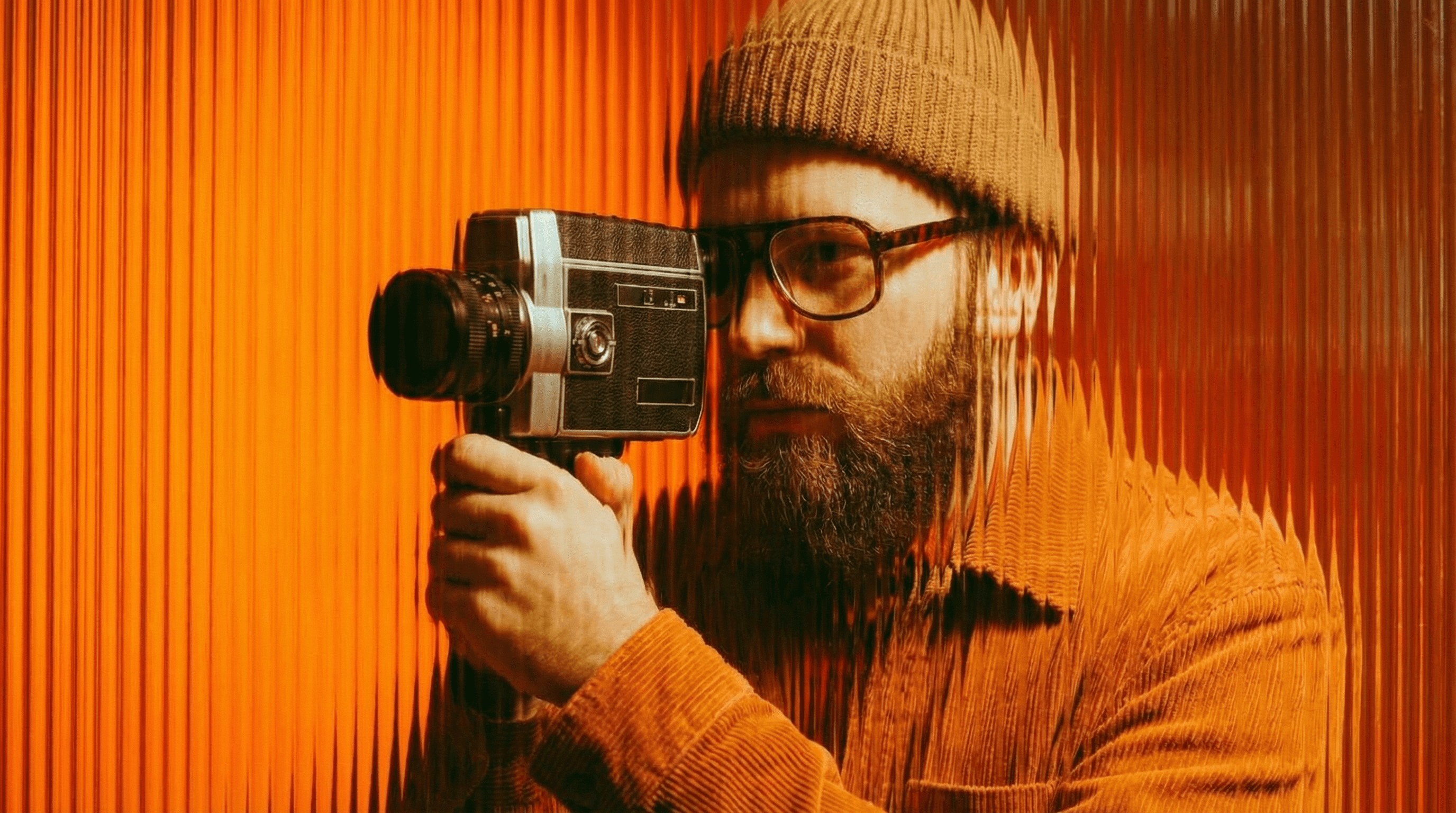
Filmmakers
Turn imagination into something you can see. Build the world, shape the characters, and bring your story to life one scene at a time.
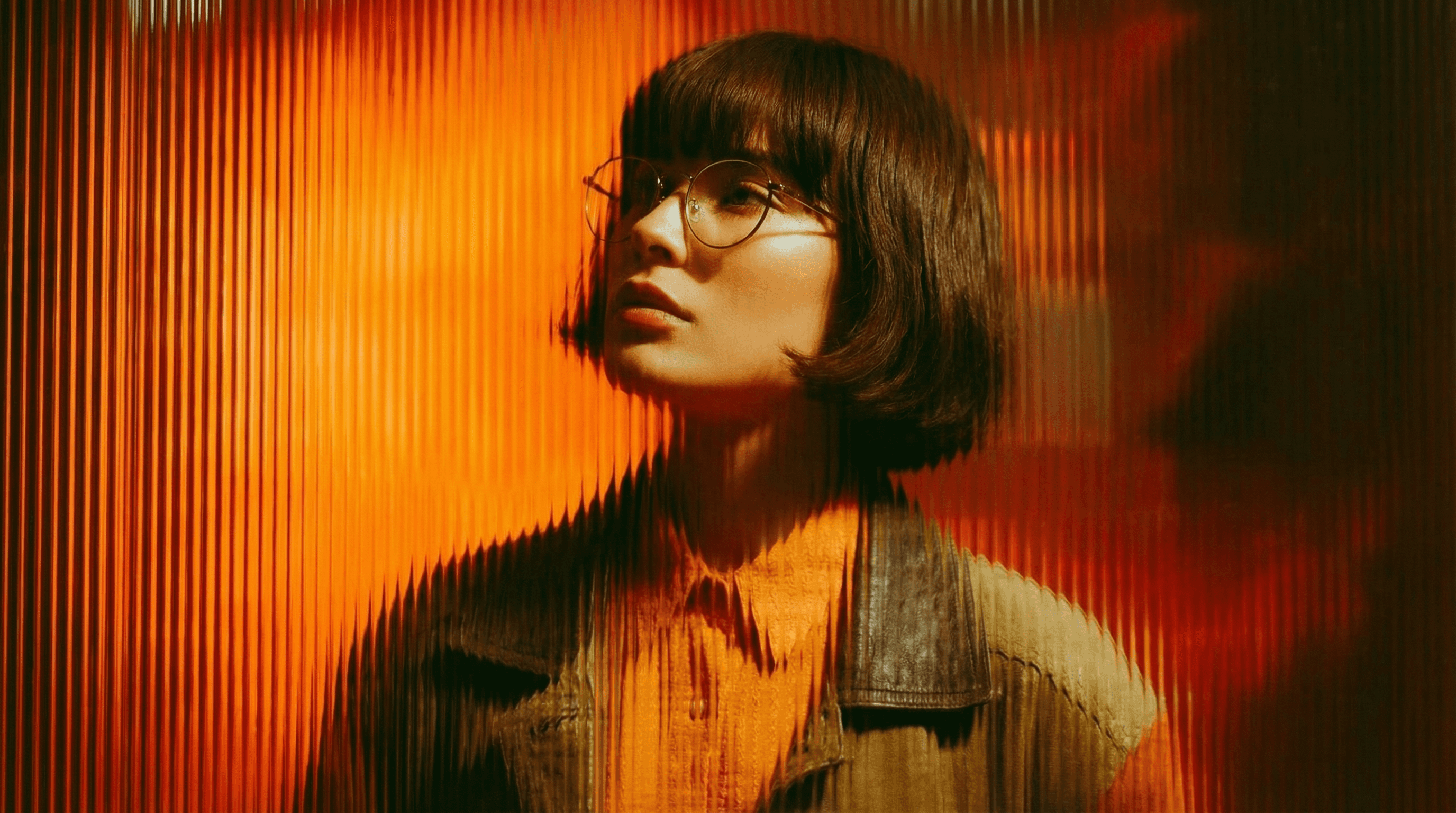
Agencies
From pitch deck to production in days, not months.
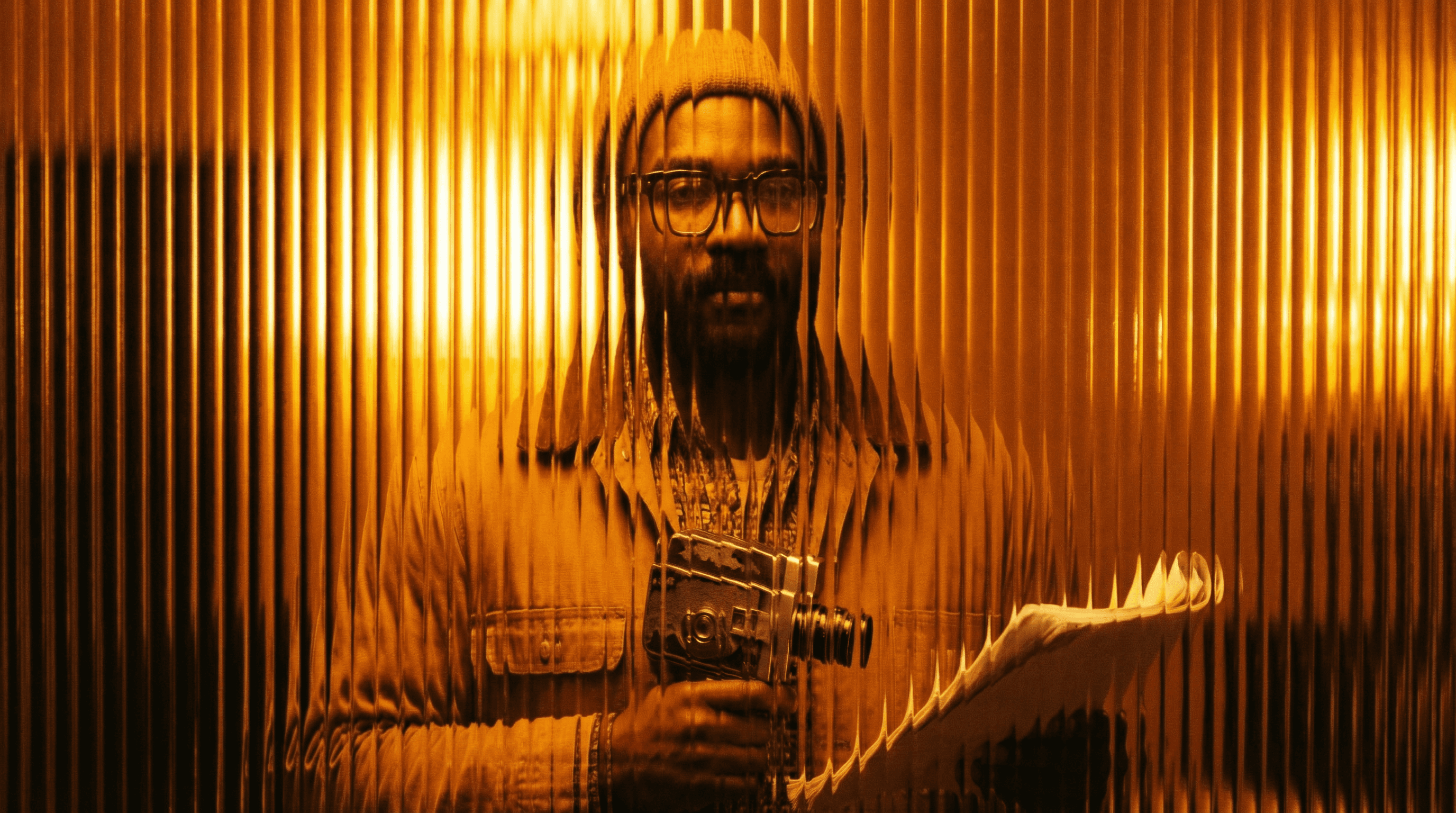
Studios
Intelligent automation that learns from your workflow. Let AI handle the repetitive tasks.
Storytelling for Any Screen.
FAQs
How does Scene Expander work?
Upload your image and specify which direction to expand, and how much. The AI generates new scene content that blends seamlessly with your original image's style, lighting, and composition.
Is Scene Expander free to use?
Yes, basic scene expansion is available on a free Magic Lantern account. Paid plans unlock larger expansion sizes and higher resolution outputs.
What can I use Scene Expander for?
Wide-format social media banners, landscape thumbnails from portrait shots, breathing room around subjects for text overlay, panoramic backgrounds, and expanding product shots.
Can I use expanded images commercially?
Yes. With a paid Magic Lantern plan, all expanded images are cleared for commercial use, advertising, marketing, film, and print.
How is this different from Photoshop's content-aware fill?
Scene Expander uses generative AI to create entirely new, contextually accurate scene content, not just repeating nearby pixels. Results are more natural and detailed.
Who is Scene Expander designed for?
Social media managers, graphic designers, filmmakers, photographers, and content creators who need to reformat or extend images for different platforms and placements.
How does Scene Expander work?
Upload your image and specify which direction to expand, and how much. The AI generates new scene content that blends seamlessly with your original image's style, lighting, and composition.
Is Scene Expander free to use?
Yes, basic scene expansion is available on a free Magic Lantern account. Paid plans unlock larger expansion sizes and higher resolution outputs.
What can I use Scene Expander for?
Wide-format social media banners, landscape thumbnails from portrait shots, breathing room around subjects for text overlay, panoramic backgrounds, and expanding product shots.
Can I use expanded images commercially?
Yes. With a paid Magic Lantern plan, all expanded images are cleared for commercial use, advertising, marketing, film, and print.
How is this different from Photoshop's content-aware fill?
Scene Expander uses generative AI to create entirely new, contextually accurate scene content, not just repeating nearby pixels. Results are more natural and detailed.
Who is Scene Expander designed for?
Social media managers, graphic designers, filmmakers, photographers, and content creators who need to reformat or extend images for different platforms and placements.
More Apps.
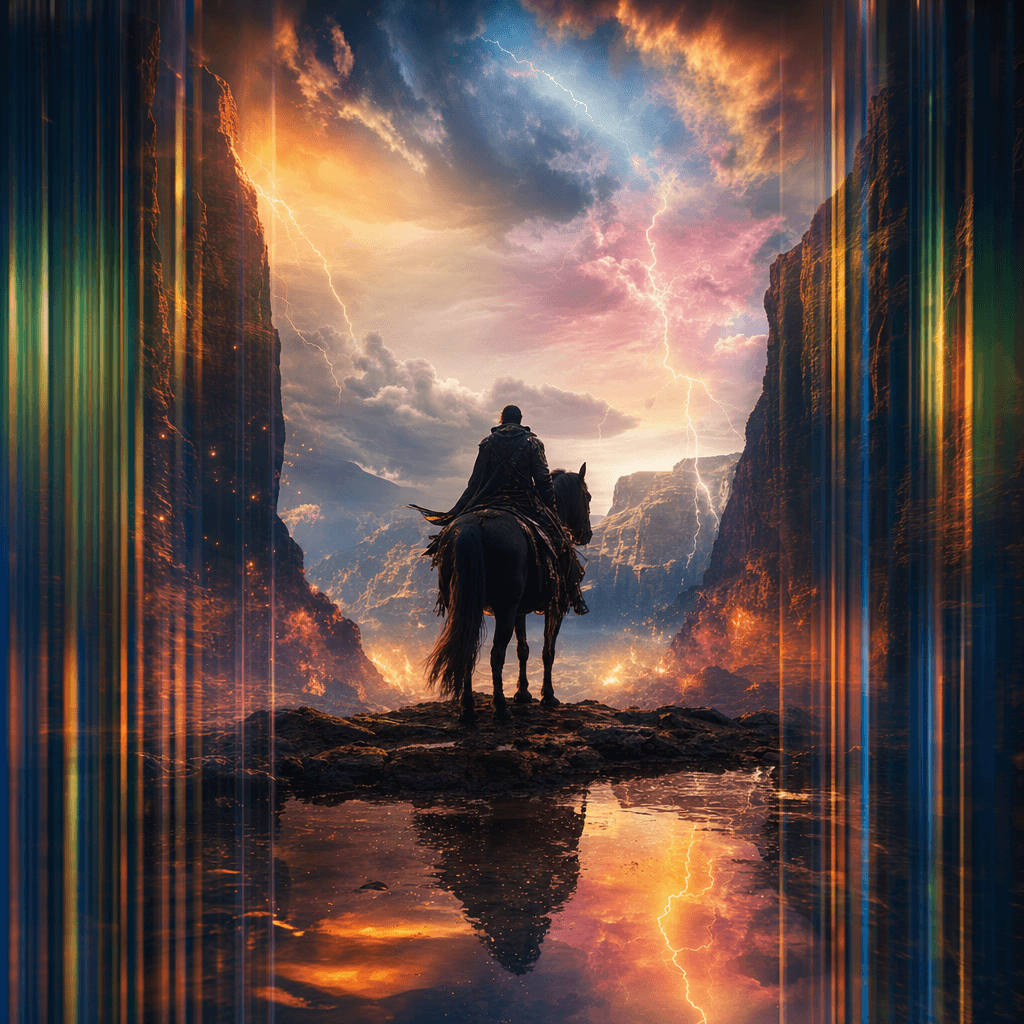
Cinematic Scene Creator
Describe any scene. Watch it come alive.
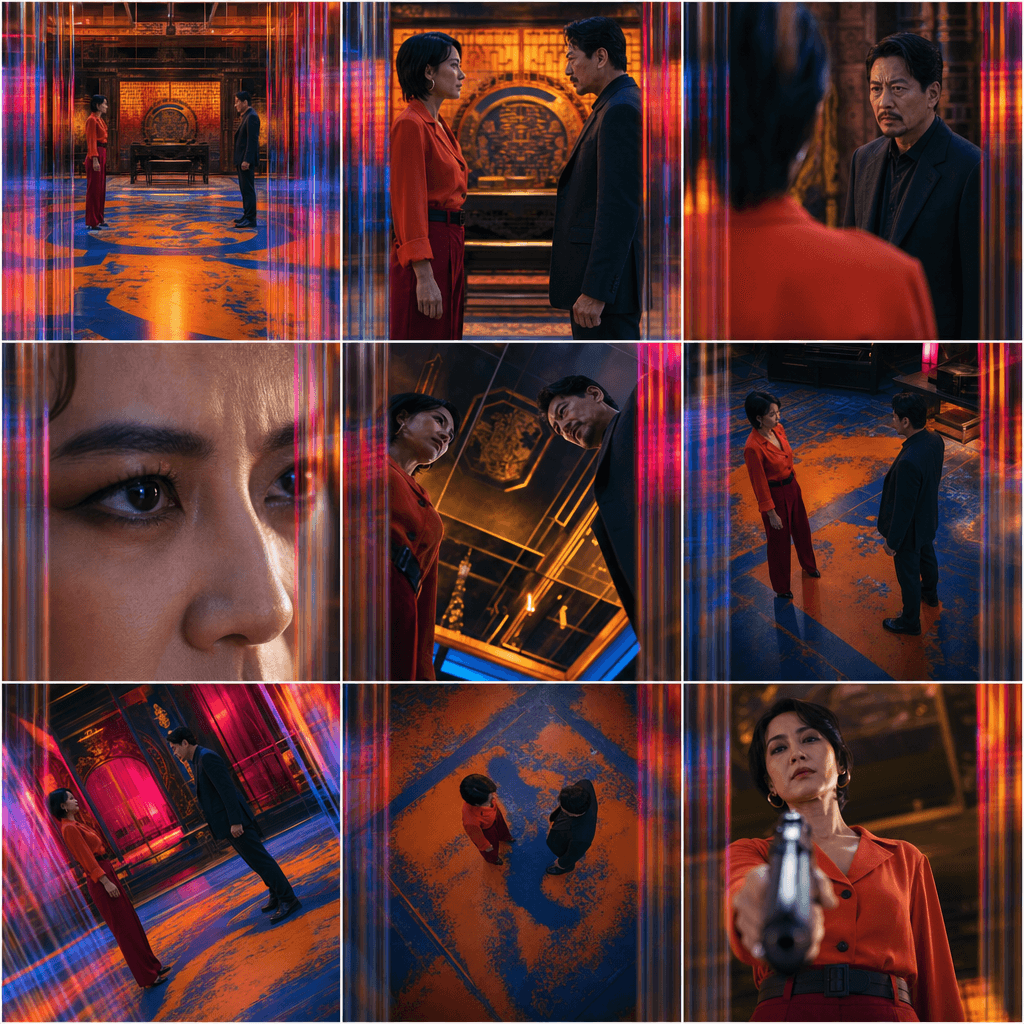
Scene Coverage
See every angle of your scene — before you shoot.
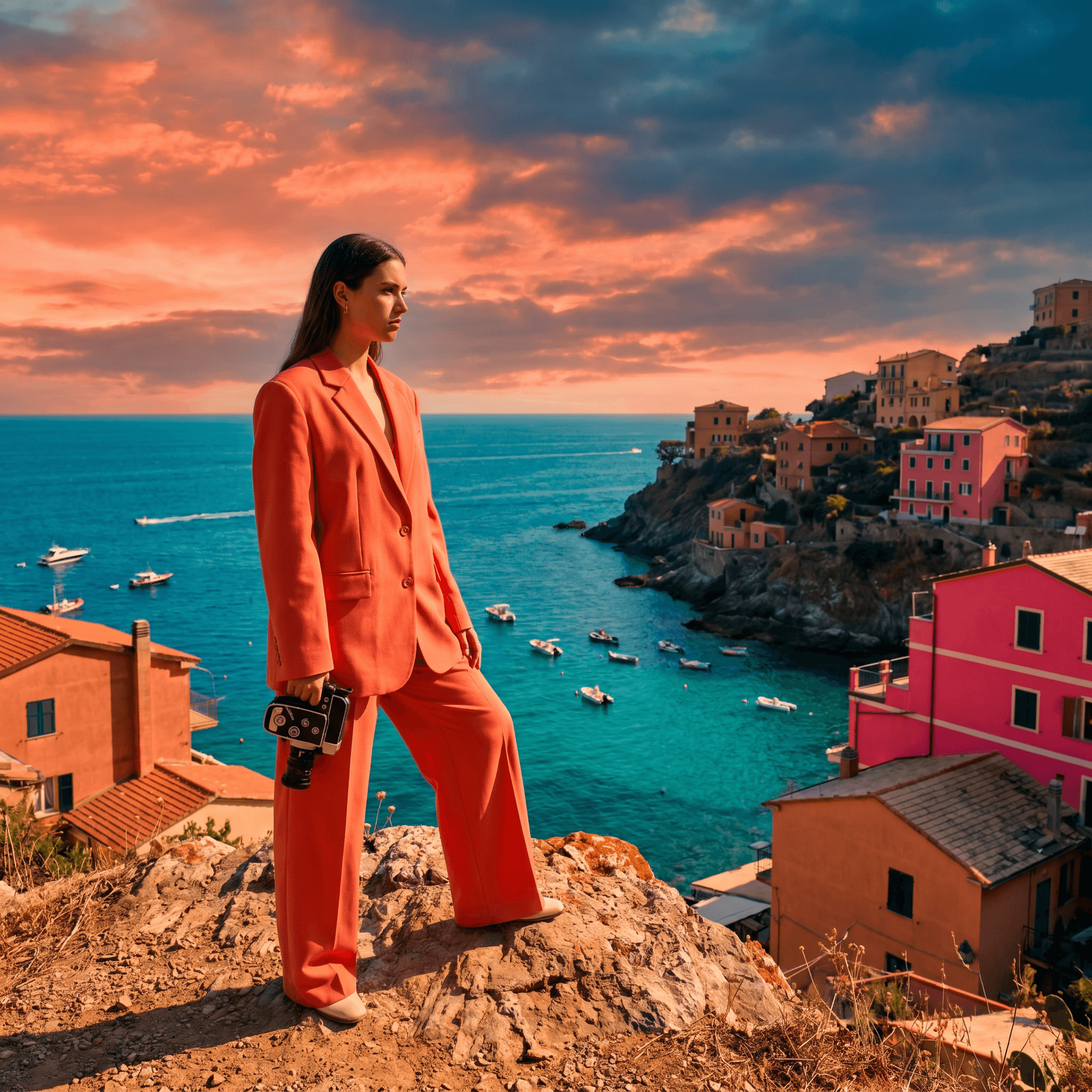
Location Scout
Find the perfect location without leaving your desk.

Storyboard Creator
Your shot list, illustrated. Instantly.
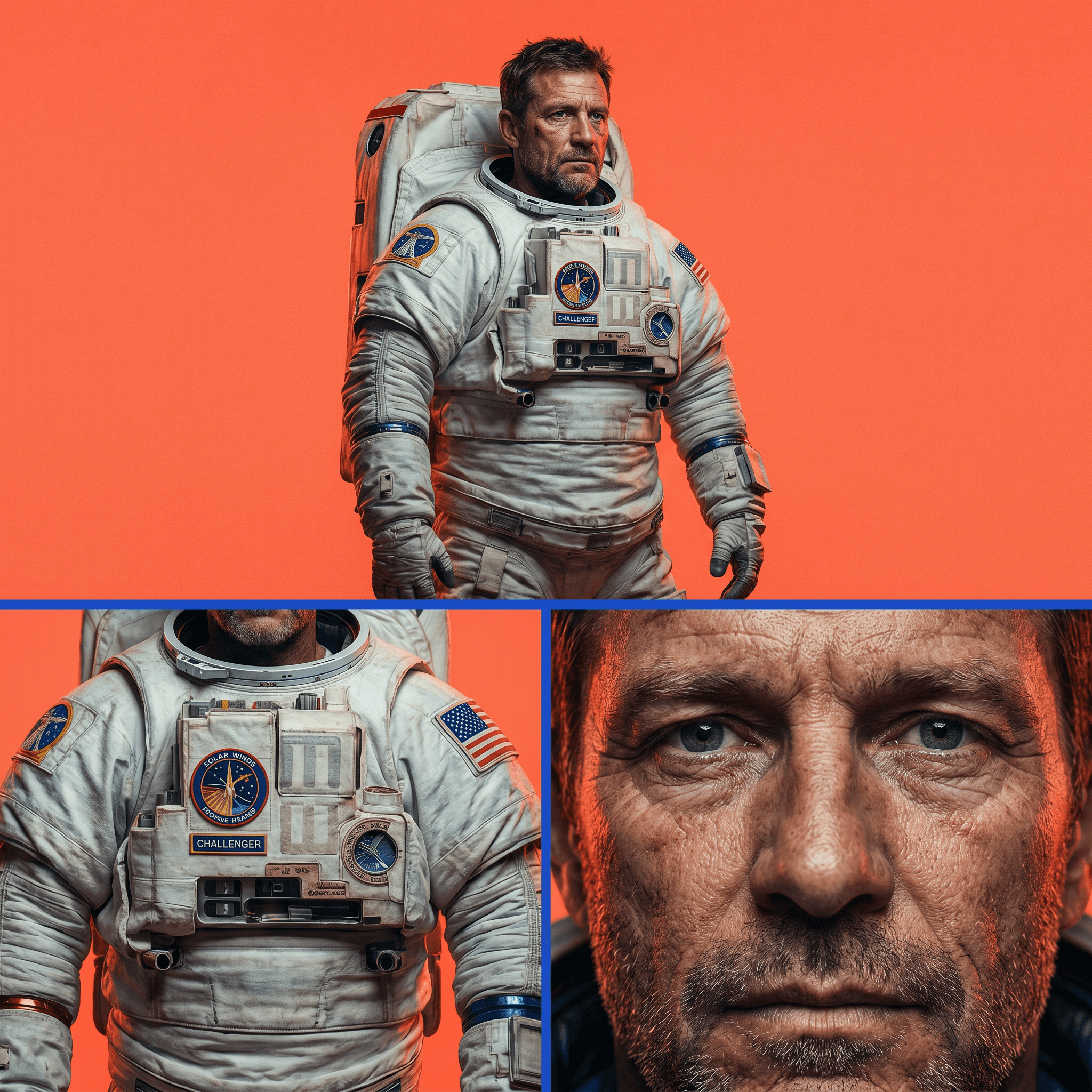
Character Reference Sheet
Consistent characters, every angle, every time.
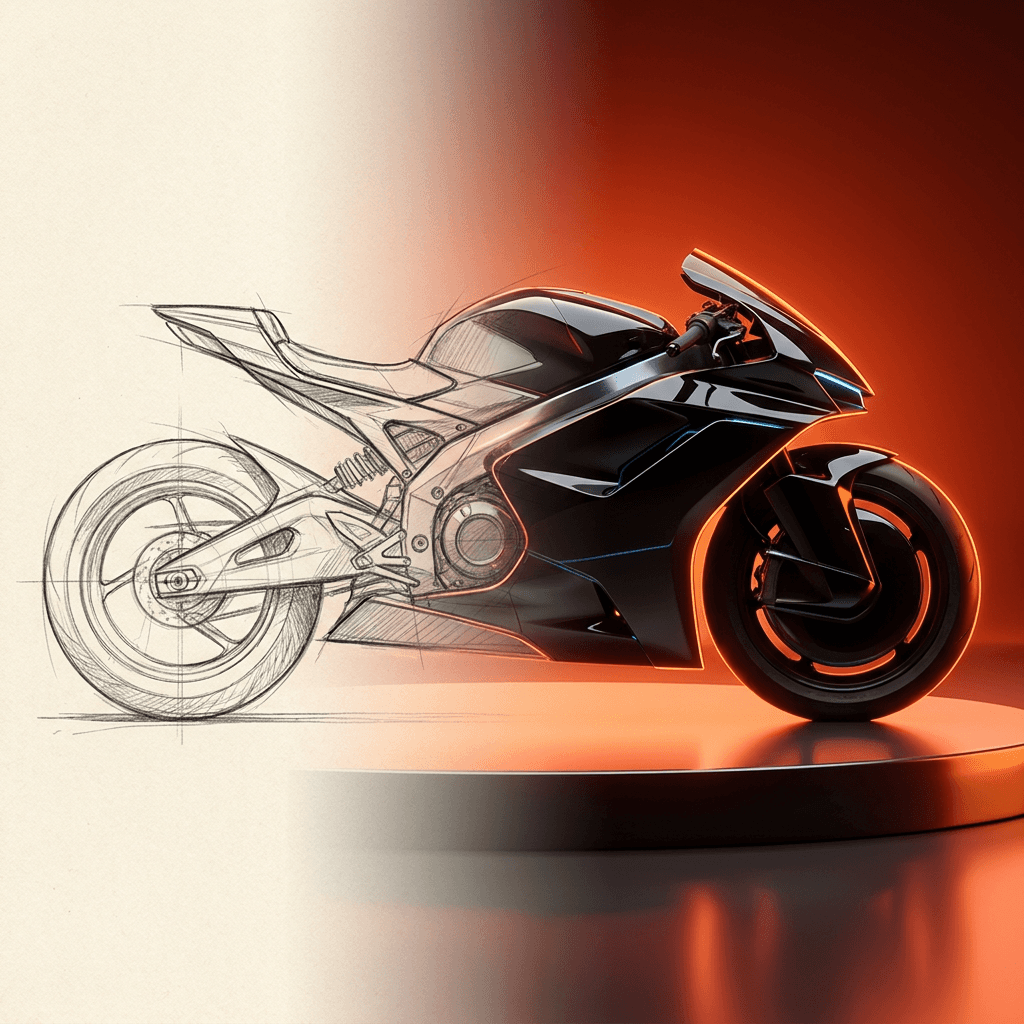
Concept Art from Sketch
From rough idea to polished art in seconds.
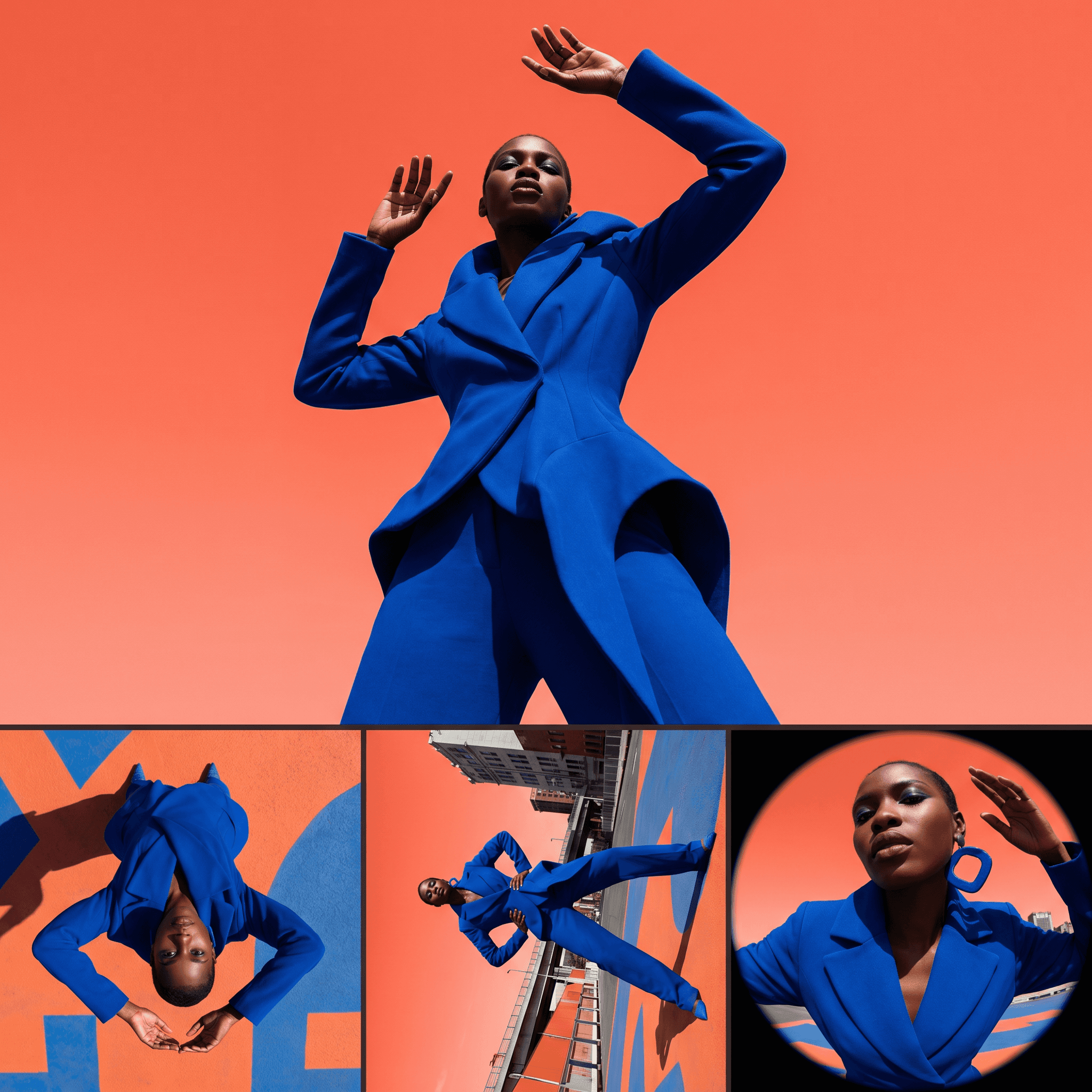
Change Shot Angles
Every angle. No reshoot required.
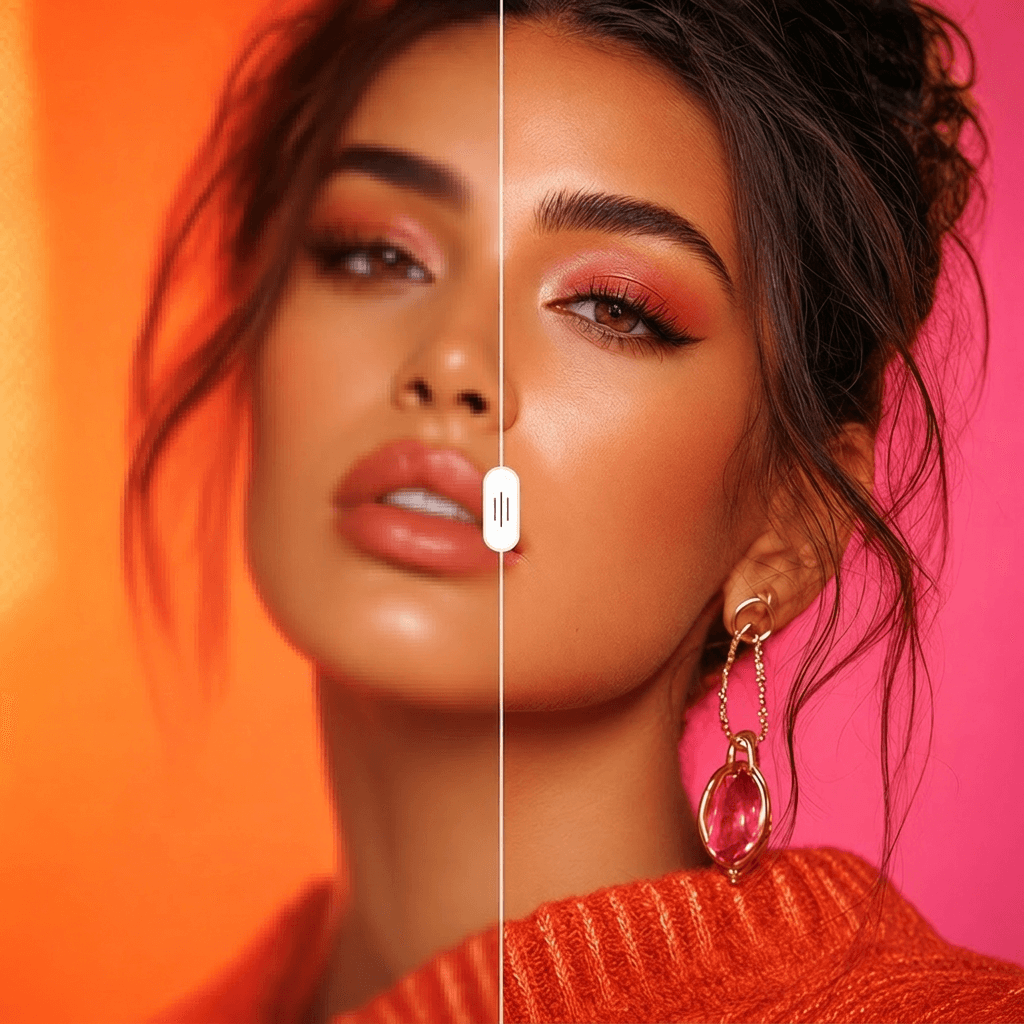
Image Upscaler
Cinema-quality resolution from any image.
More Apps.
Cinematic Scene Creator
Describe any scene. Watch it come alive.
Scene Coverage
See every angle of your scene — before you shoot.
Location Scout
Find the perfect location without leaving your desk.
Storyboard Creator
Your shot list, illustrated. Instantly.
Character Reference Sheet
Consistent characters, every angle, every time.
Concept Art from Sketch
From rough idea to polished art in seconds.